R5910032 /00 Freya244
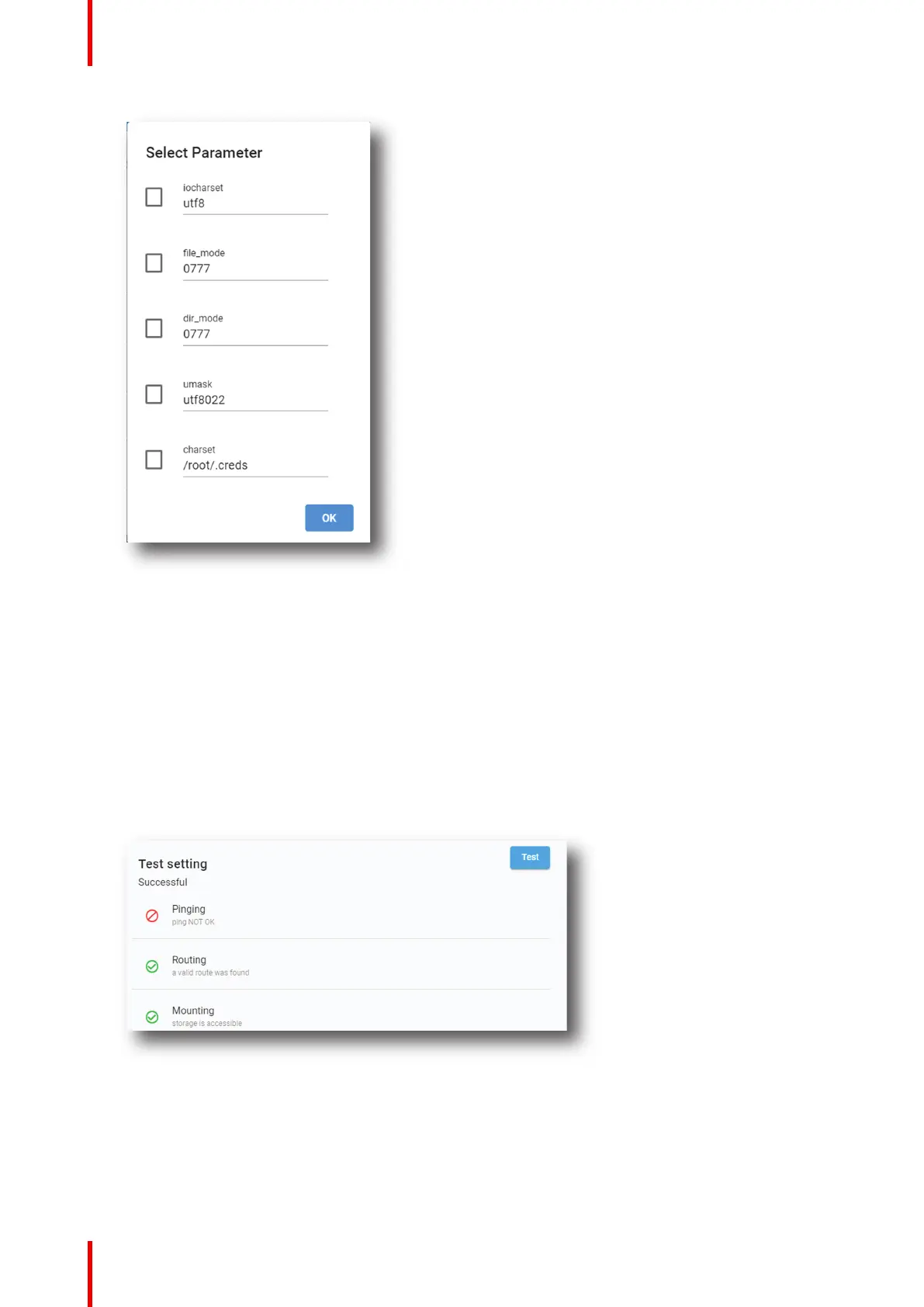
Image 13–2
A selection can be made out of the following parameters:
• iocharset
• file_mode
• dir_mode
• umask
• charset
Check the check box in front of the desired parameter. To change a value, select the current value and
enter the new value.
8. Optional test: click Test (bottom of the new created content) to directly test connection with the content
device.
Image 13–3
After few moment connection status is displayed.
9. Click Save As to display the Save As window.
Enter a name and click Save.
Configuration - Media server


 To Next Page