38477BA2B
3 – 356 25.5.09
4 Calibration Volume 3
4.3.4 Check Calibration
If the following display is not visible, select it from the Start menu
as follows:
ACCESS TO SETUP FULL ACCESS SETUP CALIBRATION I/O
Select
SORT & CHECK CURVE.
The calibration is checked.
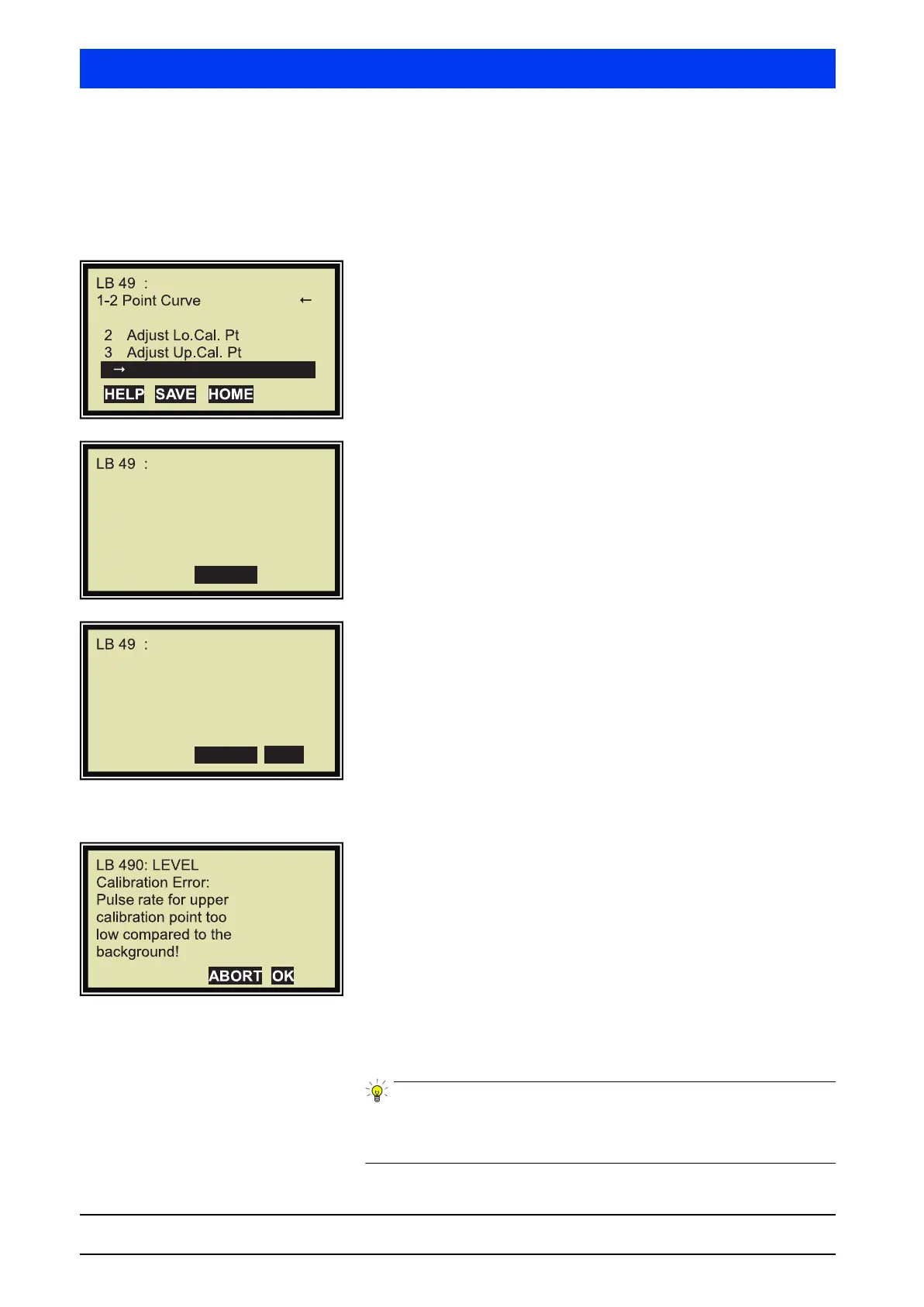
If the calibration is without error, CHECK FINISHED is displayed.
If an error is detected, a detailed error message is displayed
(see example below).
Example for a detected error.
Result:
The count rate for the upper calibration point is smaller than the
background.
Remedy:
The background or full calibration has/have to be checked and
repeated once more.
This completes the calibration check and the two-point cali-
bration.
A test calculation should be performed after every calibration to
ensure that the calibration data are plausible and the device has
been set up correctly (see page 3–329).
LEVEL
0
1
Set Background
4
Sort&Check Curve
. . . . . . . . . . . . . . .
ABORT
LEVEL
0
Check finished
ABORT
OK
LEVEL
0



 To Next Page