38477BA2B
5 – 482 25.5.09
4 Menu Overview Volume 5
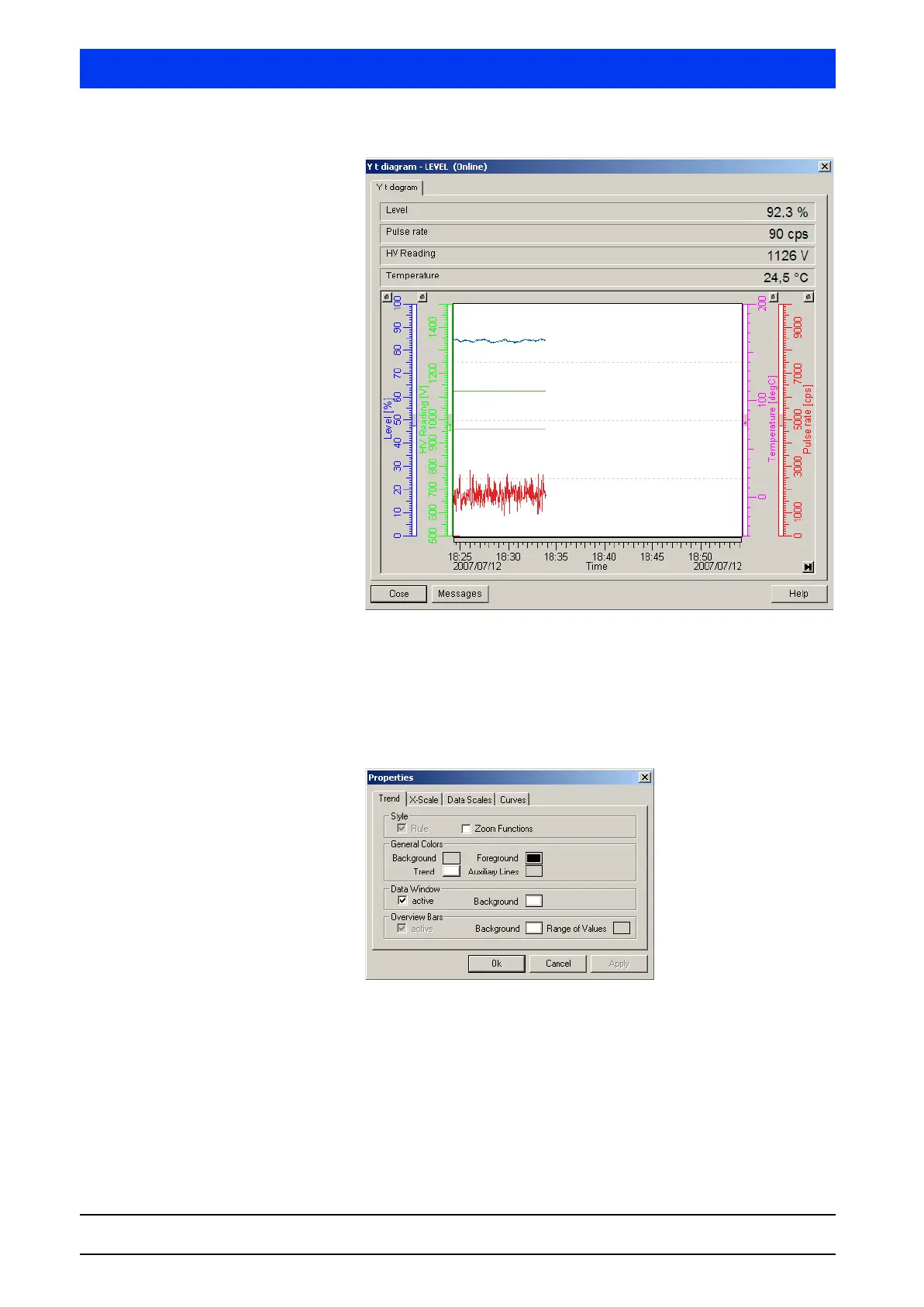
The temperature unit is changed depending on the temperature
unit in the device.
The scaling range of the display, and also the properties of the dis-
play, are pre-set using default values, but can be adapted later.
Define trend curve If you click on Y T DIAGRAM, the PROPERTIES dialog box appears:
The PROPERTIES menu includes four submenus which can be
selected on the tabs …
• Trend (page 5–483)
• X-Scale (page 5–483)
• Data Scales (page 5–483)
• Curves (page 5–484)
The trend curve can be defined via these four submenus:



 To Next Page