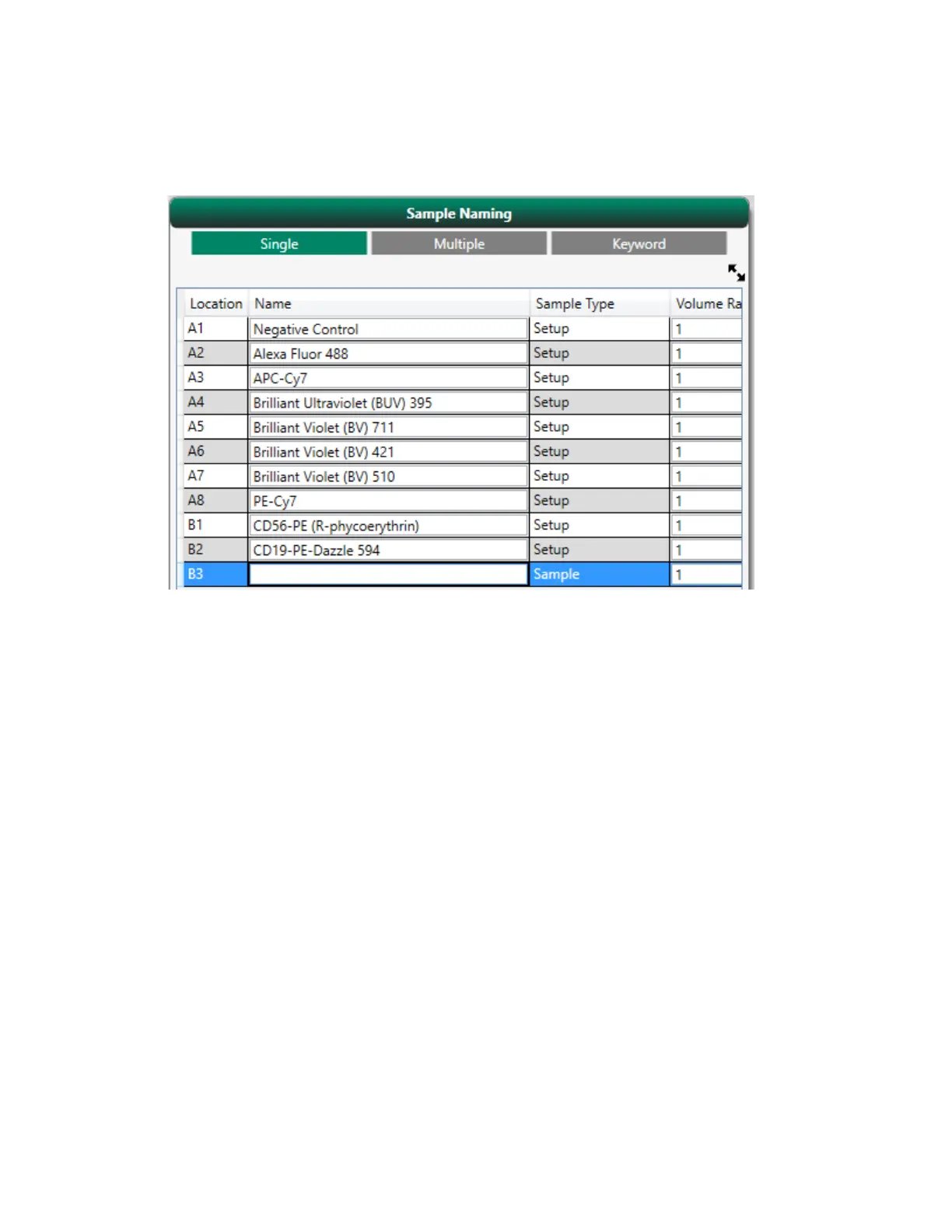
Appendix B Example 9-Color Immunophenotyping Experiment
3. Apply sampling parameters to all positions at the same time:
a. In the Plate Setup pane, select the positions in the template.
b. Select the Gate checkbox.
The volume defaults to the maximum volume for the media type you are using. You will set
sample and control gate limits in the Settings screen after completing the plate setup.
c. In the Volume box, enter the actual volume used in the tubes for this experiment.
364 | ZE5 Cell Analyzer and Everest Software



 To Next Page