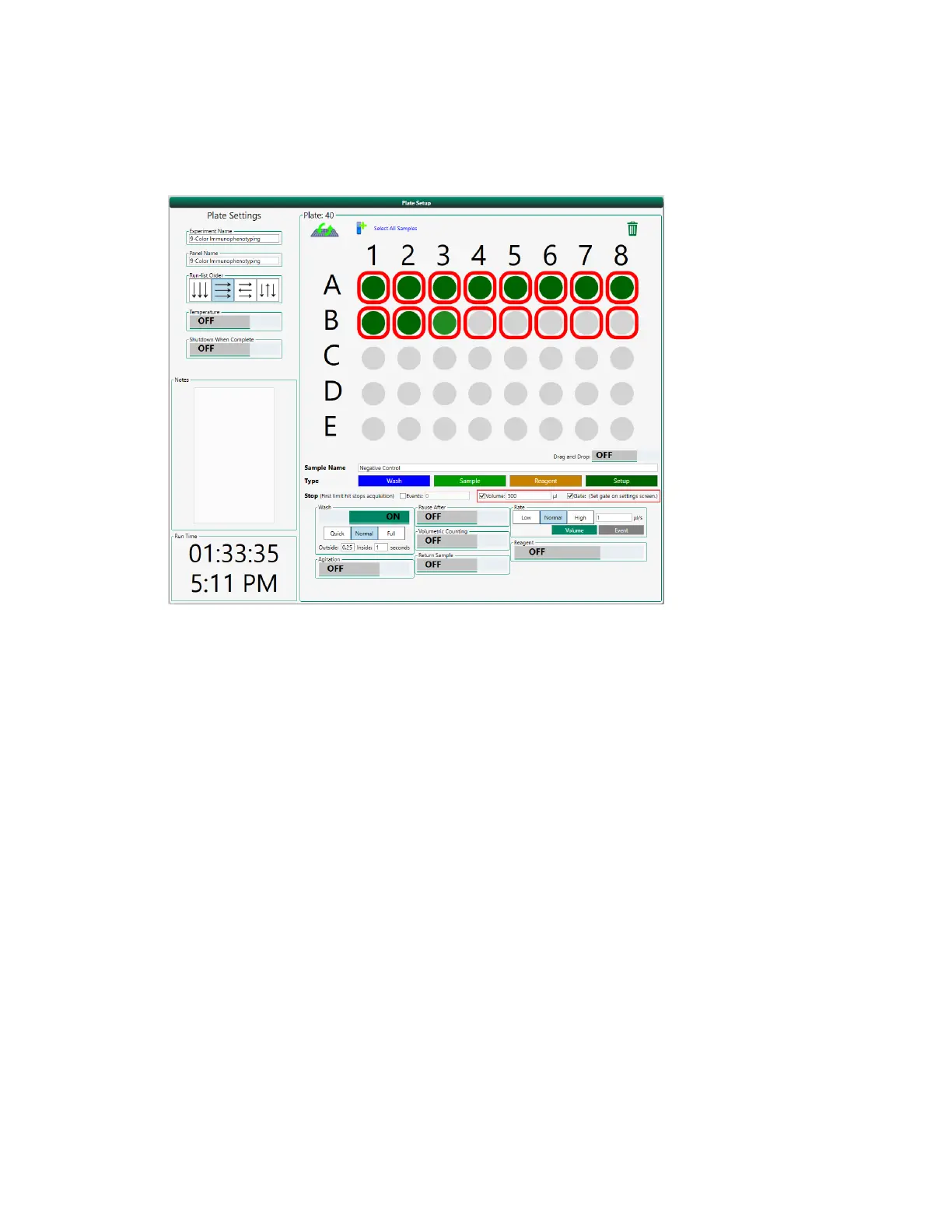
Setting Up the Sample and Sampling Parameters
d. Specify any other sampling parameters to apply to these positions, such as agitation or target
flow rate or target event rate.
4. Click the position for the last compensation control.
5. Click Pause After to instruct the run list to pause after the last compensation control is acquired.
This allows you to perform automatic compensation before running the fully stained sample. A
pause image appears on the selected position, for example:
User Guide | 365



 To Next Page