Evinrude ICON II Remote Control System
System Settings and Diagnostics
228
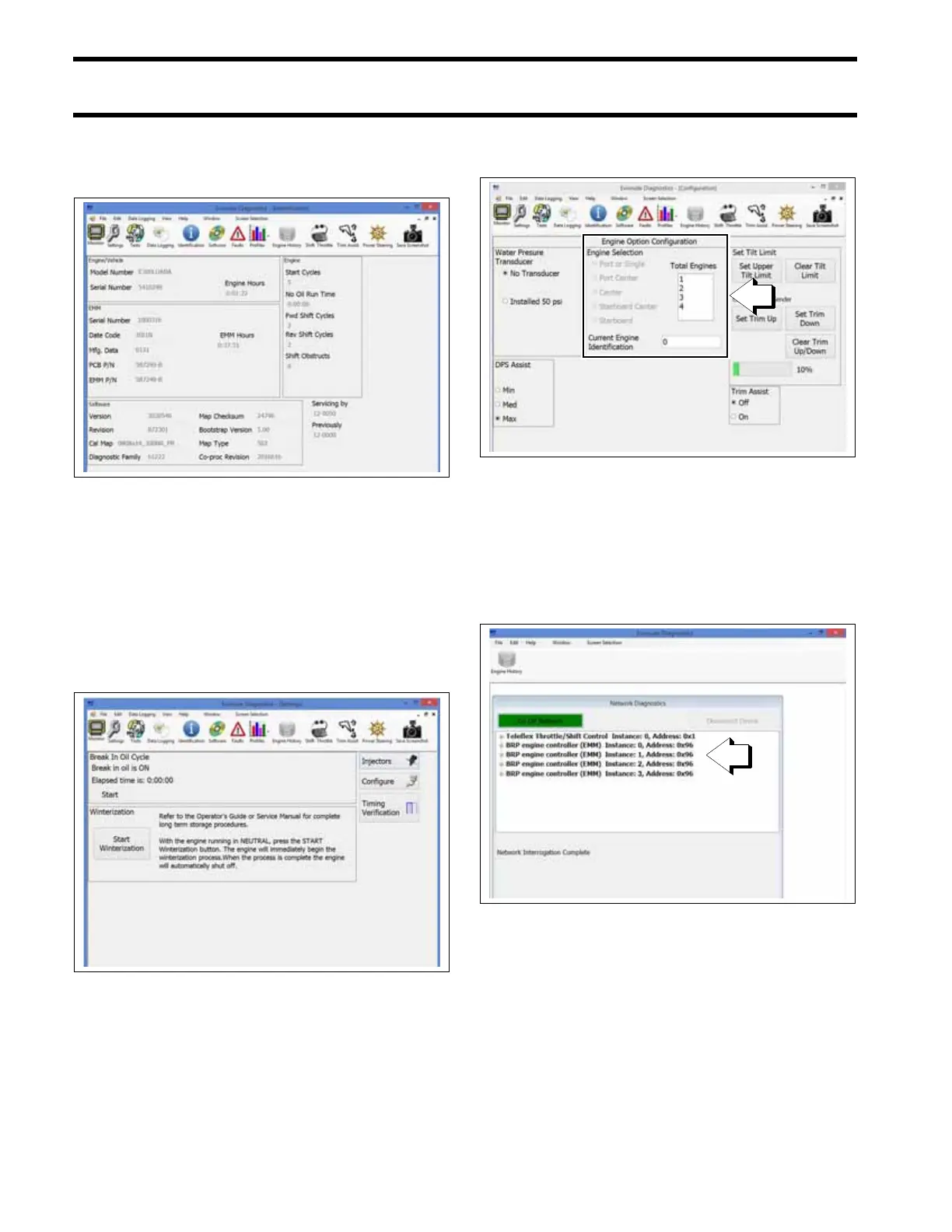
3. Select the Identification screen and note the
model number and serial number of the out-
board.
Compare the information on the Identification
screen to the serial number tag to determine
the outboard transom position and engine
instance. See the Identity Numbers Chart on
p. 226.
Close the Identification screen.
4. Next select the Settings screen. Then select
the Configure button.
5. Under Engine Option Configuration, select the
total number of engines.
6. Then select the engine’s transom position from
the available Engine Selection list.
7. Close the Configuration screen. Then close the
Settings screen.
8. From the Device List select Disconnect Device.
9. From the Device List select the EMM for the
next outboard.
10.Repeat steps 3 through 9 for each outboard.
11.After engine identity has been set for each out-
board, turn the key switch OFF and back ON to
complete the procedure.
Connecting to each EMM and confirm the
instance of each outboard is correctly set accord-
ing to transom position.
Identification Screen
009281
Settings Screen
009243
Engine Option Configuration
009237
Device List
009161







 To Next Page