System Analysis
Diagnostic Procedures
102
Diagnostic Procedures
Visual Inspections
Inspect wiring and electrical connections. Disas-
semble and clean all corroded connections.
Replace damaged wiring, connectors, or termi-
nals. Repair any shorted electrical circuits.
• Refer to Electrical Harness Connections on
p. 112.
• Refer to WIRING DIAGRAM at the back of this
manual.
• Refer to Connector Servicing on p. 139.
Make sure all ground connections are clean and
tight. Refer to Ground Circuits on p. 115.
Inspect spark plugs for wear, oil fowling, or dam-
age. A rich or lean running condition or evidence
of internal engine damage could be identified by
the appearance of the spark plugs.
Check the fuses and the emergency stop switch
lanyard.
Diagnostic Software Inspections
Before running the outboard, use Evinrude Diag-
nostics software v 6.1 or higher to review informa-
tion saved in the EMM.
Correct any problems and clear any fault codes
before further troubleshooting. Refer to Faults
and Fault Codes on p. 91.
Faults
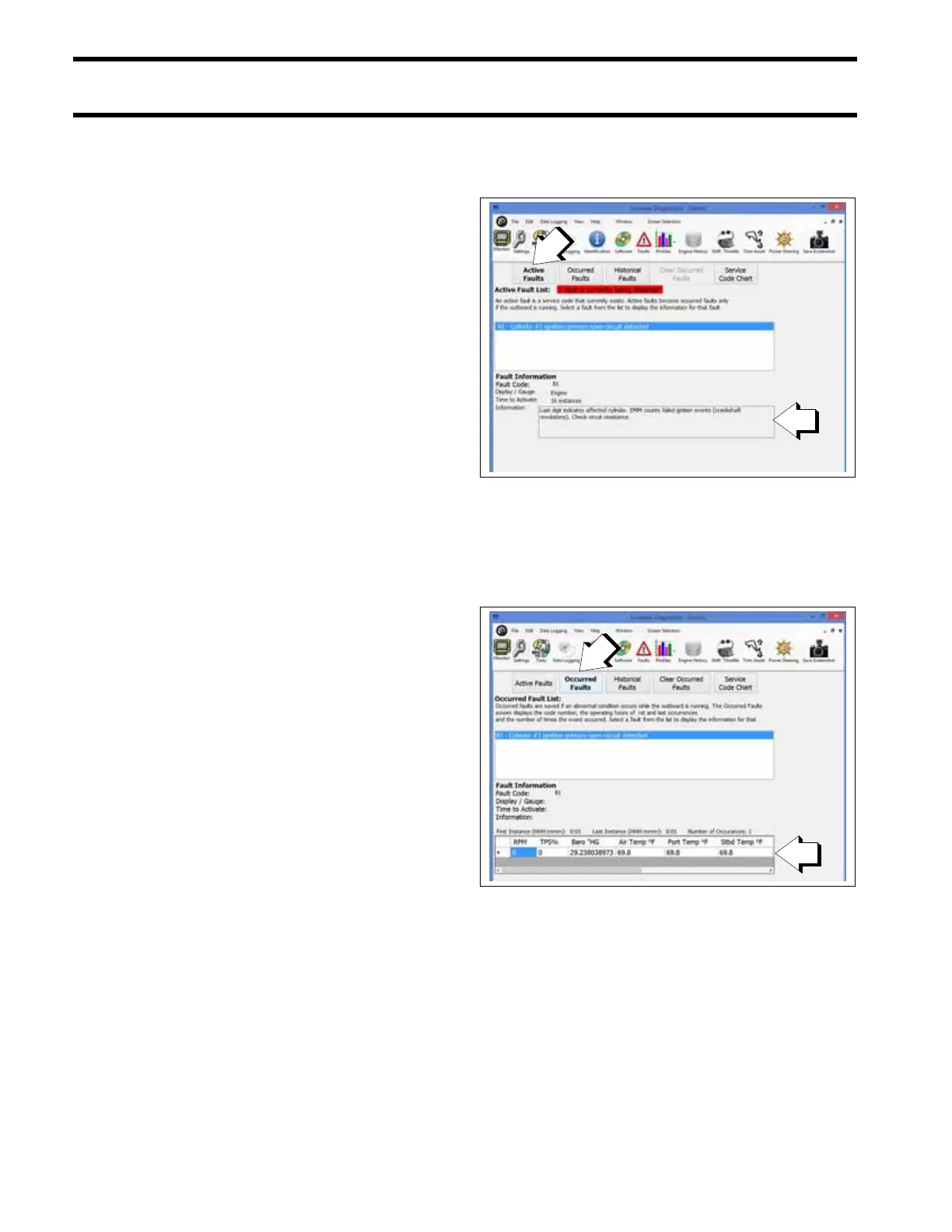
Check the Faults Screen. Press the Active Faults
button to view existing faults.
The Active Faults screen displays fault codes that
currently exist. An active fault becomes an
occurred fault only if the outboard is running.
Press the Occurred Faults button to view detailed
information about the operating conditions of the
engine at the time the fault code was set.
Profiles
Review information about how the outboard has
been operated using the Profiles screens.
Active Faults Screen
1. Active Faults button
009282
2. Information
Occurred Faults Screen
1. Occurred Faults button
009282
2. Detailed information







 To Next Page