Evinrude ICON II Remote Control System
System Settings and Diagnostics
230
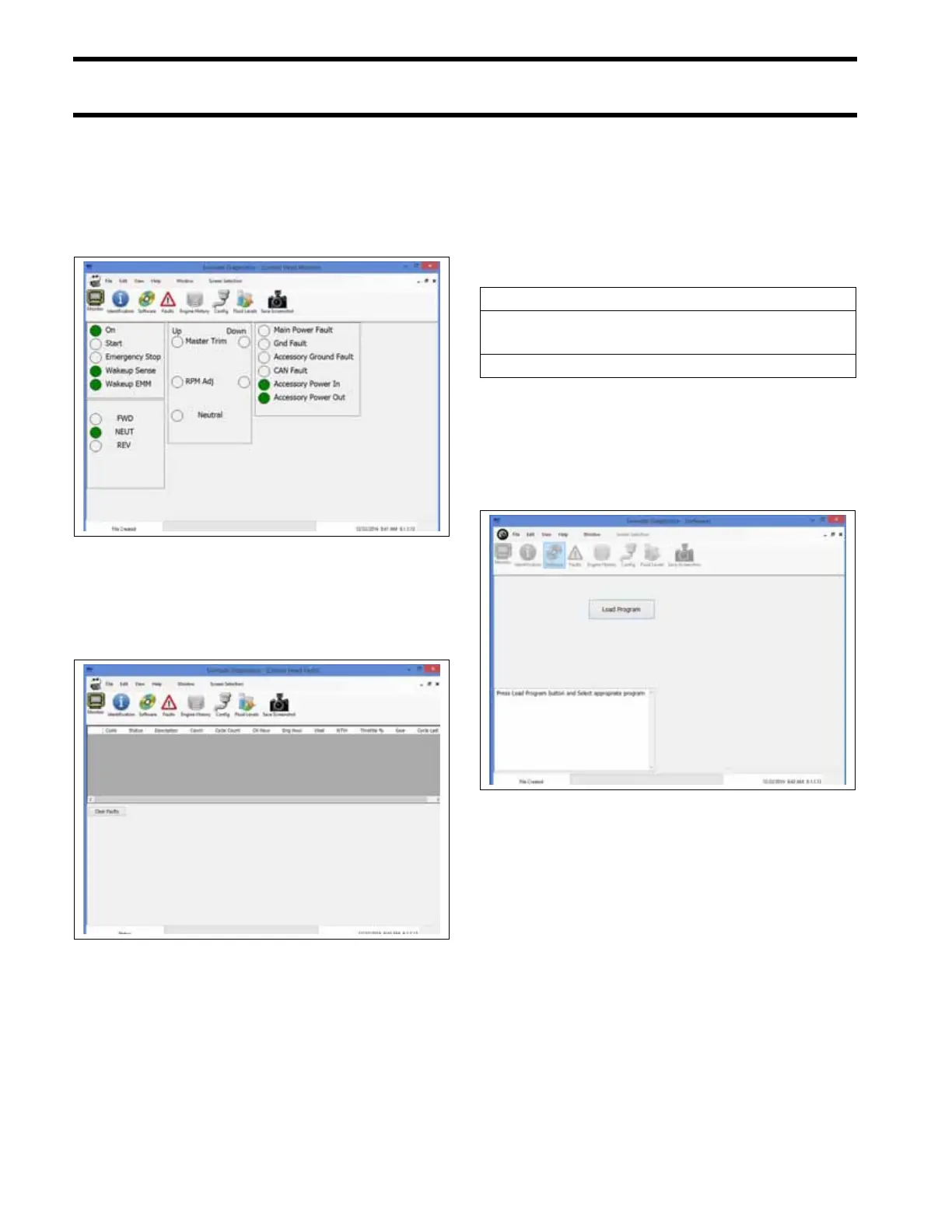
Remote Control Monitor
Select the Monitor button to view certain power
faults and remote control functions. On-screen
indicators will illuminate when the related function
on the remote control is activated.
Remote Control Faults
Select the Faults button to view any remote con-
trol fault codes.
ICON II System NEUTRAL Idle Mode
The following conditions will cause the ICON II
system to enter NEUTRAL idle mode:
• Remote control lever sensor failure
• Foot throttle sensor failure
• Loss of communication with the EMM
The EMM:
Remote Control Software
Select the Software button to upload software to
the remote control. Press the Load Software but-
ton and follow the on-screen prompts.
Remote Control Monitor Screen
009388
Remote Control Faults Screen
009387
Activates NEUTRAL idle mode
Stores remote control fault code between
1 and 12; or, 21, 24, 27, or 30.
Engine Monitor: CHECK ENGINE display ON
Remote Control Software Screen
009390







 To Next Page