Stern and Swivel
DPS Module Service
310
Bleed the steering system. Refer to Filling and
Bleeding the Hydraulic Steering System on
p. 48.
Steering Position Sensor Calibration
(AFA and Newer Models Only)
IMPORTANT:
Calibrate the steering position
sensor when:
• replacing a DPS module
• replacing a steering position sensor
Use Evinrude Diagnostics software v 6.1 or higher
to calibrate the steering position sensor.
Single Outboard Installation
Single outboard installations require calibration of
the End Point only.
Connect the MPI-2 and adapter cable to the lap-
top and the NMEA 2000 network. Turn the key
switch to the ON position, then start the diagnostic
program.
After the program connects to the network, select
from the device list the Engine Controller (EMM).
Then select the Power Steering button.
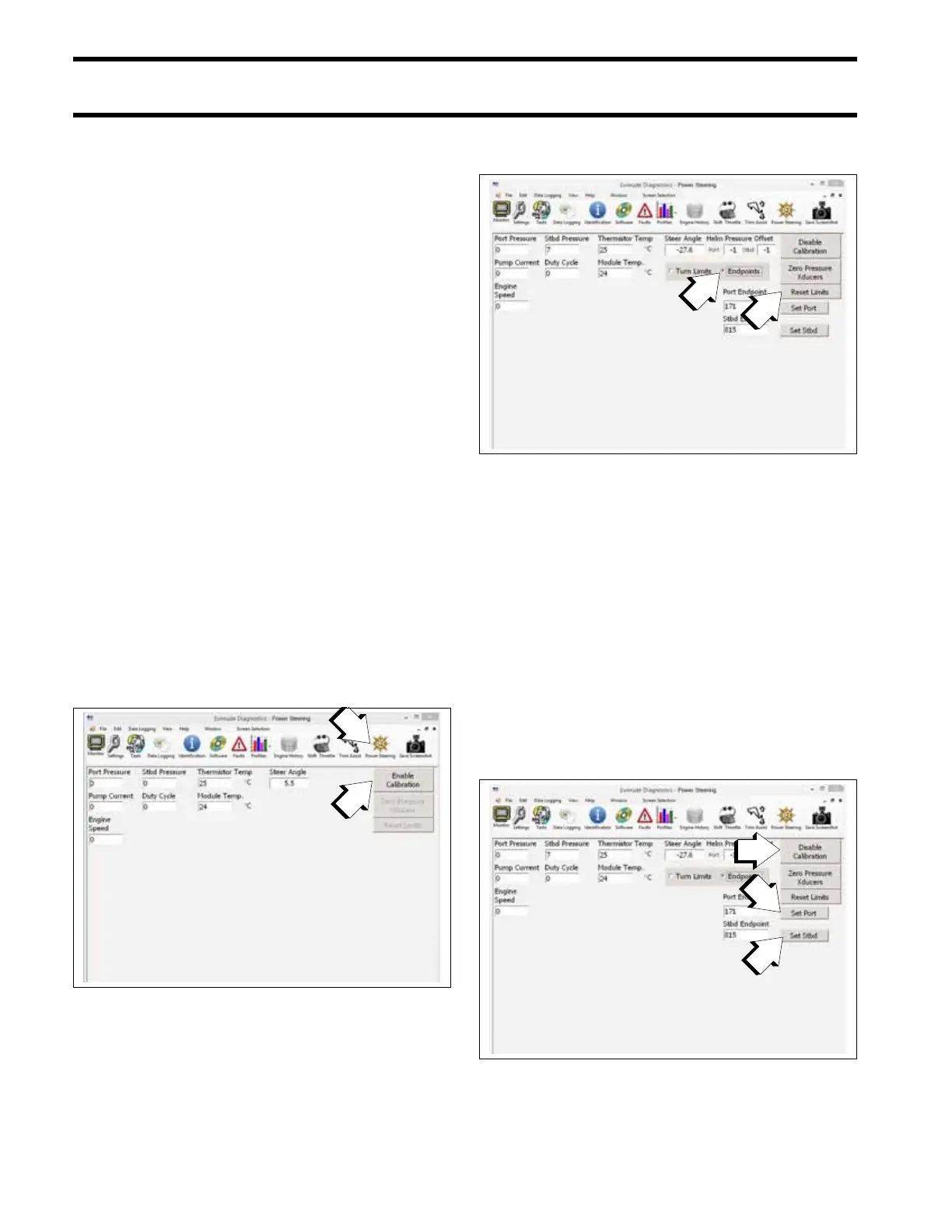
1. Select Enable Calibration. The power steering
pump is disabled while in calibration mode.
2. Press Reset Limits. Then be SURE to select
End Points.
3. Turn the steering wheel until the outboard is
turned fully to PORT. Then press the Set Port
button. The button will deactivate while setting
the PORT end point. Wait for the button to acti-
vate BEFORE continuing.
4. Turn the steering wheel until the outboard is
turned fully to STARBOARD. Then press the
Set Starboard button. The button will deacti-
vate while setting the STARBOARD end point.
Wait for the button to activate BEFORE con-
tinuing.
5. Select Disable Calibration to save the settings
and re-enable the power steering pump.
1. Enable Calibration
009397
1. Reset Limits
2. End Points
009399
1. Set Port
2. Set Starboard
3. Disable Calibration
009399







 To Next Page