(The RARP daemon needs to be running.)
[BOOTP]
Obtains an IP address using BOOTP.
(The BOOTP daemon needs to be running.)
[DHCP]
Obtains an IP address using DHCP.
(The DHCP server needs to be running.)
[IP Address] Enter the IP address of the printer.
[Subnet Mask] Enter the subnet mask as needed.
[Gateway Address] Enter the gateway address as needed.
NOTE
When selecting [RARP]
You cannot enter any values in [IP Address].
When selecting [BOOTP] or [DHCP]
You cannot enter any values in [IP Address], [Subnet Mask], and [Gateway Address].
If you cannot use RARP, BOOTP, or DHCP
Specify the settings in [Manual Setting].
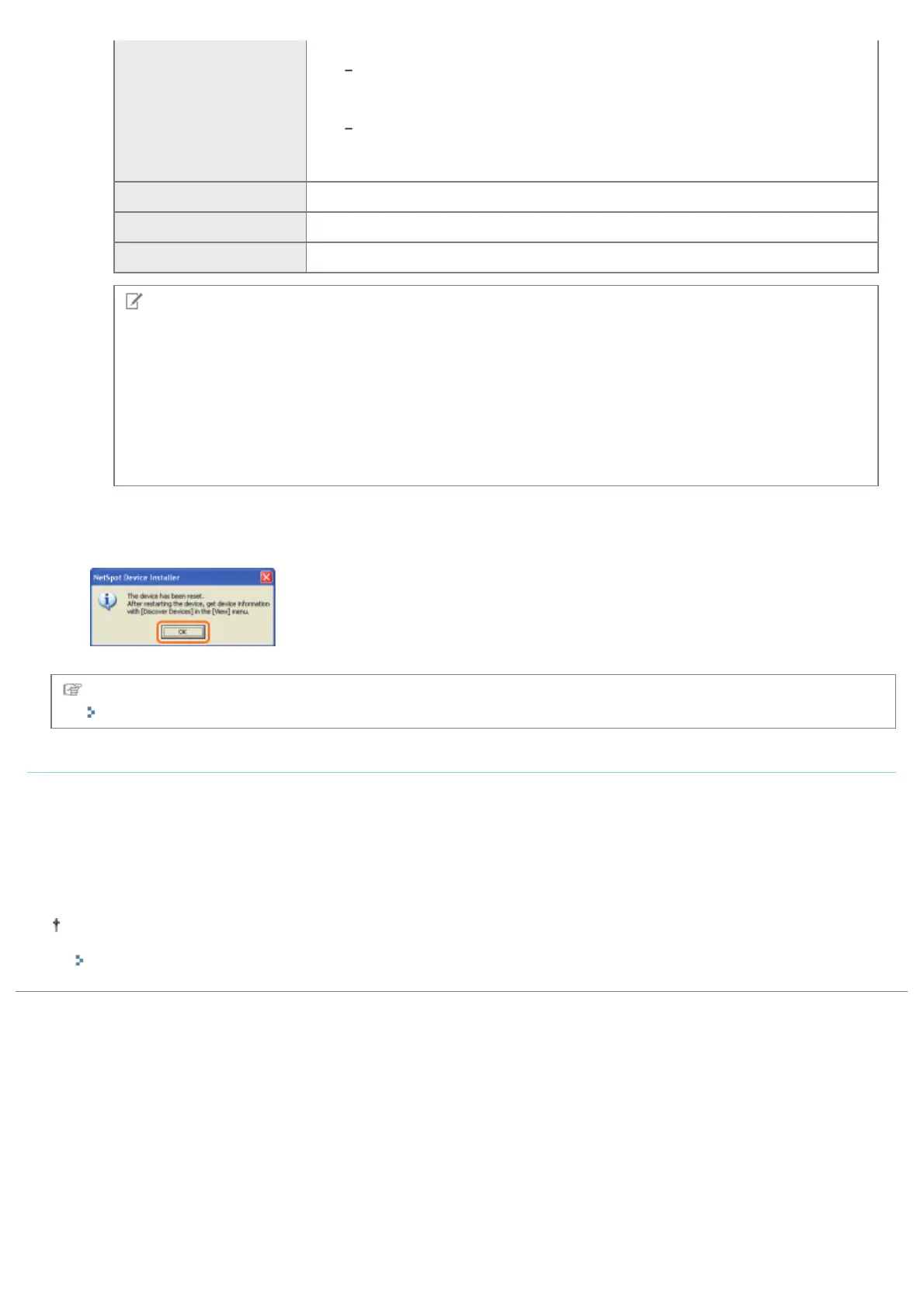
4. When the message <The device has been reset.> appears, click [OK].
Wait for approximately 20 seconds or longer as is after clicking [OK].
After completing the reset, the settings are enabled.
Next, install the printer driver.
"Setting a Port and Installing the Printer Driver"
If your case falls within neither of the above cases
A device on the network may have the same IP address as that set for the printer.
In this case, perform the following procedure.
1. Turn OFF the device that has the same IP address or remove the device from the network.
2. Repeat the procedure from the beginning.
3. After completing the settings for this printer, restore the devices to their original states.
If you cannot set the IP address using NetSpot Device Installer including the case where this procedure is not possible,
set the IP address using the ARP/PING command.
"Setting the IP Address Using the ARP/PING Command"
㻞㻟㻥㻌㻛㻌㻠㻡㻞














 To Next Page