14
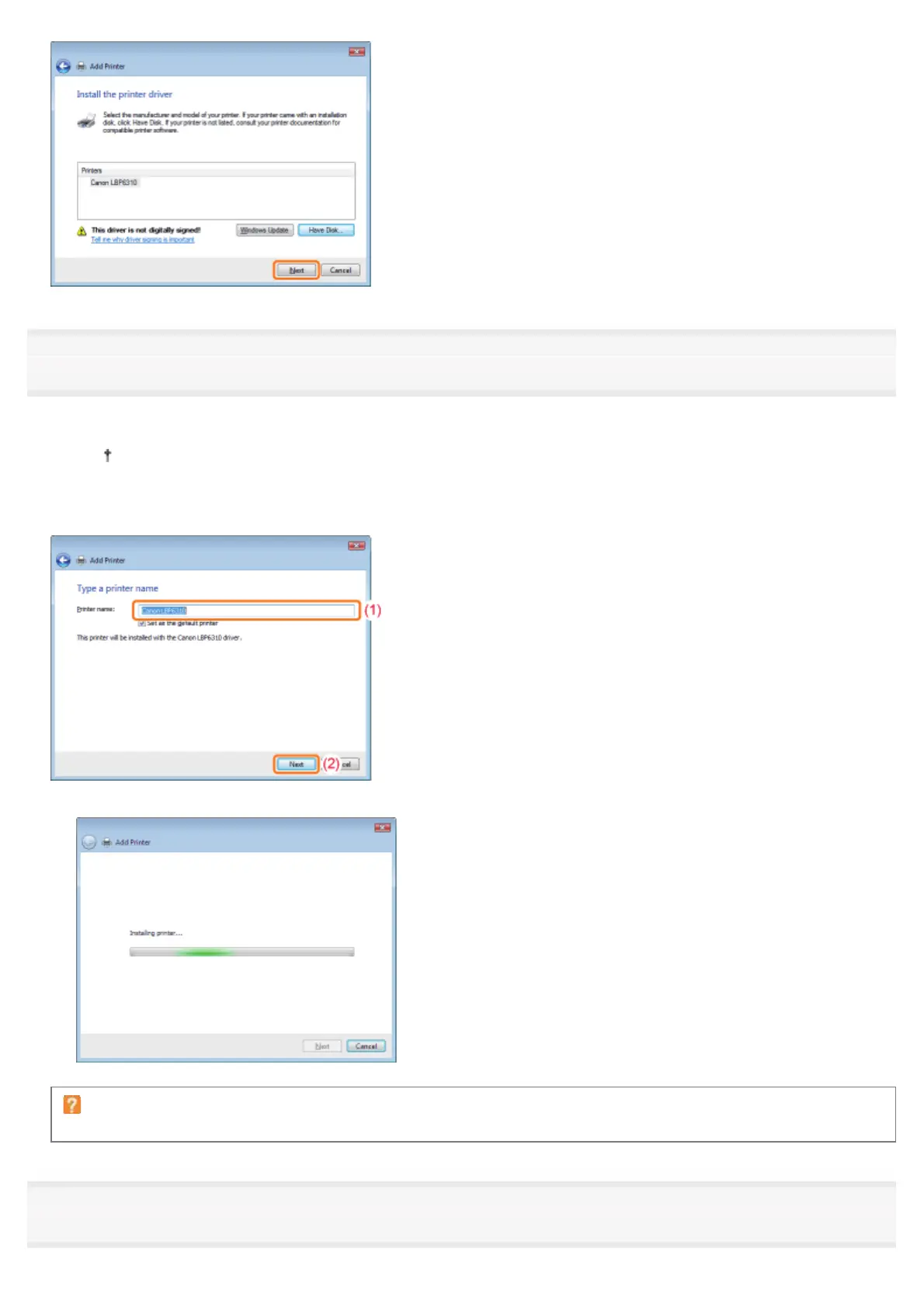
Specify the printer name.
(1) Enter a new name if you want to change the printer name.
When [Set as the default printer] is displayed, select whether or not to use the printer as the default printer.
(Windows Vista and Server 2008)
(2) Click [Next].
ĺ The installation starts. Wait until the following screen disappears.
If the [User Account Control] dialog box appears
Click [Continue] or [Yes].
15
When the following screen appears, select whether or not to share the printer.
㻞㻠㻤㻌㻛㻌㻠㻡㻞














 To Next Page