Proceed to Step 5 if you do not specify the settings for the other options.
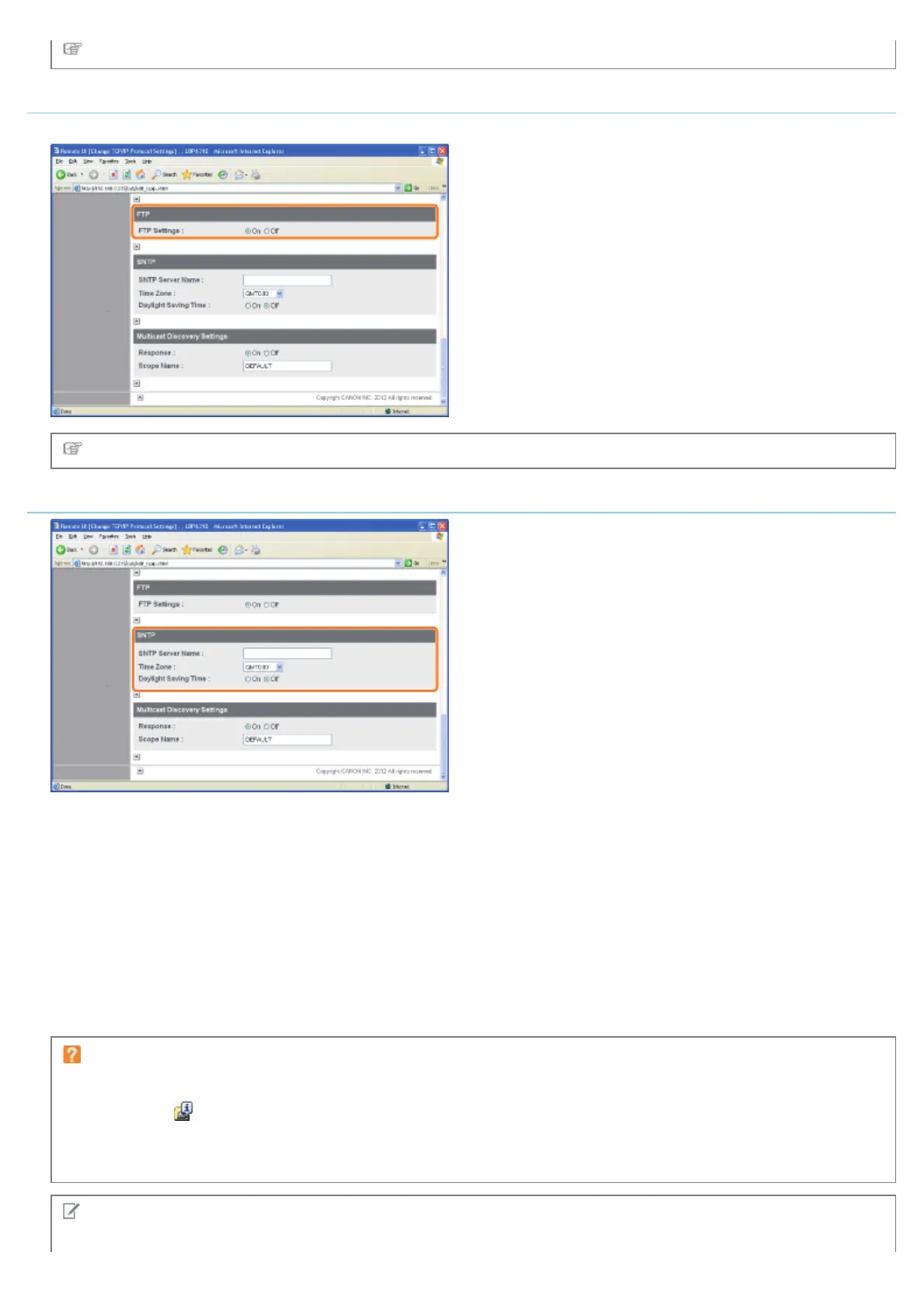
FTP Settings
Select whether to use the FTP server.
Proceed to Step 5 if you do not specify the settings for the other options.
Configuring the SNTP Settings (Notifying the printer of the Time via an SNTP Server)
If the DNS server is configured
1. Enter the server name of the SNTP server in [SNTP Server Name].
2. Select [Time Zone].
3. To set daylight saving time, set [Daylight Saving Time] to [On].
If the DNS server is not configured
1. Enter the IP address of the SNTP server in [SNTP Server Name].
2. Select [Time Zone].
3. To set daylight saving time, set [Daylight Saving Time] to [On].
If an SNTP server is not available
You can notify the printer of the time set on the computer using the following procedure.
1. Click [
] in the Windows task tray, and then select the printer name.
2. Select [Preferences (Administrators)] from the [Options] menu.
3. Select [Always] in [Monitor Printer Status], and then select the [Notify the Printer of the Time] check box.
NOTE
㻞㻢㻝㻌㻛㻌㻠㻡㻞














 To Next Page