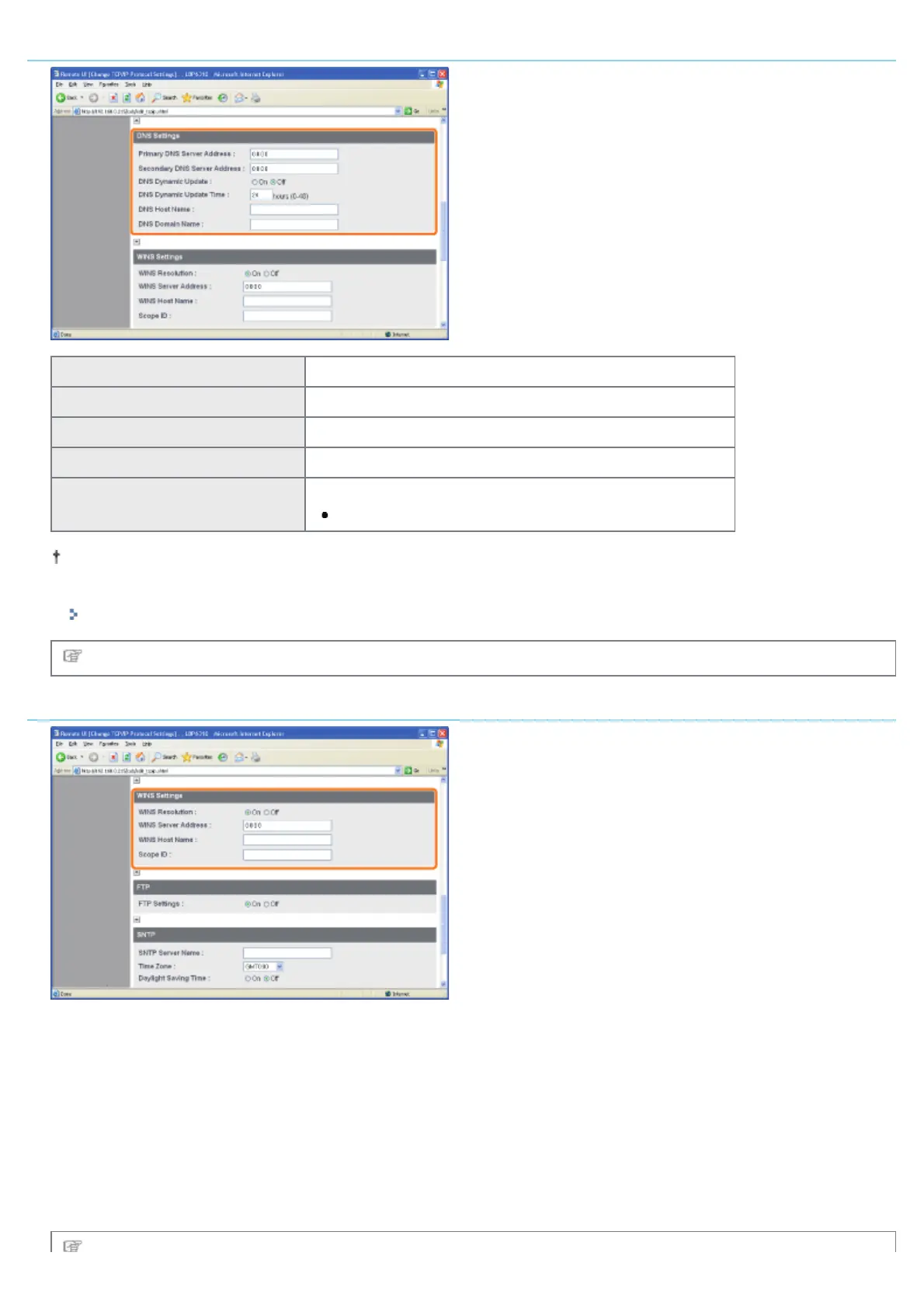
DNS Settings
[Primary DNS Server Address] Enter the IP address of the primary DNS server.
[Secondary DNS Server Address] Enter the IP address of the secondary DNS server.
[DNS Dynamic Update] Select whether to use the DNS Dynamic Update function.
[DNS Host Name] Enter the host name to be added to the DNS server.
[DNS Domain Name]
Enter the name of the domain to which the printer belongs.
Input Example: "example.com"
In the following case, DNS is to be used.
When performing name resolution using the SNTP server name to set the SNTP client function (When you specify the
SNTP server name)
"Configuring the SNTP Settings (Notifying the printer of the Time via an SNTP Server)"
Proceed to Step 5 if you do not specify the settings for the other options.
WINS Settings
If you want to use WINS Resolution
1. Set [WINS Resolution] to [On].
2. Enter the IP address of the WINS server in [WINS Server Address].
3. Enter the host name to be added to the WINS server in [WINS Host Name].
4. In [Scope ID], enter the Scope ID of the NetBIOS name that you want to search for from the WINS server.
You can refine the search by separating the character string with "." (period).
If you do not want to use WINS Resolution
Set [WINS Resolution] to [Off].
㻞㻢㻜㻌㻛㻌㻠㻡㻞














 To Next Page