4
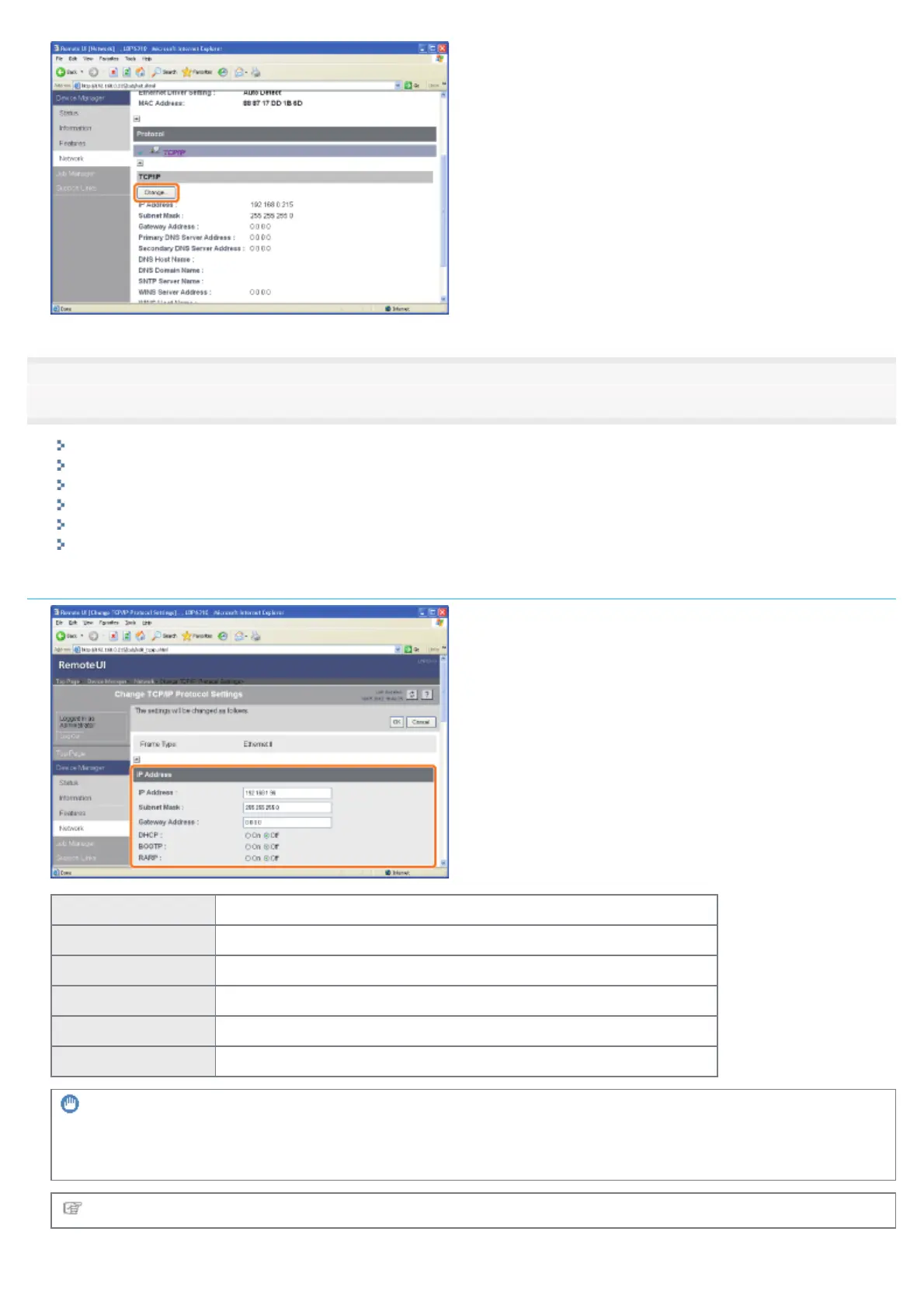
Configure the protocol settings.
IP Address Settings
DNS Settings
WINS Settings
FTP Settings
Configuring the SNTP Settings (Notifying the printer of the Time via an SNTP Server)
Multicast Discovery Settings
IP Address Settings
[IP Address] Enter the IP address of the printer.
[Subnet Mask] Enter the subnet mask that is being used on the TCP/IP network.
[Gateway Address] Enter the gateway address that is being used on the TCP/IP network.
[DHCP] Select whether to set the IP address using DHCP.
[BOOTP] Select whether to set the IP address using BOOTP.
[RARP] Select whether to set the IP address using RARP.
IMPORTANT
For details on the procedure for setting a port when using DHCP, BOOTP, or RARP
See "Values for Setting a Port" or ask your network administrator.
Proceed to Step 5 if you do not specify the settings for the other options.
㻞㻡㻥㻌㻛㻌㻠㻡㻞














 To Next Page