NOTE
When exiting the administrator mode
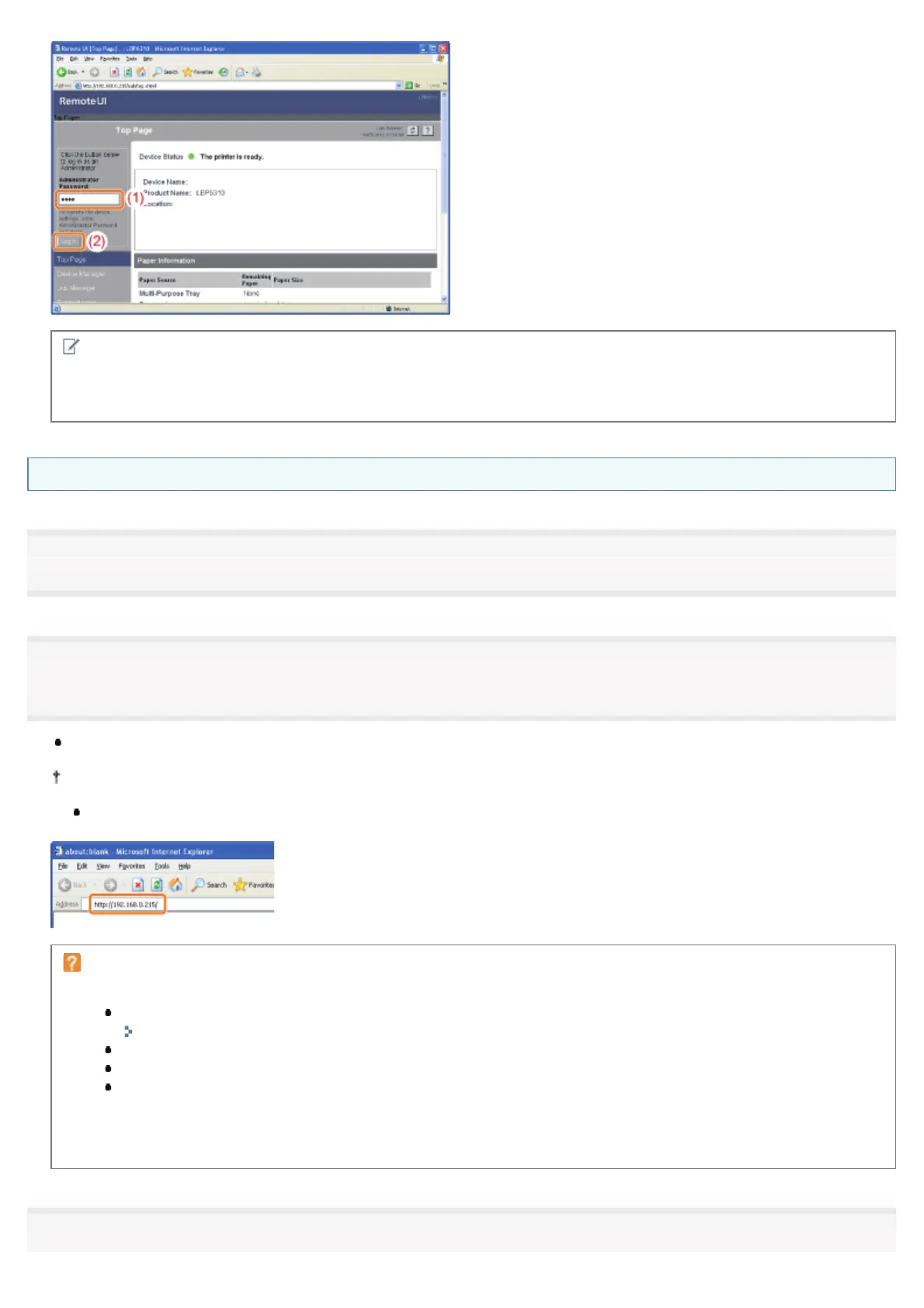
Click [Log Out].
Starting the Remote UI Directly from a Web Browser
1
Start the Web browser.
2
Enter "http://<the IP address of the printer>/" in the address field, and then press the [ENTER] key on
your keyboard.
Input Example: "http://192.168.0.215/"
If the host name of the printer is registered in the DNS server, you can enter ["host name"."domain name"] instead of
the IP address.
Input Example: "http://my_printer.xy_dept.company.com/"
If the Remote UI does not start
Check the following points.
The Remote UI is enabled.
"Enabling the Remote UI"
The printer and computer are connected properly via a network.
The printer is turned ON.
The IP address or ["host name"."domain name"] is entered correctly.
Nevertheless, if the Remote UI top page is not displayed, enter "http://<the IP address of the
printer>/cab/top.shtml" in the address field to redisplay the Remote UI.
3
㻟㻜㻢㻌㻛㻌㻠㻡㻞














 To Next Page