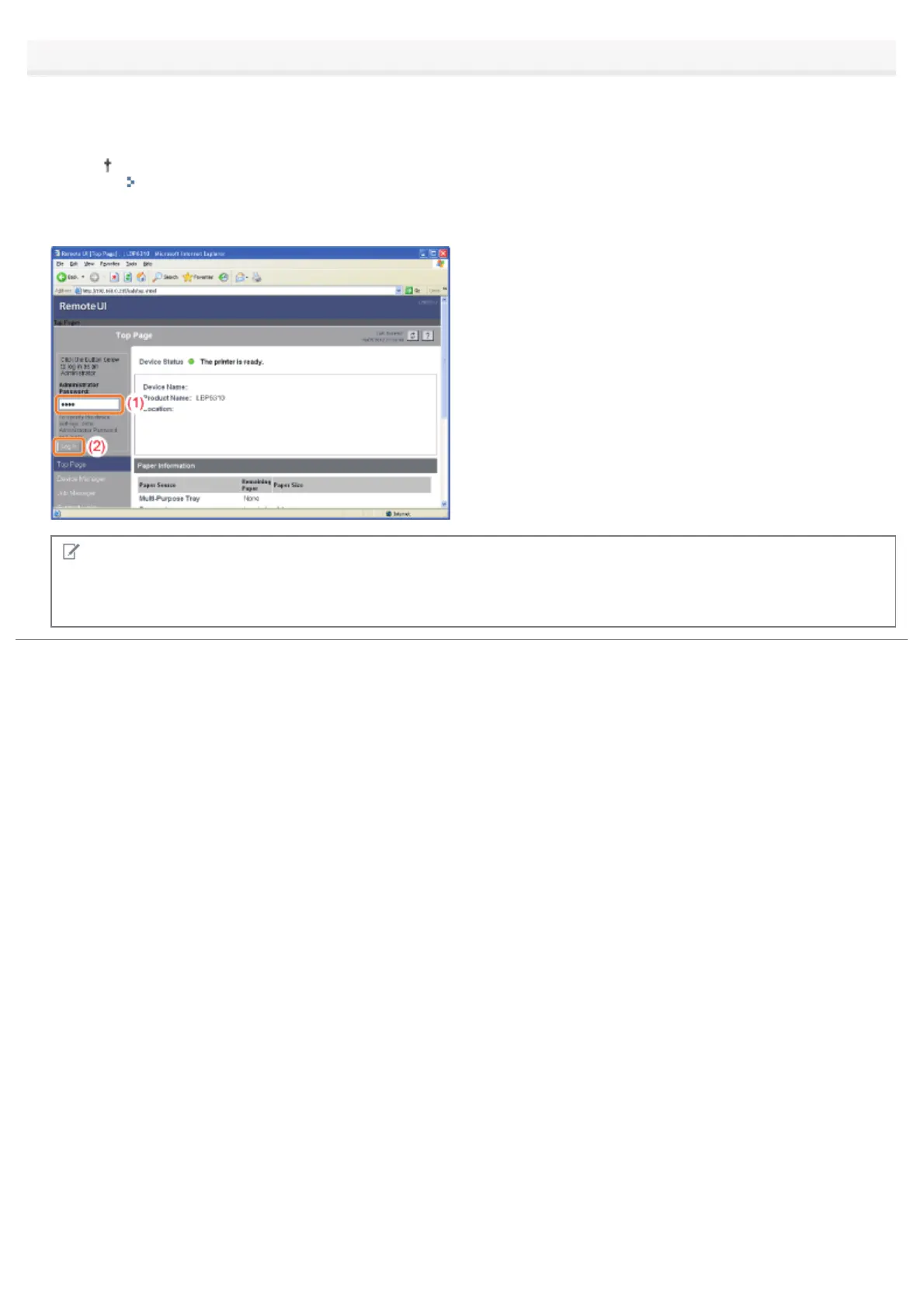
Log in as Administrator as needed.
By logging in as Administrator, you can perform all the operations and settings of the Remote UI.
(1) Enter a password in [Administrator Password].
If the administrator password is not specified, you do not need to enter the password.
"Setting the Administrator Password"
(2) Click [Log In].
NOTE
When exiting the administrator mode
Click [Log Out].
㻟㻜㻣㻌㻛㻌㻠㻡㻞














 To Next Page