"Checking the Security Access Logs"
NOTE
Changing the settings
You can change the settings only if you logged in as Administrator.
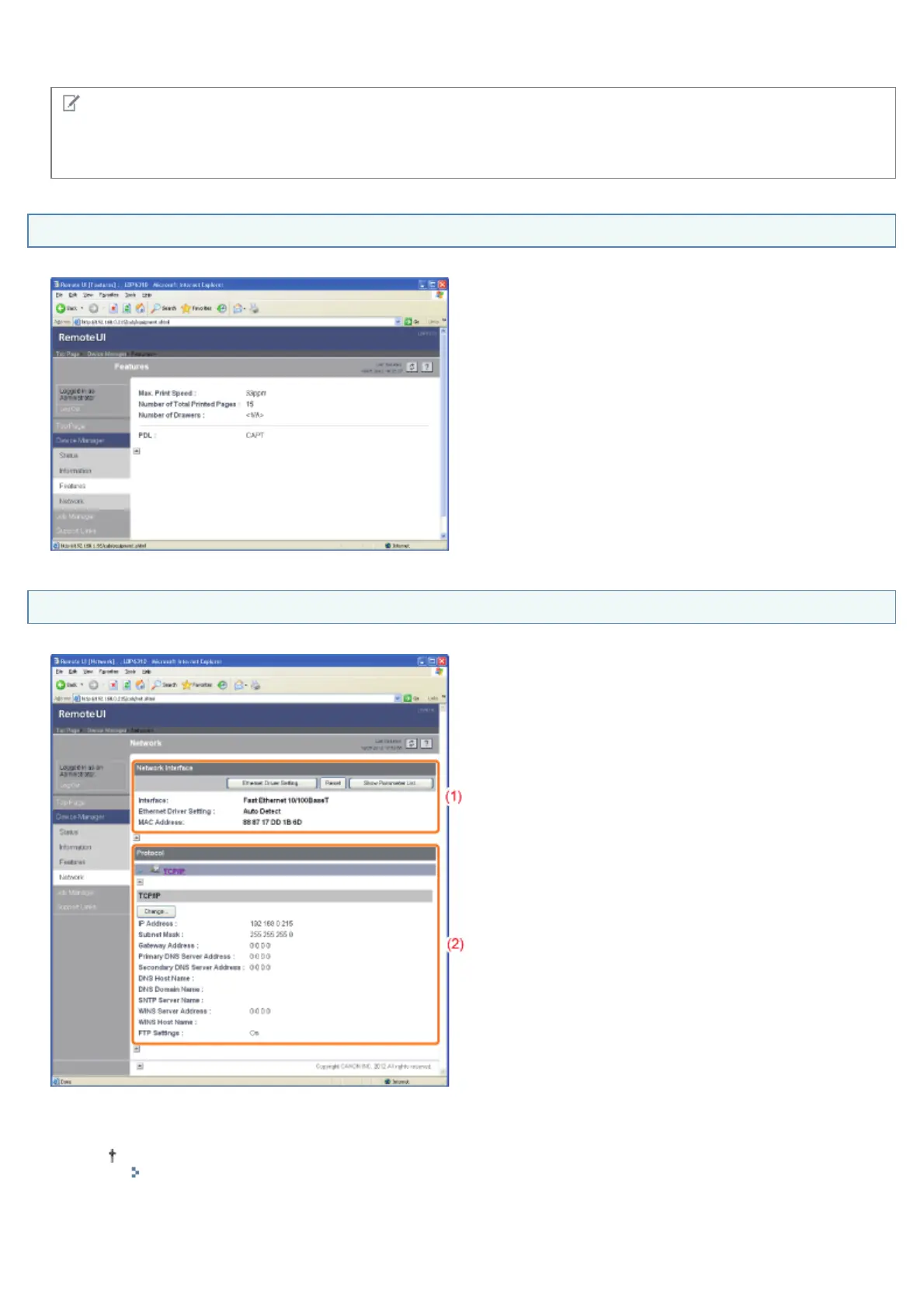
[Features] Page
Displays the maximum print speed of the printer, the total number of printed pages, and so on.
[Network] Page
Displays the network settings for the printer and so on.
(1) [Network Interface]
Displays information about the network interface and so on.
How to change the settings
"Changing the Network Transmission Speed or Transfer Mode"
(2) [Protocol]
Displays the network protocol settings.
㻟㻝㻠㻌㻛㻌㻠㻡㻞














 To Next Page