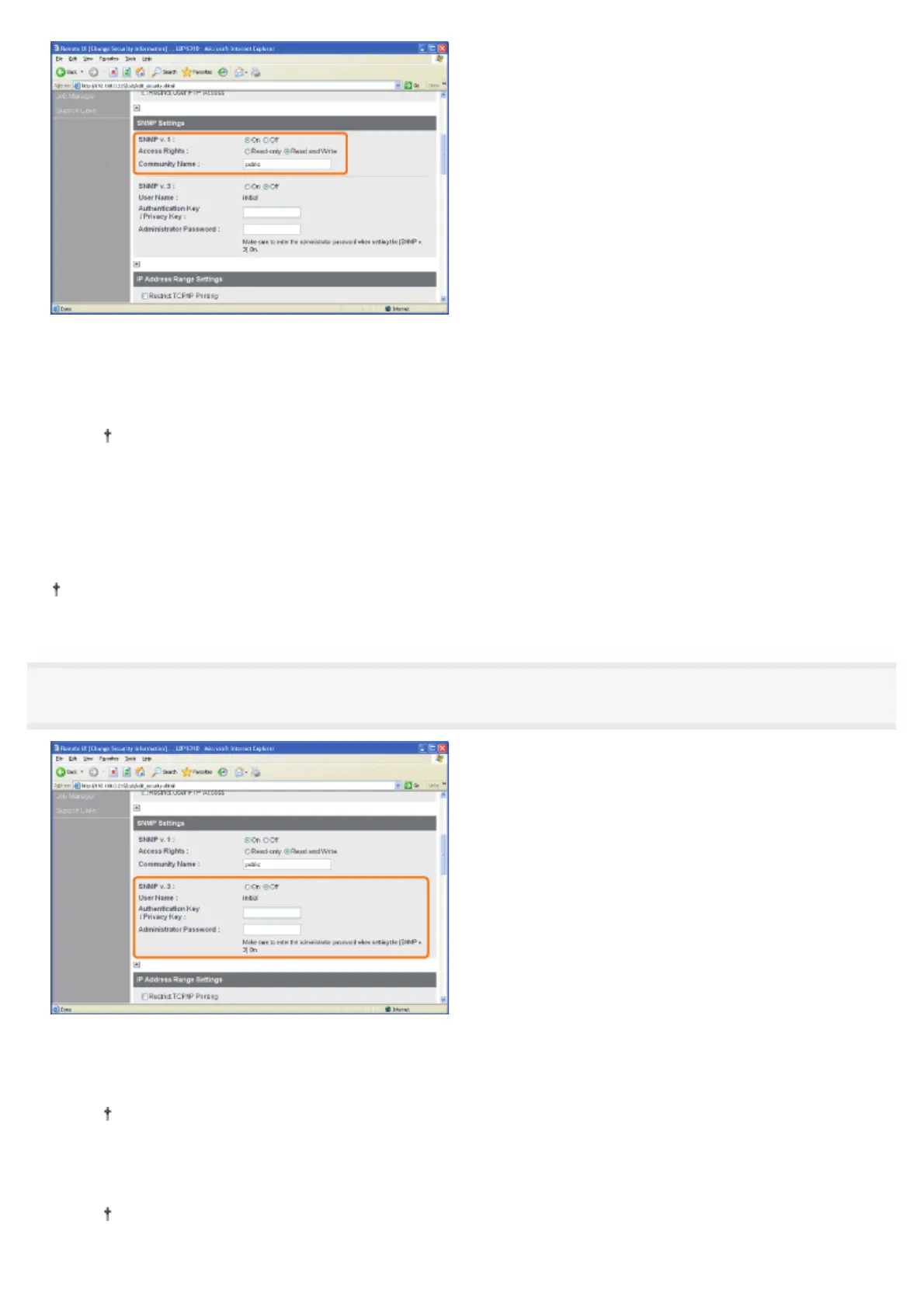
If you want to use the SNMP v. 1 protocol
1. Set [SNMP v. 1] to [On].
2. For [Access Rights], select in which mode the SNMP v. 1 agent can operate, [Read-only] or [Read and Write].
Selecting [Read-only] makes overwriting unavailable, and you may not be able to use some functions of
Canon utility software or to use the software properly due to an error occurring.
3. Specify the community name of SNMP in [Community Name].
If you do not want to use the SNMP v. 1 protocol
Set [SNMP v. 1] to [Off].
If [Off] is specified, you may not be able to use the Canon utility software.
Consult your network administrator before selecting [Off].
5
Configure the SNMP v. 3 protocol.
If you want to use the SNMP v. 3 protocol
1. Set [SNMP v. 3] to [On].
The user name to be used for the SNMP v. 3 protocol is set to "initial."
2. Specify the authentication key or privacy key to be used in SNMP v. 3 in [Authentication Key/Privacy Key].
3. Enter the administrator password for the Remote UI in [Administrator Password].
If the administrator password is not specified, you do not need to enter the password.
㻟㻠㻣㻌㻛㻌㻠㻡㻞














 To Next Page