If you do not want to use the SNMP v. 3 protocol
Set [SNMP v. 3] to [Off].
If the SNMP v. 3 protocol settings are not displayed
If you change the settings for the SNMP v. 3 protocol using software other than the Remote UI, the settings are not
displayed in the Remote UI.
To display the settings again, reset the network settings to the default values.
"Initializing the Network Settings"
6
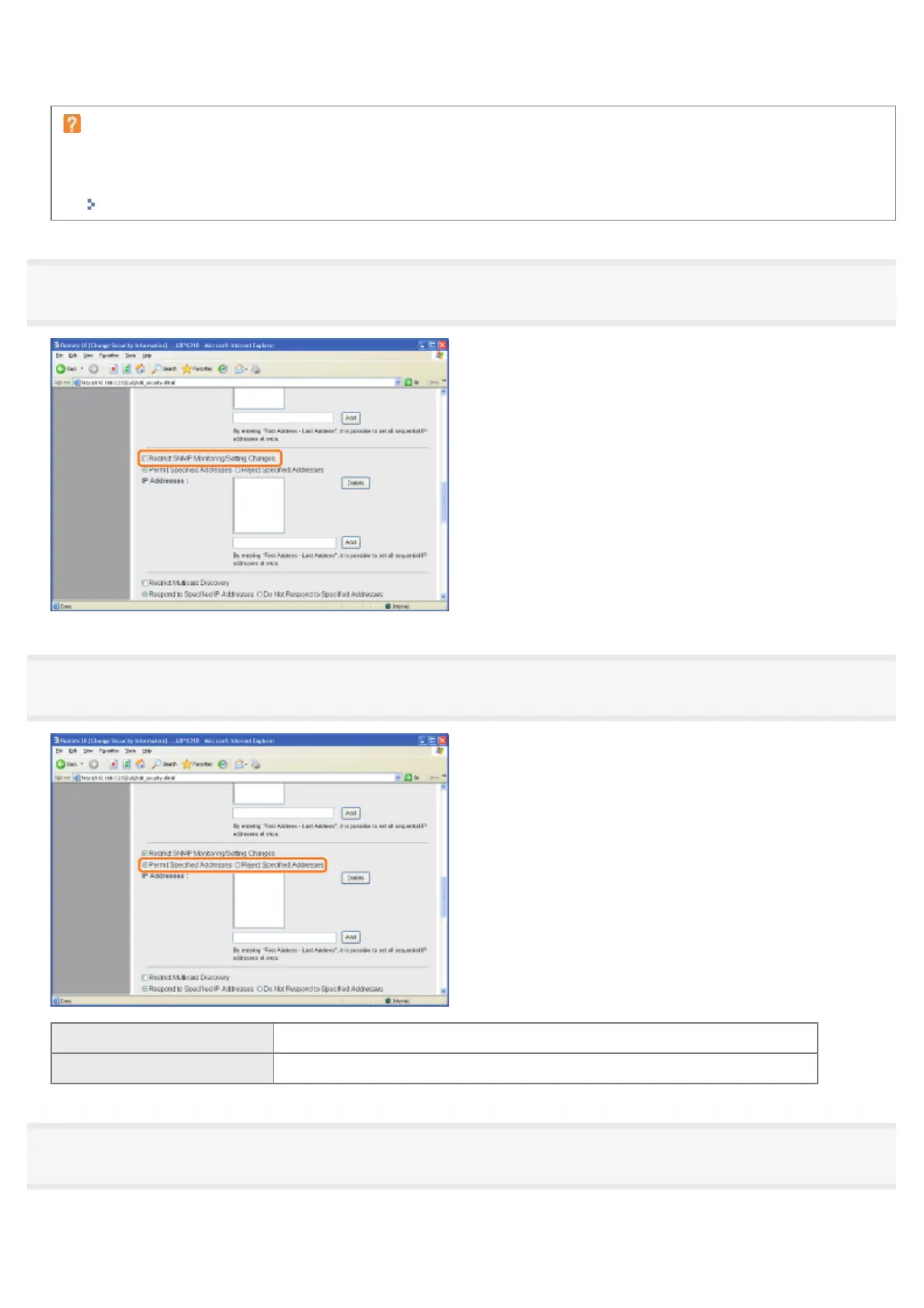
Select the [Restrict SNMP Monitoring/Setting Changes] check box.
7
Select [Permit Specified Addresses] or [Reject Specified Addresses].
[Permit Specified Addresses] Only users specified in [IP Addresses] can monitor and change the settings.
[Reject Specified Addresses] Users specified in [IP Addresses] cannot monitor and change the settings.
8
Set the IP address.
(1) Enter the IP address of a computer for which you permit or reject monitoring and changing the settings using the
SNMP protocol.
㻟㻠㻤㻌㻛㻌㻠㻡㻞














 To Next Page