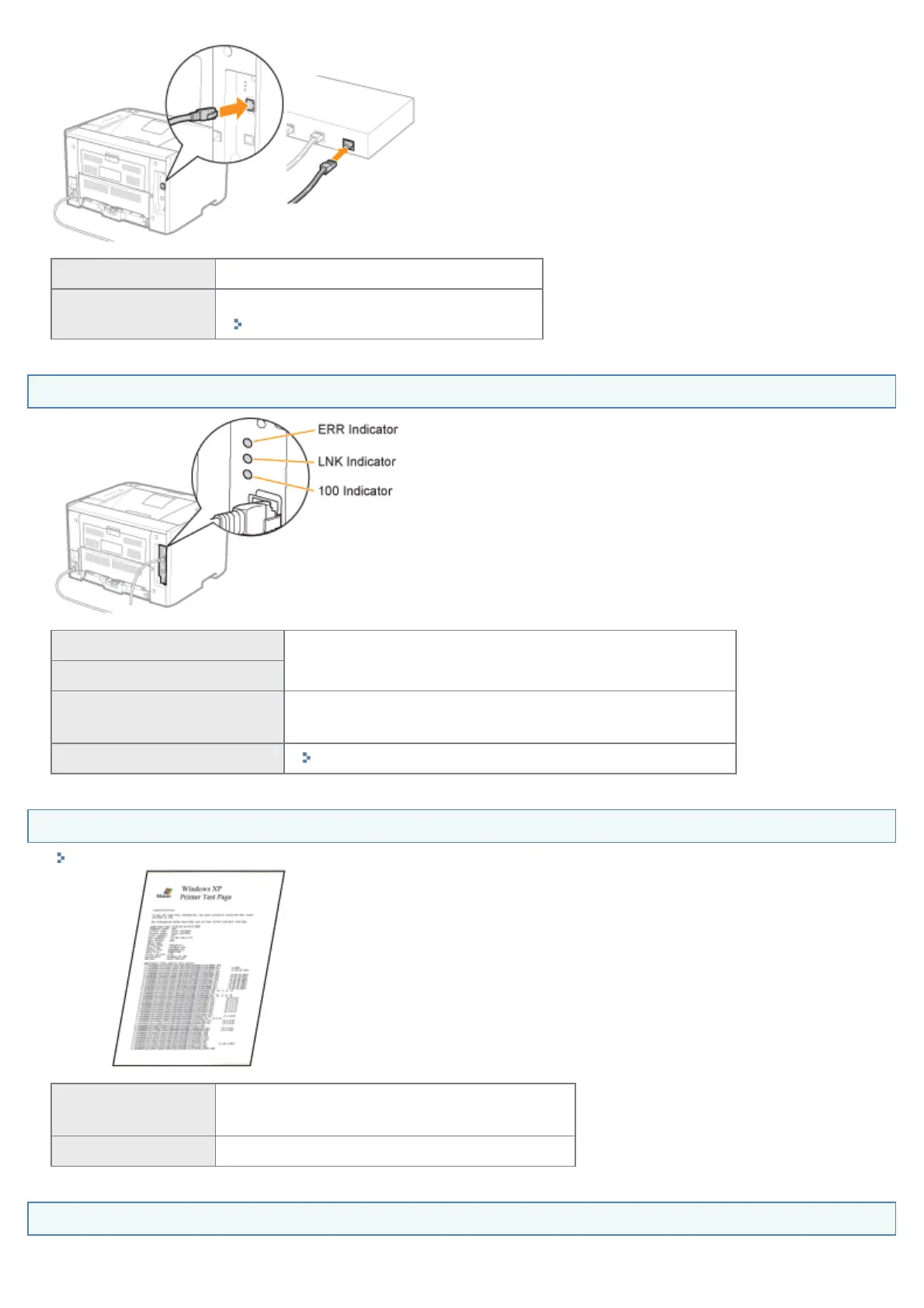
Connected To <Question 4>
Unconnected
Connect the cable properly.
"Connecting the Printer and Computer"
<Question 4> Check the indicators on the network interface.
The LNK indicator is on.
To <Question 5>
The 100 indicator is on.
The ERR indicator is on.
The hardware of the printer is in an abnormal condition.
Contact your local authorized Canon dealer to request service.
All the indicators are off.
"All the Indicators on the Network Interface Are Off"
<Question 5> Can you print a test page in Windows?
"Basic Operations/Various Information for Windows"
Printable
There is no problem with the printer and driver.
Check the printing preferences in the application.
Not printable To <Question 6>
<Question 6> Is the IP address set properly?
㻟㻣㻝㻌㻛㻌㻠㻡㻞














 To Next Page