Check that the IP address is set properly using the PING command.
"Basic Operations/Various Information for Windows"
Set To <Question 7>
Not set
Set the IP address properly.
"Setting the IP Address"
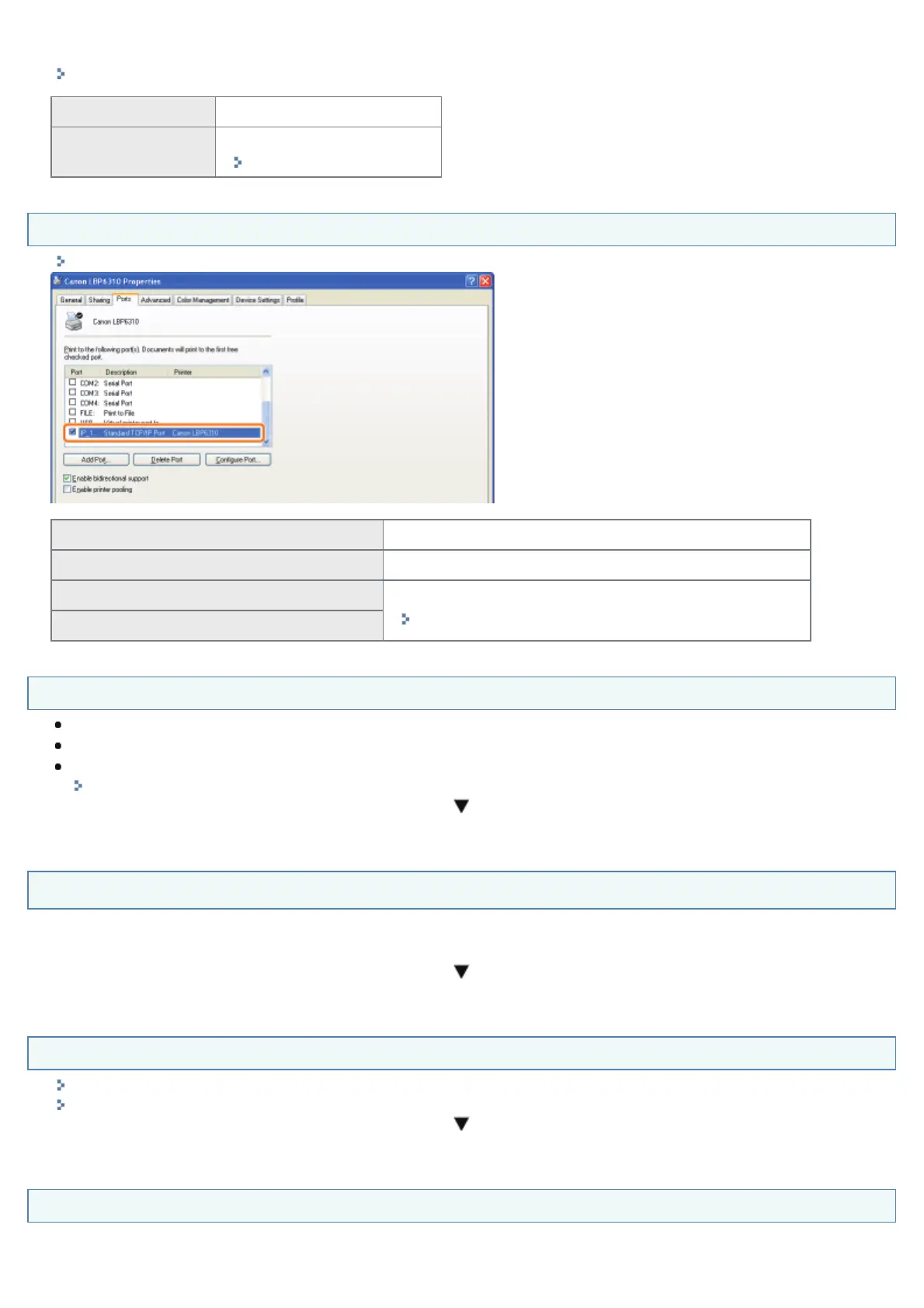
<Question 7> Is the port to be used selected correctly?
"Basic Operations/Various Information for Windows"
Selected To <Question 8>
Not selected Select the correct port.
The port to be used cannot be found.
Create a port.
"When Changing the IP Address (Changing the Port)"
The IP address was changed.
<Question 8> Try the following points.
The printer is specified as the default printer.
The TCP/IP protocol is running.
The users who can print are not restricted.
"Restricting the Users Who Can Print"
If printing does not work, proceed to <Question 9>.
<Question 9> Connect the printer and computer directly with the cross-type
*
LAN cable.
*
This is a LAN cable which is used to connect a printer and computer directly without a hub (LAN network).
If printing does not work or if you cannot prepare a cross-type LAN cable, proceed to <Question 10>.
<Question 10> Install the printer driver again.
"Uninstalling the Printer Driver"
"Installing the Printer Driver (LAN Connection)"
If printing does not work, proceed to <Question 11>.
<Question 11> Can you print from another computer (LAN connection)?
㻟㻣㻞㻌㻛㻌㻠㻡㻞














 To Next Page