IMPORTANT
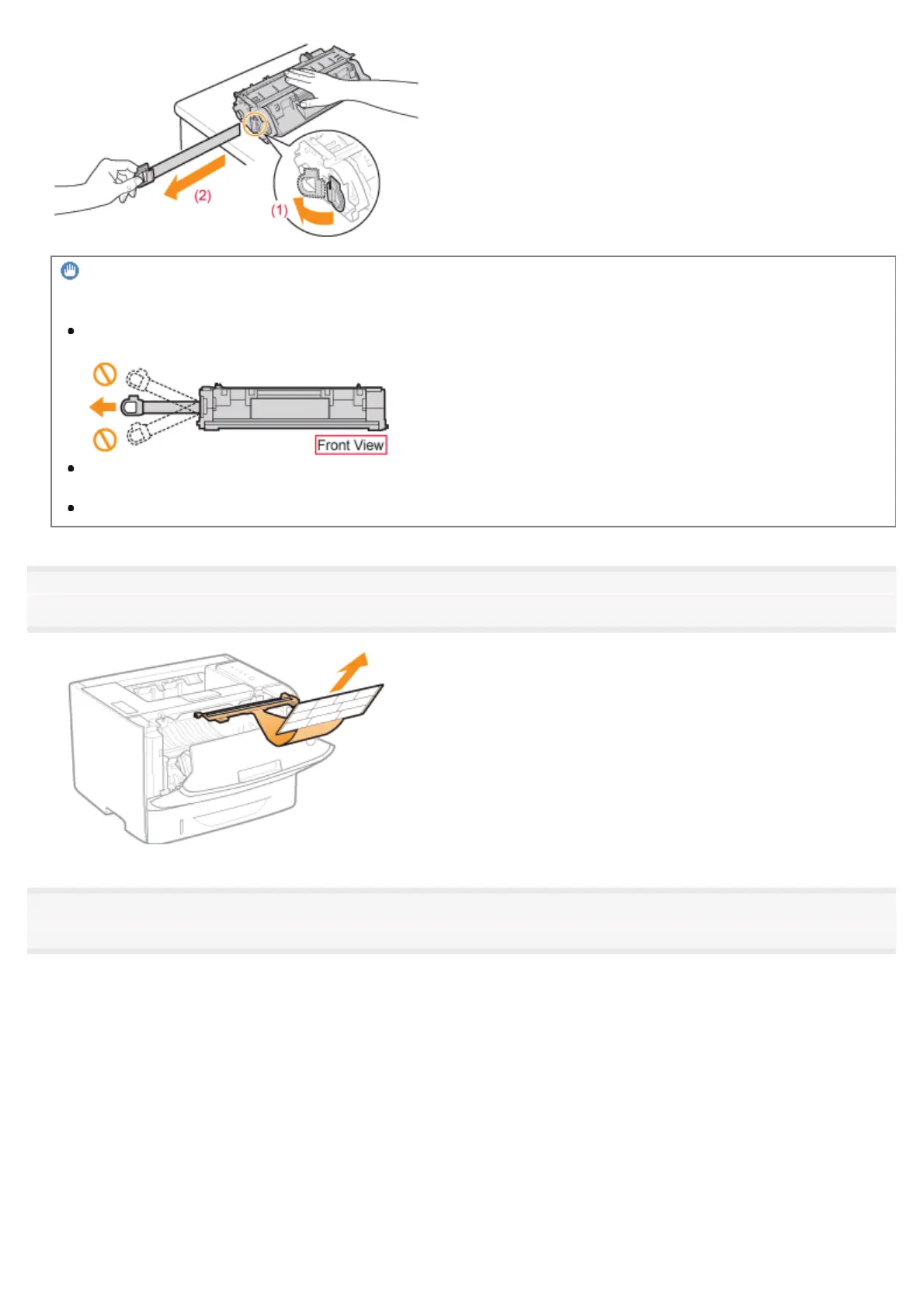
Precautions when pulling out the sealing tape
Do not pull the sealing tape diagonally, upward, or downward. If the tape is severed, this may become difficult to
pull out completely.
If the sealing tape stops at midpoint, pull it out of the toner cartridge completely. If any tape remains in the toner
cartridge, this may result in poor print quality.
Dispose of the removed sealing tape according to local regulations.
8
Remove the packing material with paper inside the front cover.
9
Install the toner cartridge.
Push the toner cartridge into the printer firmly until it touches the back of the printer while aligning (A) on both sides of the
toner cartridge with the toner cartridge guides inside the printer.
㻥㻜㻌㻛㻌㻠㻡㻞














 To Next Page