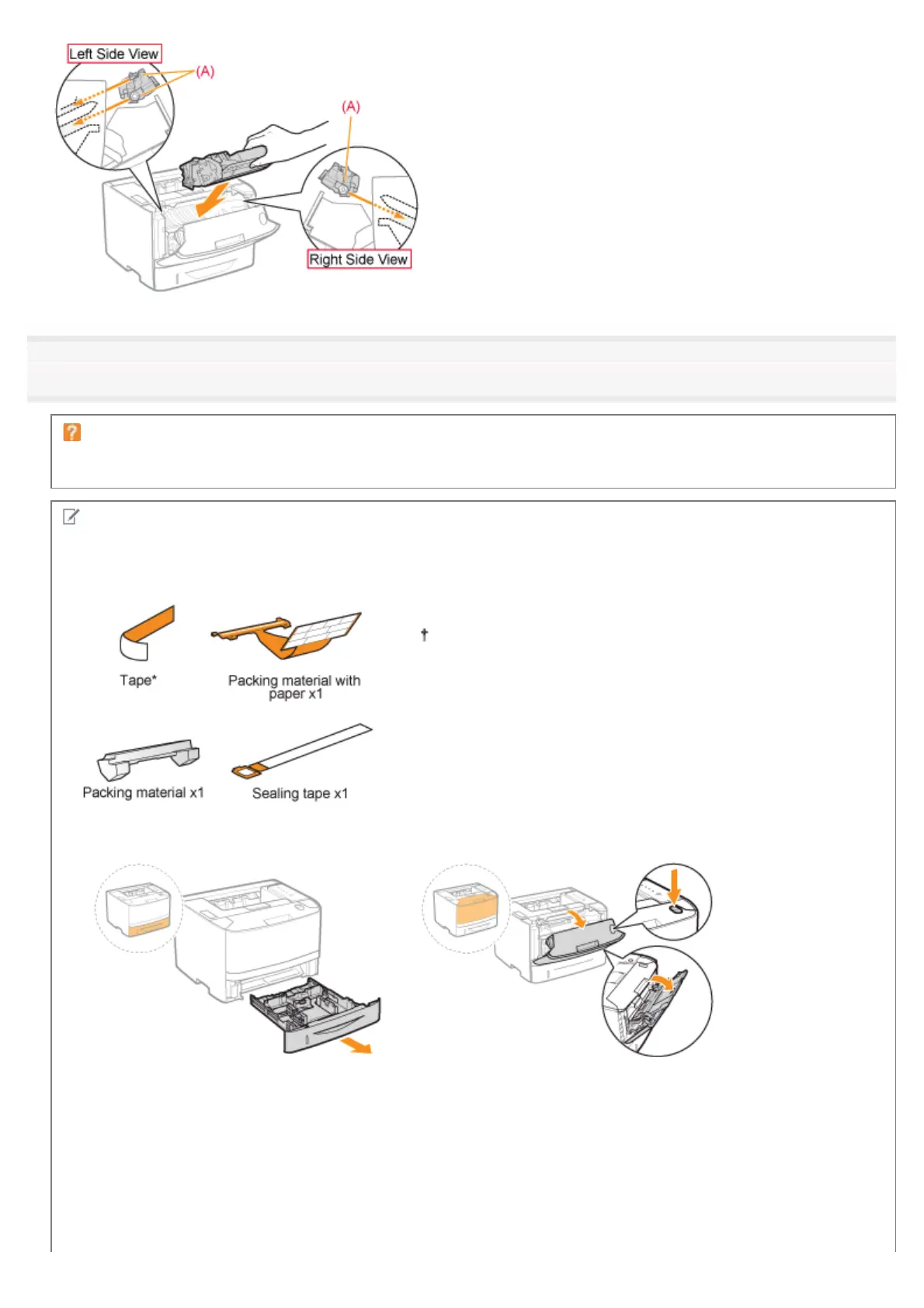
10
Close the front cover.
If you cannot close the front cover
Make sure that the toner cartridge is installed in the printer properly. Do not try to forcefully close the front cover, as
this may damage the printer.
Check !
Checking if the packing materials are removed
Check that the following packing materials are completely removed.
Dispose of the left packing materials according to local
regulations.
*
Make sure that all the orange tape is completely removed.
㻥㻝㻌㻛㻌㻠㻡㻞














 To Next Page