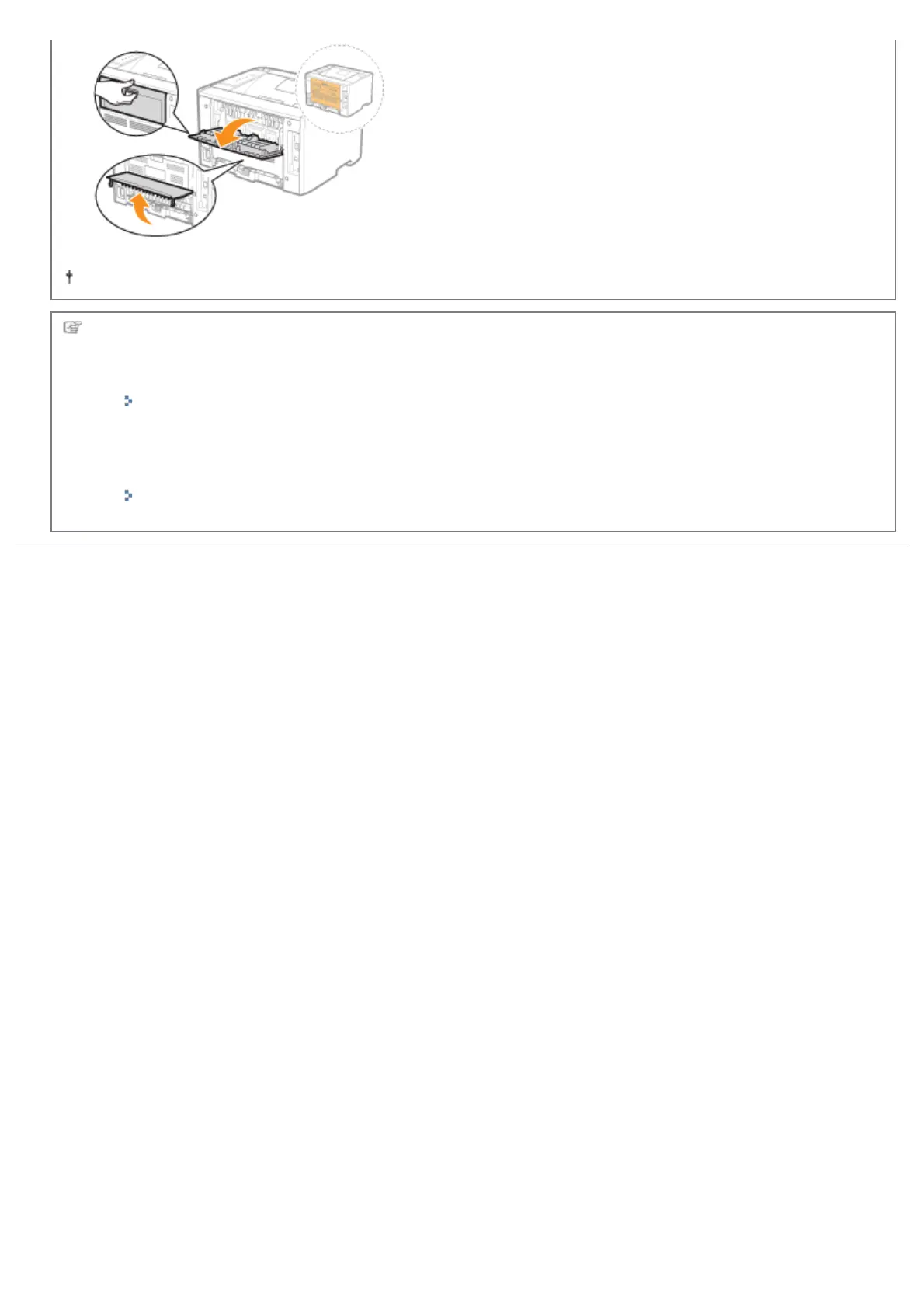
Close the covers after you finish checking.
Next, perform one of the following procedures.
If you want to use the printer with the paper feeder installed
Place the paper feeder at the installation site before installing the printer.
"Installing the Paper Feeder"
If you want to use the printer without the paper feeder
Install the printer.
"Installing the Printer"
㻥㻞㻌㻛㻌㻠㻡㻞














 To Next Page