CDM-625A Advanced Satellite Modem MN-CDM625A
Front Panel Operation Revision 4
6–67
You must follow these rules when creating or adding a VLAN table entry:
• The VLAN ID (0001-4095) must be unique – it cannot be a duplicate of any previously
assigned VLAN ID, including PVIDs in the VLAN ID table.
• If a port is not in Trunk Mode (PortMode = Trunk), the behavior attribute for each port may
be set as Tagged or Filtered.
For any VLAN ID (Trunk Mode) created, at a minimum, one port must be
defined as ‘Tagged’.
You must follow these rules when assigning PVIDs:
• The PVID (0001-4095) must be unique – it cannot be a duplicate of any previously assigned
VLAN ID, including PVID. The only exception to this rule is that the default value 0001 may
be assigned as the PVID for all ports.
• If a port is in Access Mode (Port Mode = Access), the behavior attribute for each port may
be set as Untagged or Filtered.
• PVIDs are automatically ENTERed into the VLAN ID Table when changed.
• When a new PVID entry is added to the VLAN ID Table, the “other” ports will default to
Filtered.
• When a PVID is changed, the entry in the VLAN ID Table for that port will change to Filtered.
If the rest of the ports are also Filtered, then delete that entry. If any other port has been
marked Tagged, leave the entry in the table.
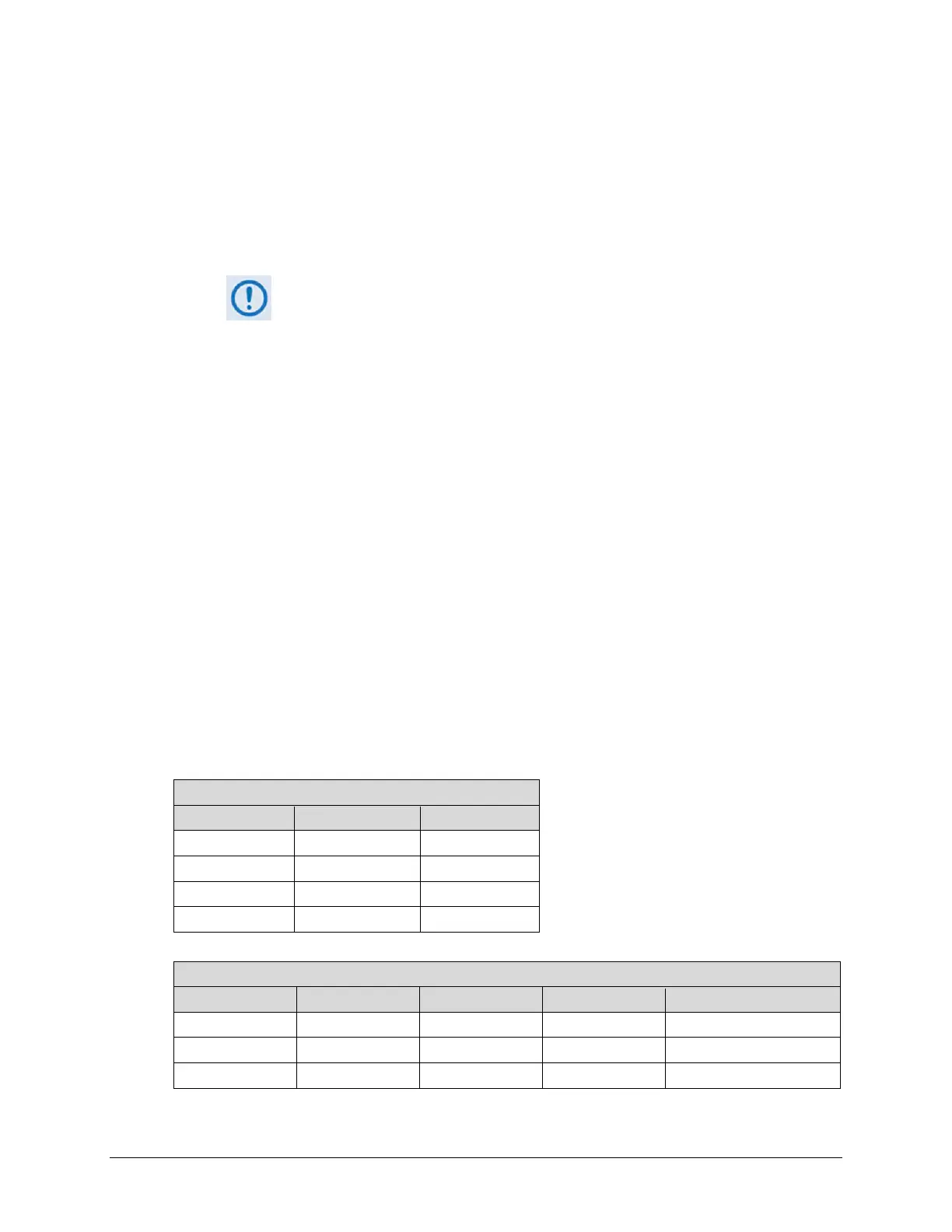
THESE EXAMPLES OF THE VLAN PORT CONFIGURATION AND ID TABLES ARE PROVIDED FOR
USER REFERENCE:
VLAN Port Configuration
Port Port Mode Native VLAN ID
1 Trunk N/A
2 Trunk N/A
3 Trunk N/A
4 Access 3400
VLAN ID Port 1 Port 2 Port 3 Port 4
344 Tagged Filtered Tagged Filter
454 Filtered Tagged Tagged Untagged (Access mode)
3400 Filter Tagged Filter Untagged (Access mode)



 To Next Page