CDM-625A Advanced Satellite Modem MN-CDM625A
Ethernet-based Remote Product Management Revision 4
7–62
7.5.4.3.11.3 Configuration | MEO (Medium Earth Orbit)
You must have the optional IP Packet Processor installed and active, IP-ACM or
V2-ACM as the active operating mode, and Carrier-in-Carrier disabled for any MEO
Operational Modes to be accessible. Otherwise, this page is nonfunctional.
CDM-625A Advanced Satellite Modems are configurable for continuous pairing as Primary and
non-Primary Modems in an Antenna Handover System when the MEO (Medium Earth Orbit)
feature is enabled.
Ethernet data traffic is transmitted and received via the Primary and Non-Primary CDM-625’s
four 10/100 Ethernet ports. The Antenna Handover signal received from the user-provided IF/RF
switch determines which modem is the ONLINE or OFFLINE unit:
• The ONLINE unit transmits traffic only to the WAN side while, at the same time, the OFFLINE
unit’s Tx is muted.
• Both the ONLINE and OFFLINE units receive the satellite traffic, but only the ONLINE unit
forwards traffic to the LAN side while the OFFLINE unit drops the packets.
• Any time a unit switches from the OFFLINE to ONLINE state, the traffic destined for the WAN
is buffered, preconfigured in milliseconds (base modem → Antenna Handover delay).
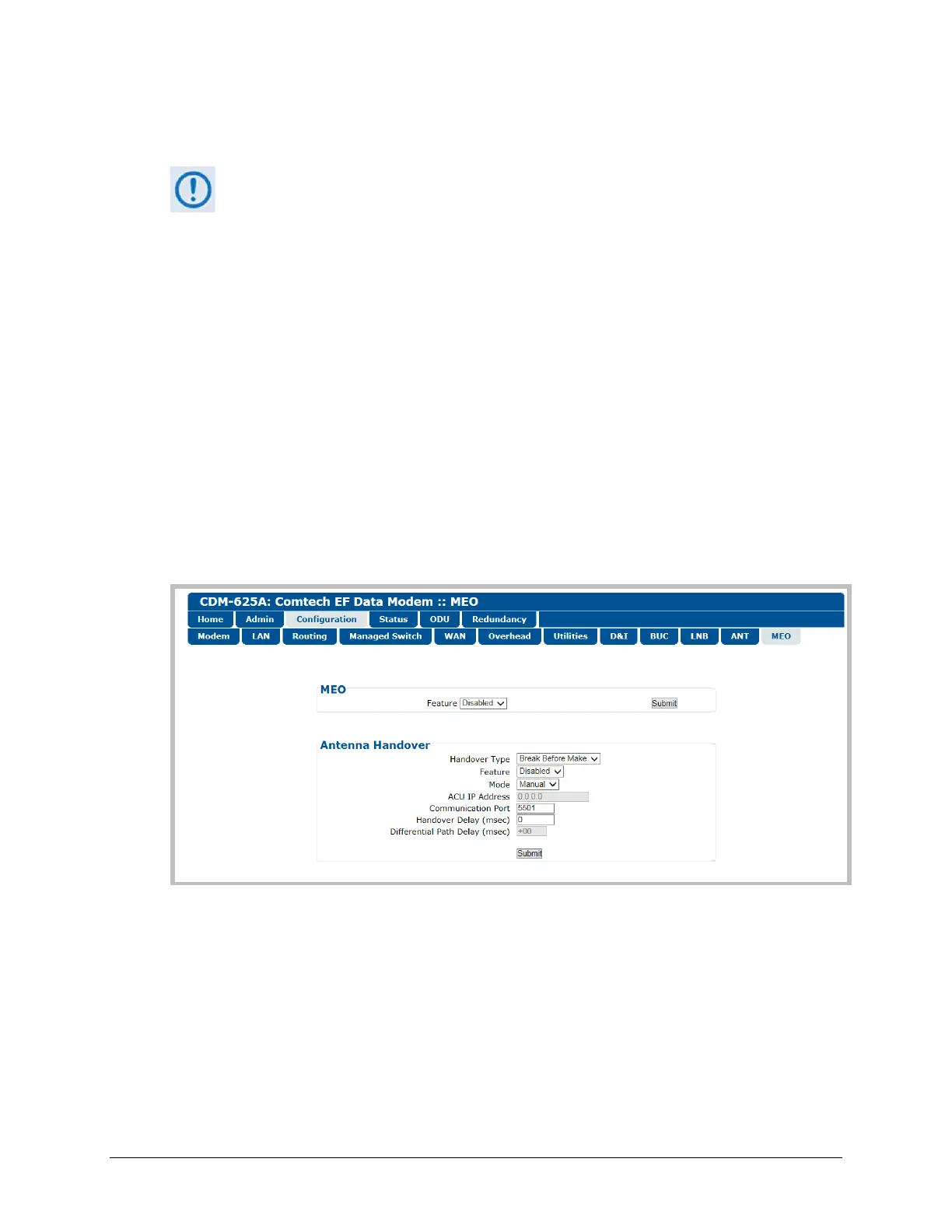
Figure 7-33. Configuration | MEO page
MEO
• Feature – Use the drop-down list to select MEO as Disabled or Enabled.
Click [Submit] to save.
Once the MEO feature is enabled, you may set the Antenna Handover operating parameters.



 To Next Page