CDM-625A Advanced Satellite Modem MN-CDM625A
Telnet Command Line Interface (CLI) Operation Revision 4
9–28
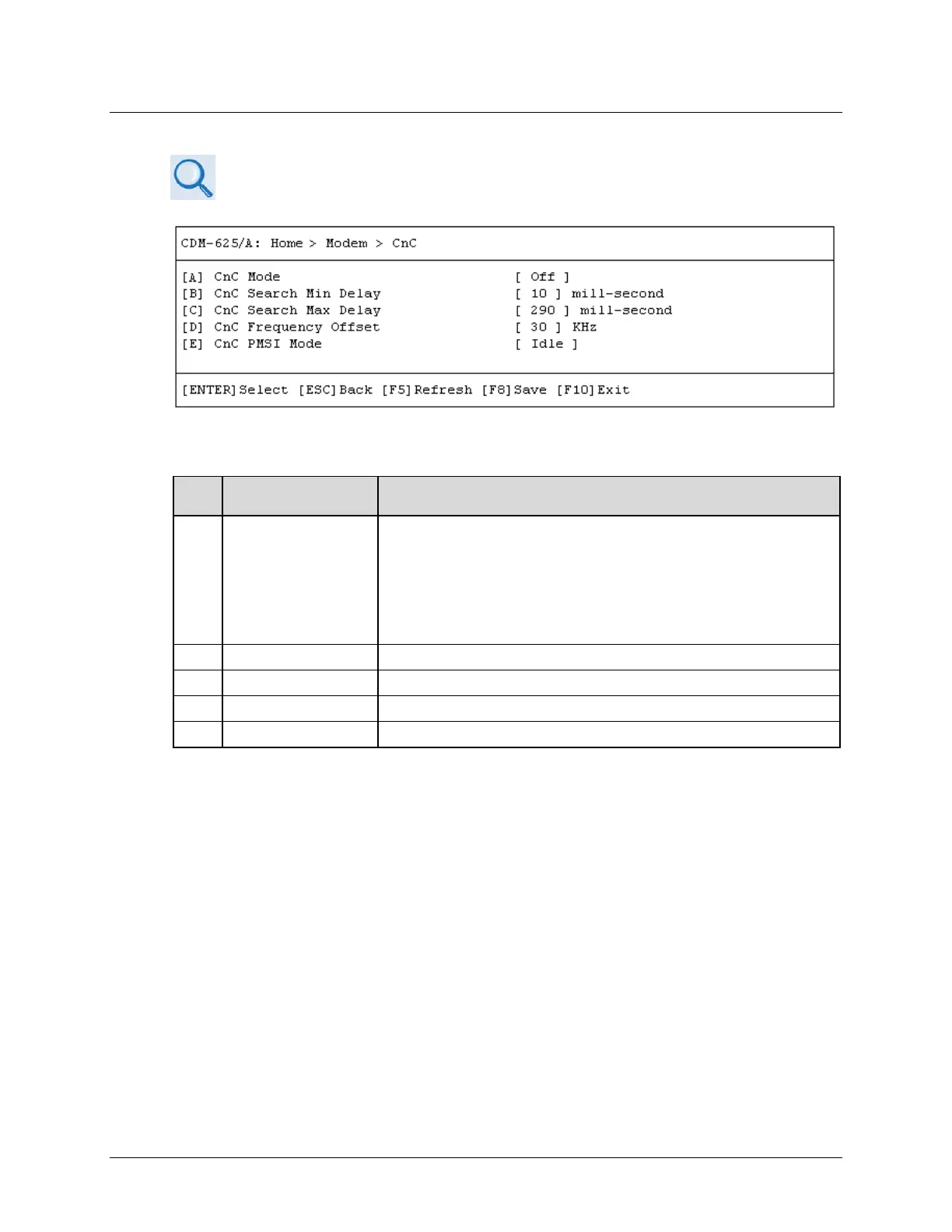
9.3.3.4 Home > Modem > Carrier-in-Carrier (CnC)
Appendix F. DOUBLETALK CARRIER-IN-CARRIER (CNC) OPTION
Open the Carrier-in-Carrier (CnC) page from the Modem submenu. This page contains the
following options:
Dialog Window Option Entry
A CnC Mode
Use the ↑↓ arrow keys to select:
• Off • On Normal • APC CBand Side A
• APC XBand Side A • APC KuBand Side A • APC KaBand Side A
• APC CBand Side B • APC XBand Side B • APC KuBand Side B
• APC KaBand Side B
CnC Search Min Delay Enter a minimum value from
to
ms
C CnC Search Max Delay Enter a maximum value from 0 to 330 ms
D CnC Frequency Offset Enter a value from 1 to 200 KHz
E CnC PMSI Mode Use the ↑↓ arrow keys to select Idle, Redundancy, Talk, or Listen
Press a hot key to open a dialog window. Otherwise, press [ESC] to return to the Modem
submenu.



 To Next Page