CDM-625A Advanced Satellite Modem MN-CDM625A
Ethernet-based Remote Product Management Revision 4
7–77
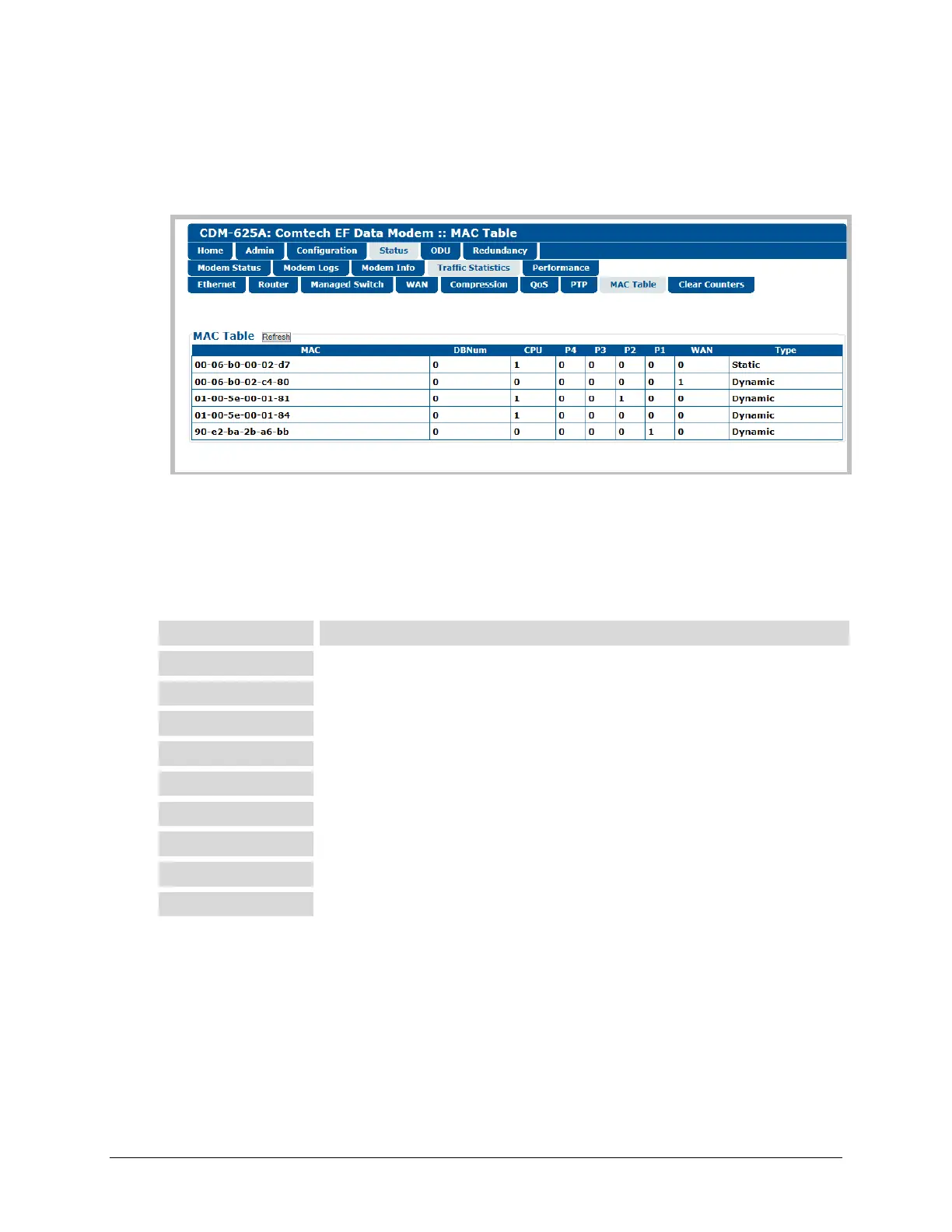
7.5.4.4.4.8 Status | Traffic Statistics | MAC Table
Use this page to view and refresh the MAC Addresses that the modem has discovered on one or
more of its Ethernet switch ports.
Figure 7-45. Status | Traffic Statistics | MAC Table page
MAC Table
Click [Refresh] to update the page with the latest discovered MAC Addresses.
From left to right, note the following:
The MAC Address of the device on LAN/WAN
Database number (always zero)
Port connected to the modem’s M&C Management Port
Packets going into WAN (when the IP Packet Processor is installed and enabled)
Identifies the MAC address as Static or Dynamic



 To Next Page