CDM-625A Advanced Satellite Modem MN-CDM625A
Telnet Command Line Interface (CLI) Operation Revision 4
9–12
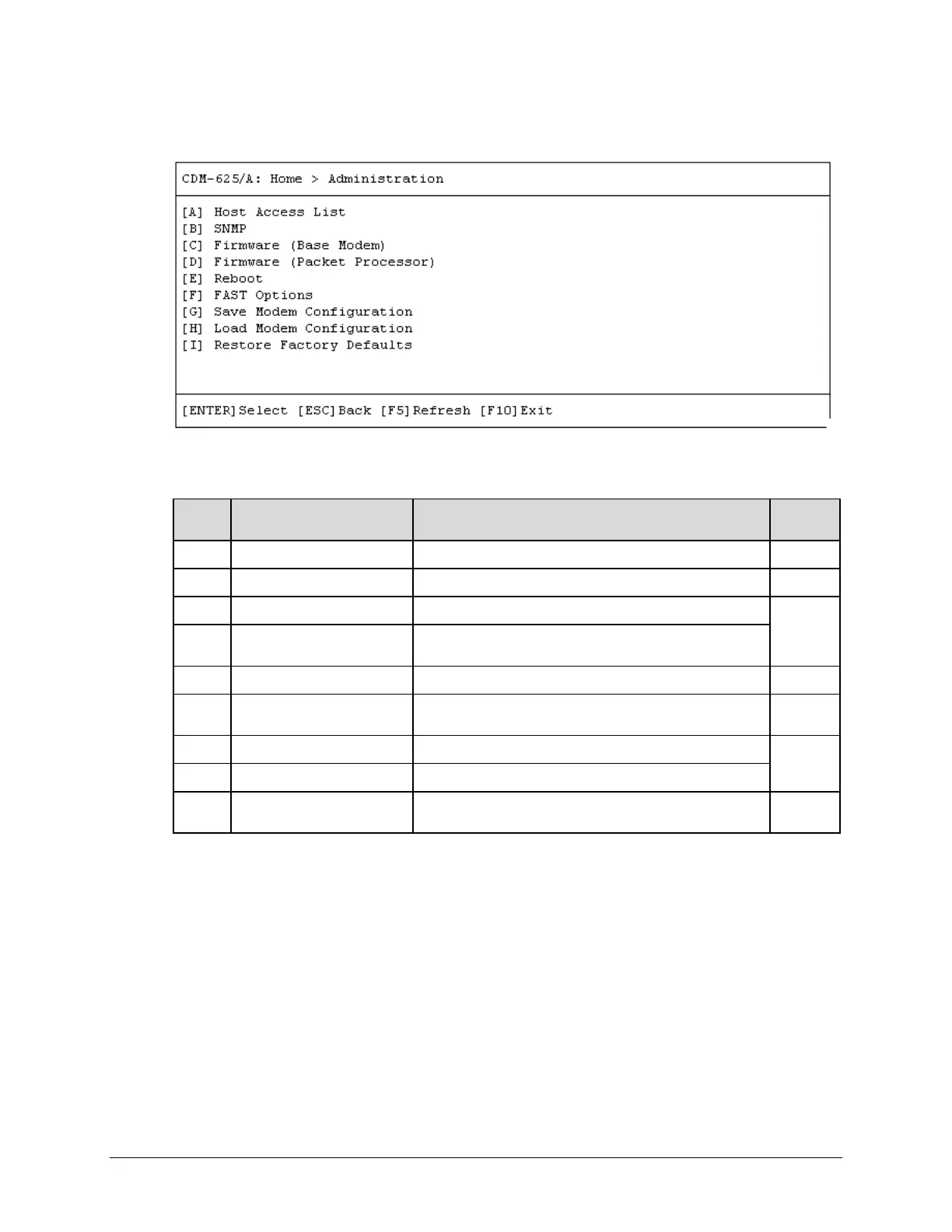
9.3.2 Home > Administration Submenu
Open the Administration submenu from the Home menu. This submenu contains the following
options:
Configuration Page Function Sect.
A Host Access List Configure Host Access List(s) 9.3.2.1
B SNMP Configure SNMP parameters and traps 9.3.2.2
C Firmware (Base Modem) View Base Modem firmware information or select image load
9.3.2.3
D Firmware (Packet Processor)
View Packet Processor firmware information or select image
load
F FAST Options
Set the FAST Feature Demo Mode or view currently installed
FAST options
9.3.2.5
G Save Modem Configuration Save up to 10 modem configurations to memory
9.3.2.6
H Load Modem Configuration Recall 1 of 10 modem configurations from memory
I Restore Factory Defaults
Discard any configuration changes and restore all settings
“as shipped”
9.3.2.7
Press a hot key to access a configuration page. See the specified chapter section for further
configuration information. Otherwise, press [ESC] to return to the Home menu.



 To Next Page