CDM-625A Advanced Satellite Modem MN-CDM625A
Ethernet-based Remote Product Management Revision 4
7–9
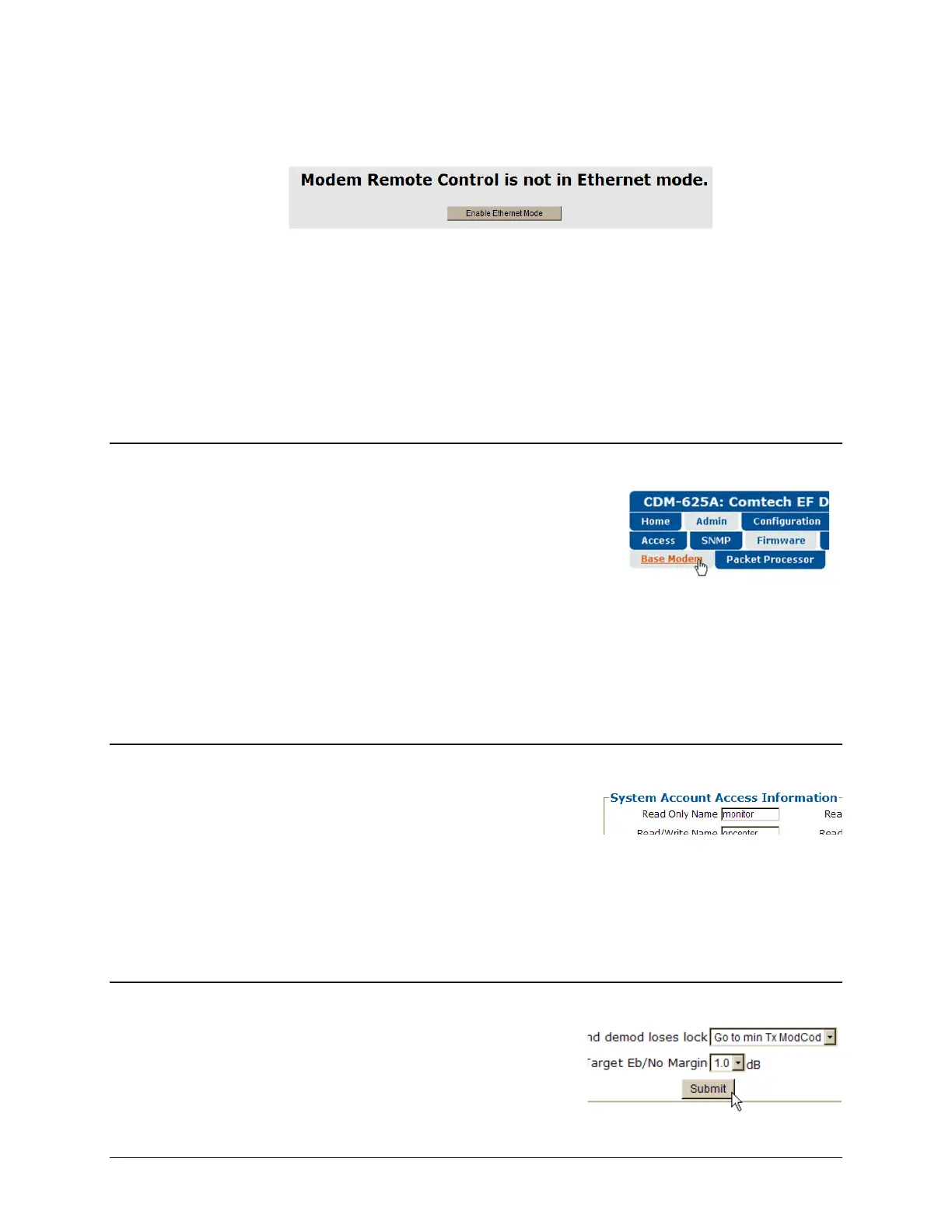
remote control for the CDM-625A has not been set to Ethernet mode, access is blocked and the
following error message displays in the browser window:
Click [Enable Ethernet Mode] to switch over from your current mode to Ethernet Mode.
Alternately, from the CDM-625A front panel, use the
◄ ► arrow keys to navigate to, and the ▲
▼
arrow keys to edit, the remote control configuration menu (press ENTER when done):
SELECT: Configuration Remote Remote Control=Ethernet
7.5.2 HTTP Interface – Operational Features
7.5.2.1 Navigation
This interface features navigation tabs located at the top of
each page. After you click a navigation tab, you may click an
available primary page tab. In turn, any nested tabs appear for
further selection.
This manual uses a naming format for all pages to indicate the depth of navigation needed to
view the subject page: “Top Level Tab | Primary Page Tab | Nested Tab”.
For example: “Admin | Firmware | Base Modem” is interpreted to mean “first click the top-
level ‘Admin’ navigation tab; then, click the ‘Firmware’ primary page tab; finally, click the nested
‘Base Modem’ tab.”
7.5.2.2 Page Sections
Each page features one or more sections. The title at the
upper-left corner of each page or page section describes its
operational features. Each section can feature editable
fields, action buttons, and read-only displays for a specific
function.
This manual explains the purpose and operation for each Web page on a per-page, per-section
basis.
7.5.2.3 Action Buttons
Action buttons are important in the HTTP Interface.



 To Next Page