CDM-625A Advanced Satellite Modem MN-CDM625A
Telnet Command Line Interface (CLI) Operation Revision 4
9–19
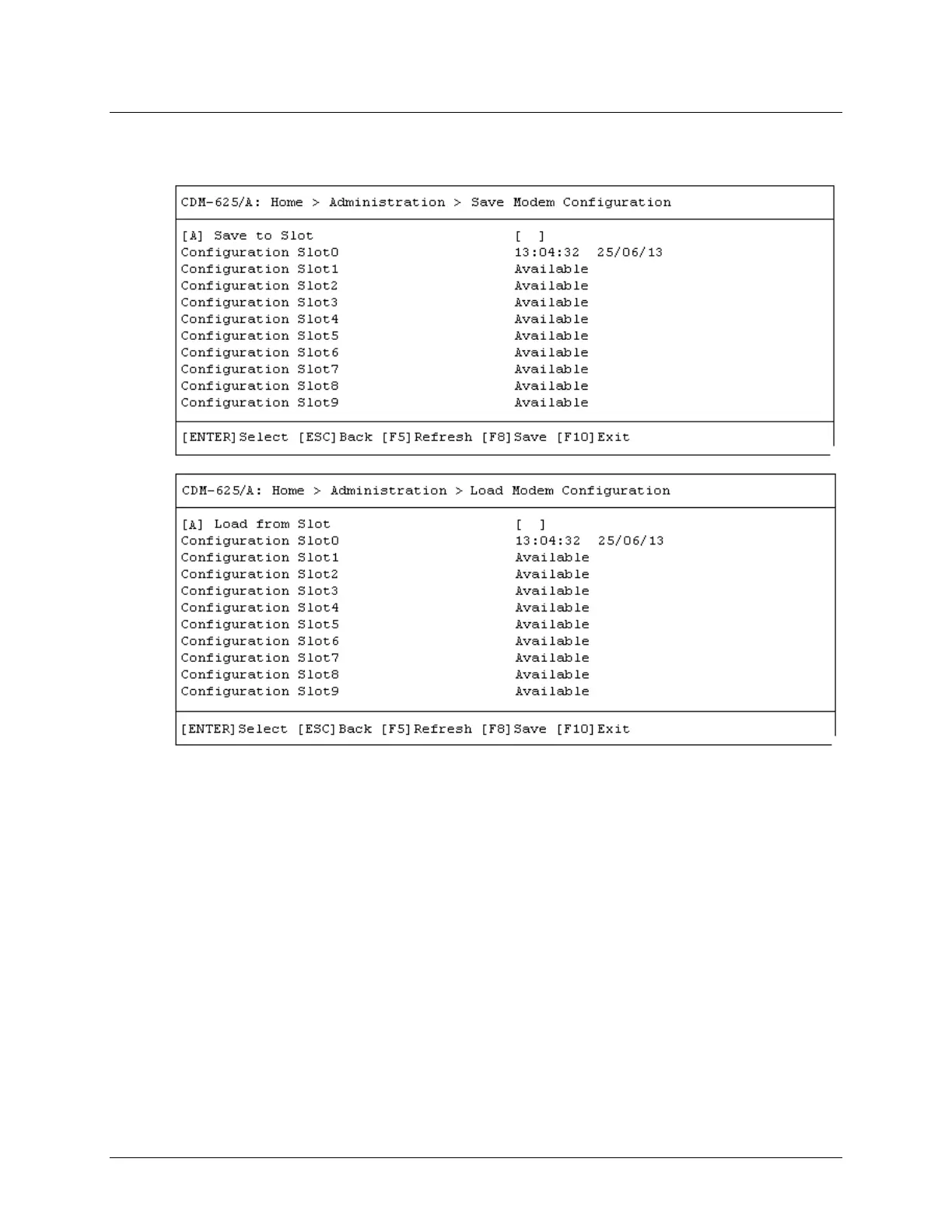
9.3.2.6 Home > Administration > Save Modem Configuration / Load
Modem Configuration
Open the Save Modem Configuration and Load Modem Configuration pages from the
Administration submenu. Use these pages to save and load up to 10 modem configurations.
Press [A] to open the Save to Slot or Load from Slot dialog window. Otherwise, press [ESC] to
return to the Administration submenu.
Each modem configuration is stored in an assigned “slot” – 0 through 9. If a configuration slot is
available for storage, either page notes the status of that slot as Available. Otherwise, if the slot
contains an existing configuration, that slot’s storage time is specified in military format
(HH:MM:SS); the date is shown in DAY-MONTH-YEAR format in accordance with European
convention.
To store (save) a configuration setting:
• First, make any desired configuration changes to the modem.



 To Next Page