CDM-625A Advanced Satellite Modem MN-CDM625A
Telnet Command Line Interface (CLI) Operation Revision 4
9–20
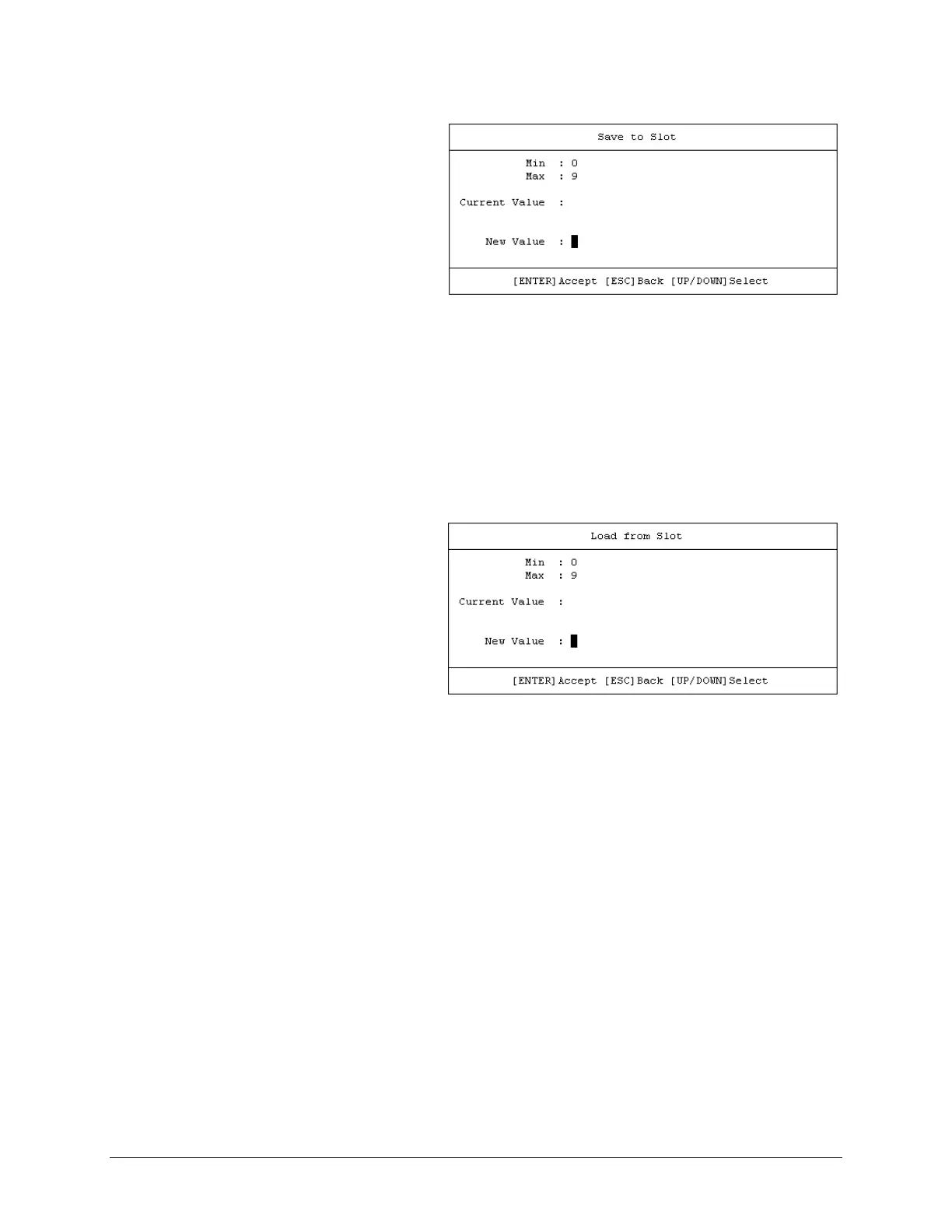
• Next, open the Save Modem
Configuration window (Home >
[A] Administration > [G] Save
Modem Configuration). Note the
Configuration slots listed in the
window, and then press [A] Save
to Slot. The nested dialog
window opens:
• Then, enter 0 through 9, and then press [ENTER] to accept the selection.
• Finally, press [F8] to save (store) the configuration. Wait while the configuration is stored
into memory.
Once a modem configuration is stored into the designated slot, the time and date are recorded,
and this information appears on the configuration slot line.
To load (recall) a configuration setting:
• First, open the Load Modem
Configuration window (Home >
[A] Administration > [H] Load
Modem Configuration). Note the
saved configuration slots listed in
the window, and then press [A]
Load from Slot. The nested dialog
window opens:
• Then, enter 0 through 9, and press [ENTER] to accept the selection.
• Finally, press [F8] to load (recall) the configuration. Wait while the configuration is loaded
from memory.



 To Next Page