CDM-625A Advanced Satellite Modem MN-CDM625A
Front Panel Operation Revision 4
6–93
6.2.6.3 Utilities: CarrID
Appendix D. CARRIER ID (DVB-CID METACARRIER®)
BEFORE USING CARRIER ID, BE SURE TO USE THIS MENU TO FIRST CREATE A
METACARRIER CUSTOM MESSAGE OF 24 CHARACTERS OR LESS.
CarrierID:Off(Off,On)For Tx≥128ksps()
Use the
▲▼ arrow keys to select the Carrier ID (MetaCarrier) function as Off or On. After
selecting On, the appearance of this menu screen updates as follows:
CarrierID:On (Off,On)For Tx≥128ksps()
Latitude Longitude Telephone Message
Use the
◄ ►arrow keys to select a parameter. Press ENTER.
6.2.6.3.1 Utilities: CarrID Latitude
CarrierID Latitude: 33°25.32’N
()
Set the Carrier ID Latitudinal Coordinate by using the ◄ ►arrow keys to select an alphanumeric
character space. Then, use the ▲▼ arrow keys to change that character. Press ENTER.
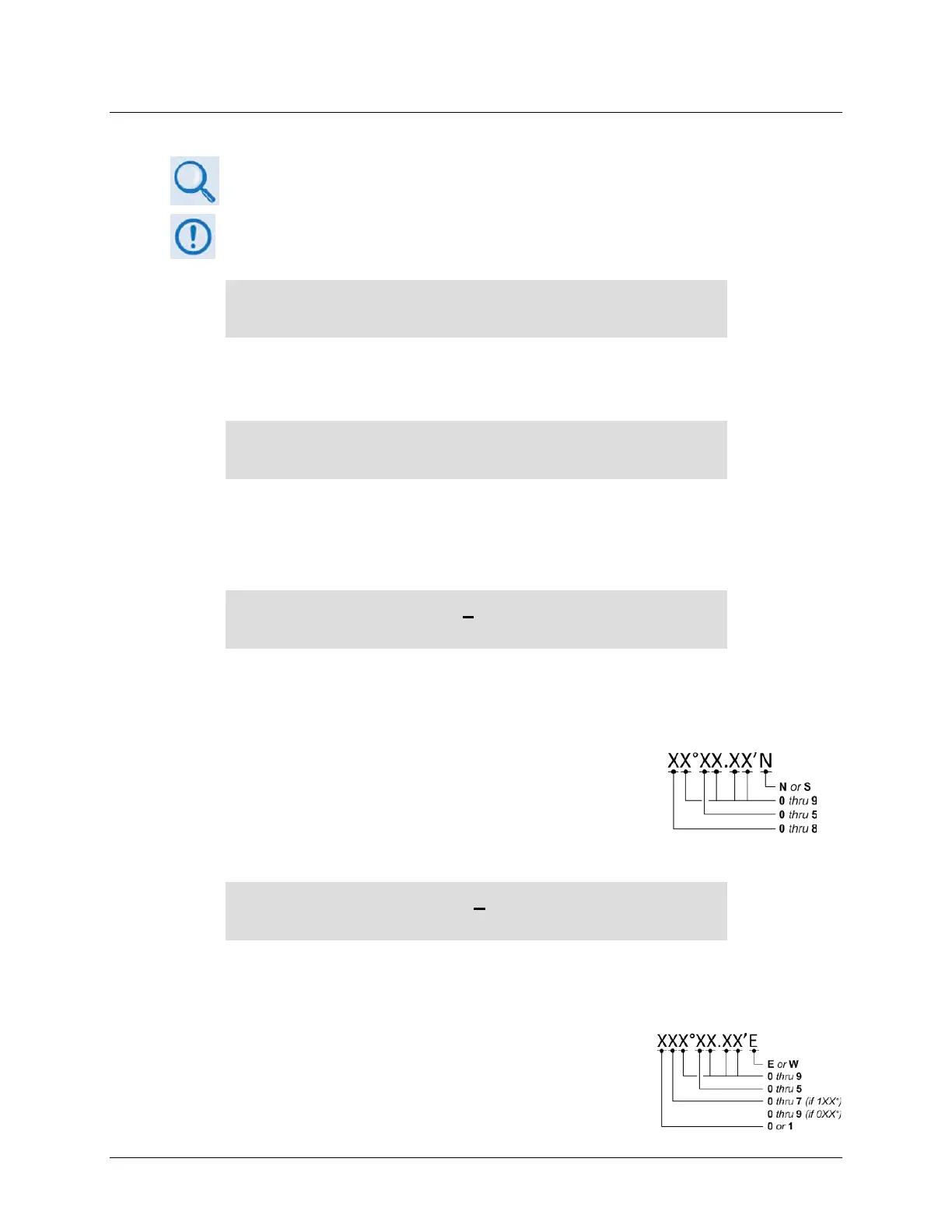
The unit limits the selection of available alphanumeric characters as
follows:
6.2.6.3.2 Utilities: CarrID Longitude
CarrierID Longitude: 111°58.28’W
()
Set the Carrier ID Longitudinal Coordinate by using the ◄ ►arrow keys to select an
alphanumeric character space. Then, use the ▲▼ arrow keys to change that character. Press
ENTER.
The unit limits the selection of available alphanumeric characters as
follows:



 To Next Page