CDM-625A Advanced Satellite Modem MN-CDM625A
Appendix U Revision 4
U–2
U.2 Perform the FTP Modem Configuration Procedure
U.2.1 Create the Modem Configuration File From the Source Modem
1) Use Command-line to send a “PING” command to confirm proper connection and
communication between the User PC and the CDM-625A Source Modem:
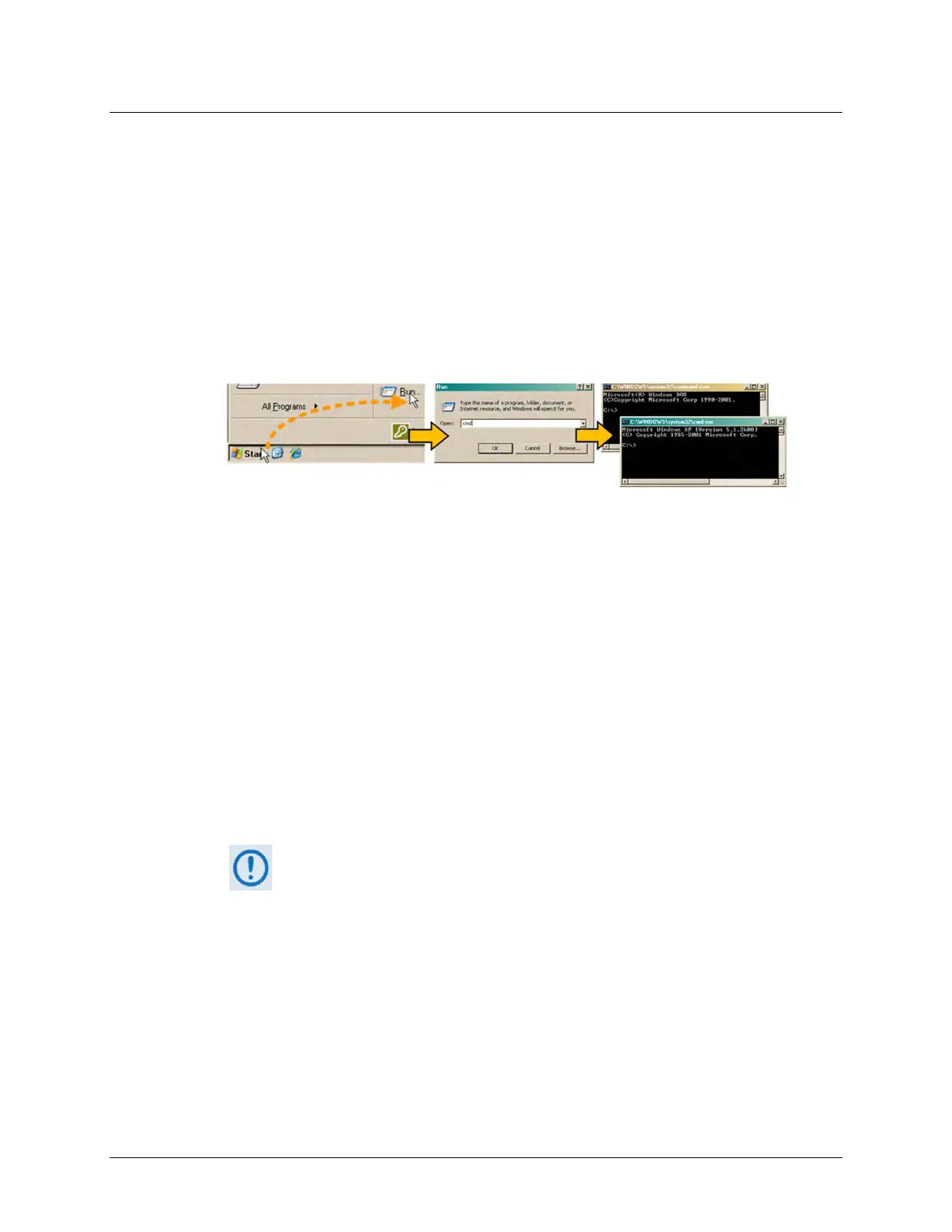
• Open a Command-line window…
For Windows 95 or Windows 98, type “command”.
For any Windows OS versions later than Windows 98, type “cmd” or “command”.
Alternately, from [Start], select All Programs > Accessories > Command Prompt.
• Type “ping xxx.xxx.xxx.xxx” at the Command-line prompt (where xxx.xxx.xxx.xxx is the
Source Modem Traffic/Management IP Address).
The response should confirm whether the Source Modem is properly connected and
communicating.
2) Use Command-line to create, via FTP, the Modem Configuration File from the Source
Modem and save it to the User PC:
• Make sure that you are in the newly created folder.
• Type "ftp xxx.xxx.xxx.xxx" without quotes (where xxx.xxx.xxx.xxx is the Source Modem
Traffic/Management IP Address).
If you are using a CDM-625A Advanced Satellite Modem and you have
installed and enabled the optional IP Packet Processor, use of FTP is
restricted to users with Administrator privileges. You will be prompted to
type in the Admin User Name and Password (the default for both is
‘comtech’) before you can continue. There are otherwise no restrictions on
FTP operations for CDM-625A Base Modem users.
• Type "get config:config_file" without quotes at the Command-line ftp> prompt, and
then press the Enter key to begin the file creation. You will observe the progress similar
to this example:
200 Port OK
150 Opening data connection



 To Next Page