CDM-625A Advanced Satellite Modem MN-CDM625A
Telnet Command Line Interface (CLI) Operation Revision 4
9–16
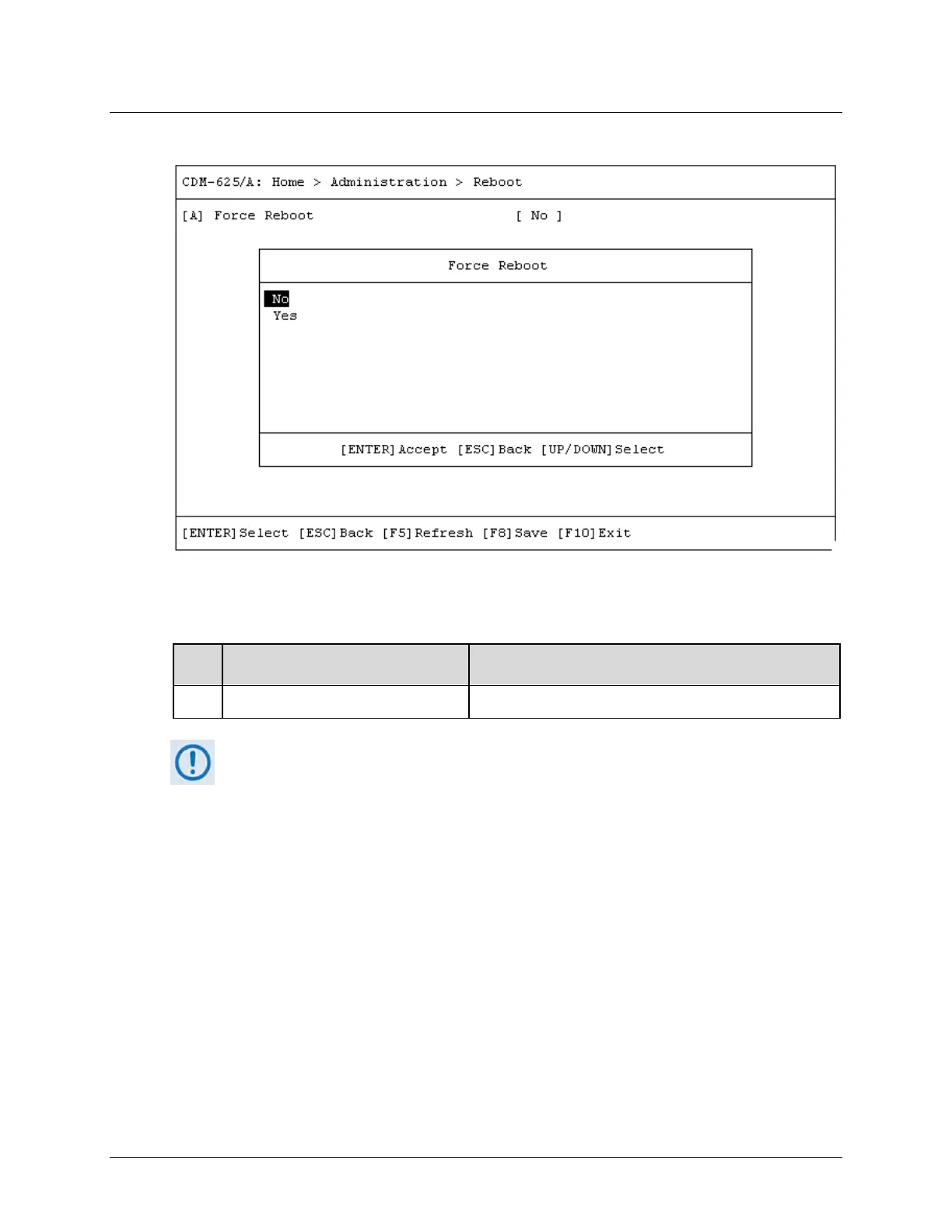
9.3.2.4 Home > Administration > Reboot
Open the Reboot page from the Administration submenu. Use this page to perform a soft
reboot of the CDM-625A. Otherwise, press [ESC] to return to the Administration submenu.
Dialog Window Option Entry
A Force Reboot Use the ↑↓ arrow keys to select No (default) or Yes to reboot
You must restart your Telnet CLI session upon reboot of the CDM-625A.



 To Next Page