CDM-625A Advanced Satellite Modem MN-CDM625A
Appendix T Revision 4
T–6
T.4.1 RADIUS Operation Using the CDM-625A Front Panel
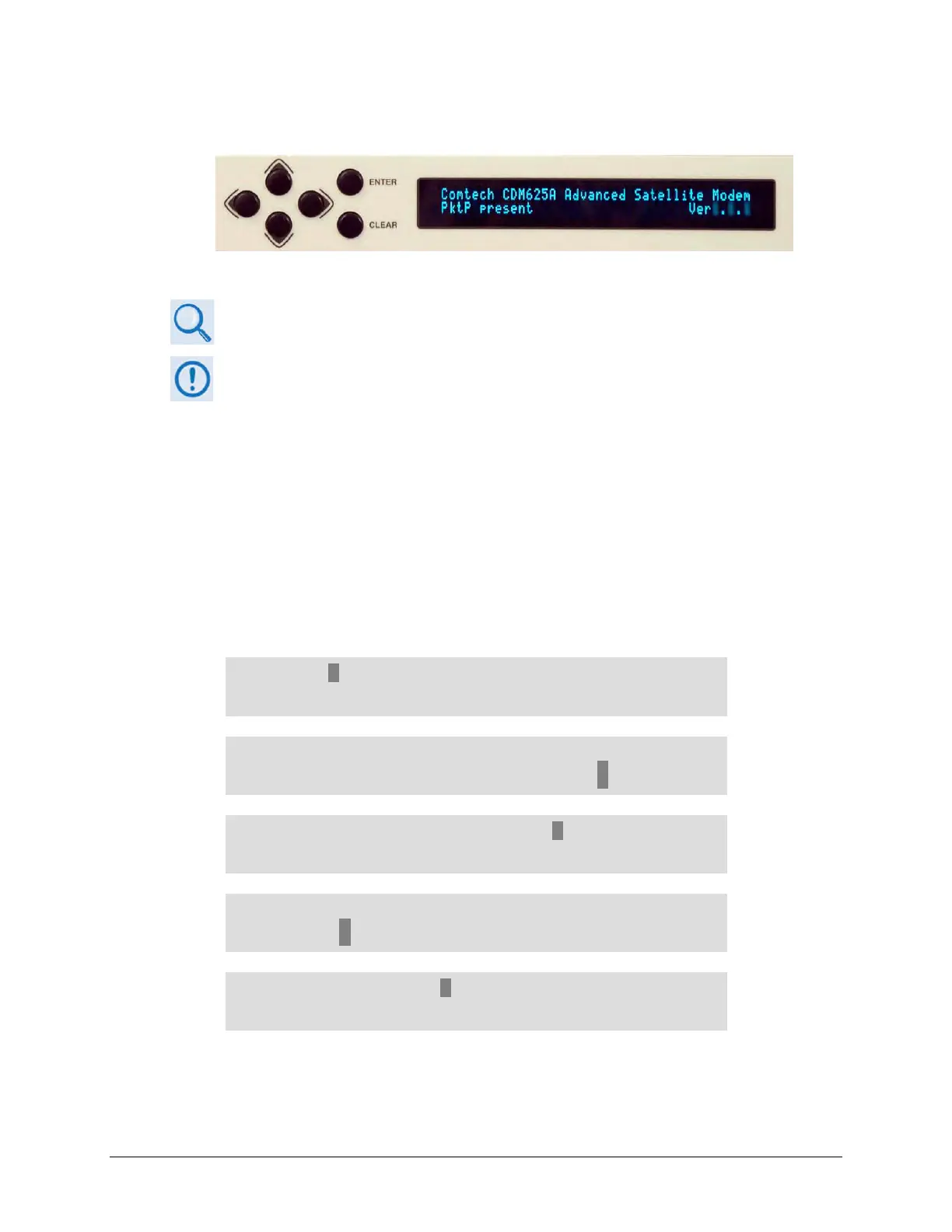
Figure T-2. CDM-625A Front Panel Keypad and Vacuum Fluorescent Display
Chapter 6. FRONT PANEL OPERATION
• Access to and operation of the CDM-625A Front Panel is not controlled by
RADIUS.
• Control of RADIUS operations from the front panel is limited only to enabling
and disabling the feature.
• Configuration of RADIUS features is possible only using Telnet remote
commands or the HTTP (Web Server) Interface Admin | Access page.
From the front panel main (SELECT:) menu, use the ◄ ►arrow keys to select the Configuration
menu branch, and then press ENTER. From the CONFIG: menu branch, use the
◄ ► arrow keys
to select the IP submenu, and then press ENTER. From the IP Config: submenu, use the arrow
keys to select Setup, and then press ENTER. From the IP Setup submenu, use the
◄ ► arrow
keys to select Rad.
SELECT: Configuration Test Monitor
Info Store/Ld Utility ODU FAST ()
CONFIG: All Mode Tx Rx Clocks D&I/ACM
CnC EDMAC Misc Mask Remote IP ()
IP Config: Addresses SNMP Setup
ANT AccessList PktP-Enable ()
IP Setup: Mode WAN PerPortCnfg DDMgmtPt
MAC-Lrng Rad VLAN QoS Stats FrmSize ()
RADIUS: Disabled (Enabled, Disabled)
()
Use the
▲▼ arrow keys to select RADIUS operation as Enabled, and then press ENTER.



 To Next Page