CDM-625A Advanced Satellite Modem MN-CDM625A
Ethernet-based Remote Product Management Revision 4
7–20
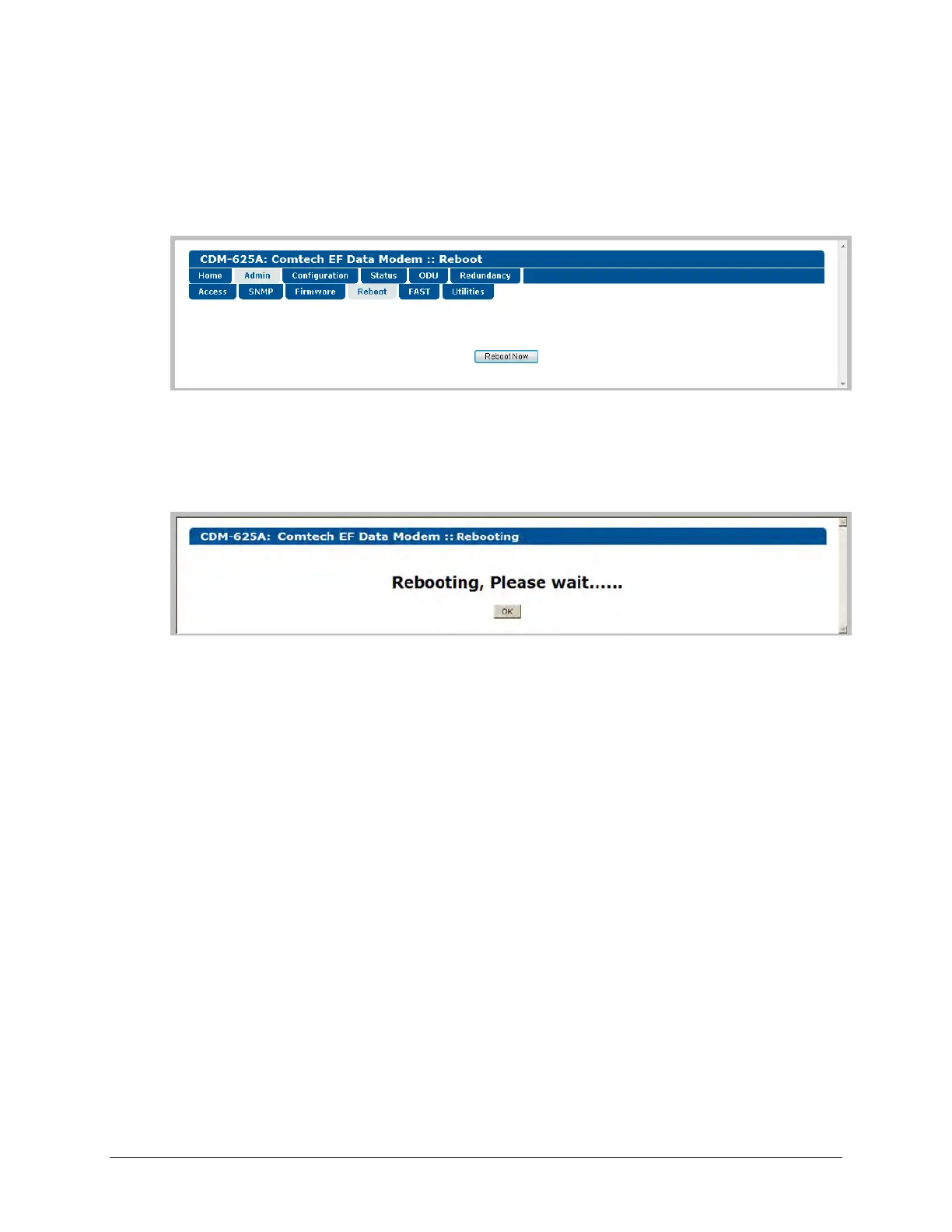
7.5.4.2.4 Admin | Reboot
Use this page to perform a soft reboot of the CDM-625A using the current, active firmware
Image as selected on the ‘Admin | Firmware | Base Modem’ page (Sect. 7.5.4.2.3.1) and/or the
‘Admin | Firmware | Packet Processor’ page (Sect. 7.5.4.2.3.2).
Figure 7-8. Status | Firmware Info | Reboot page
Click [Reboot Now] to perform the soft reboot of the CDM-625A. The page updates to indicate
the reboot in progress as follows:
Depending on the number of installed hardware and firmware options, it may take up to one
minute for soft reboot to execute. Once the CDM-625A “splash” screen appears, you must log in
to begin a new HTTP Interface session:
1) Click [OK] on the ‘Rebooting’ page to complete the reboot process.
2) Upon reboot, you will need to refresh your browser window. Once the Login window
appears, type in your User name and Password.
3) Click [OK] in the Login window; the browser window will refresh to show the HTTP Interface
“splash” (Home) page.
4) Select any navigation tab to resume your session.



 To Next Page