CDM-625A Advanced Satellite Modem MN-CDM625A
Telnet Command Line Interface (CLI) Operation Revision 4
9–9
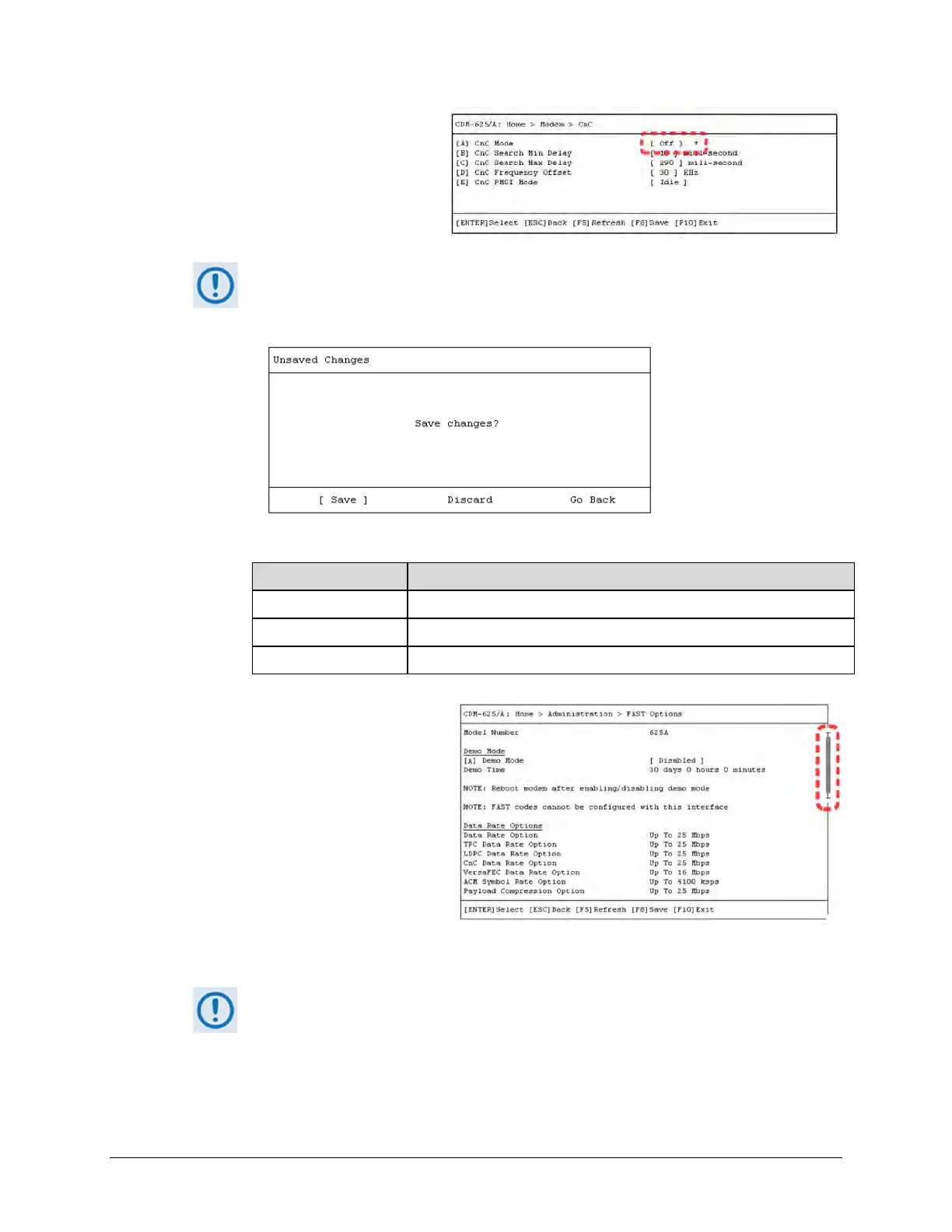
5) Any menu item that has been
changed since the previous save
gets appended with an asterisk [*],
as “CnC Mode“ shows in this
example:
You must press [F8] to save any changes to the modem memory. If you press [ESC]
after changes have been made – but not saved – on a page, the Unsaved Changes
window opens to force further action:
Use the ← → arrow keys to select an action:
Selection Action
[Save] Save any changes made to the page to memory
[Discard] Exit the page without saving and return to the parent submenu
[Go Back] Return to the active configuration window to review or make further changes
6) For any page where the content
exceeds the defined window
height, a scroll bar appears on the
right hand side of the page:
Use the ↑↓ arrow keys within the window to scroll through the page contents.
This chapter documents the entire Telnet Command Line Interface. Some
features may not be available with your modem as equipped. Your CLI window
appearances may differ based on your terminal emulator’s configured window



 To Next Page