CDM-625A Advanced Satellite Modem MN-CDM625A
Telnet Command Line Interface (CLI) Operation Revision 4
9–49
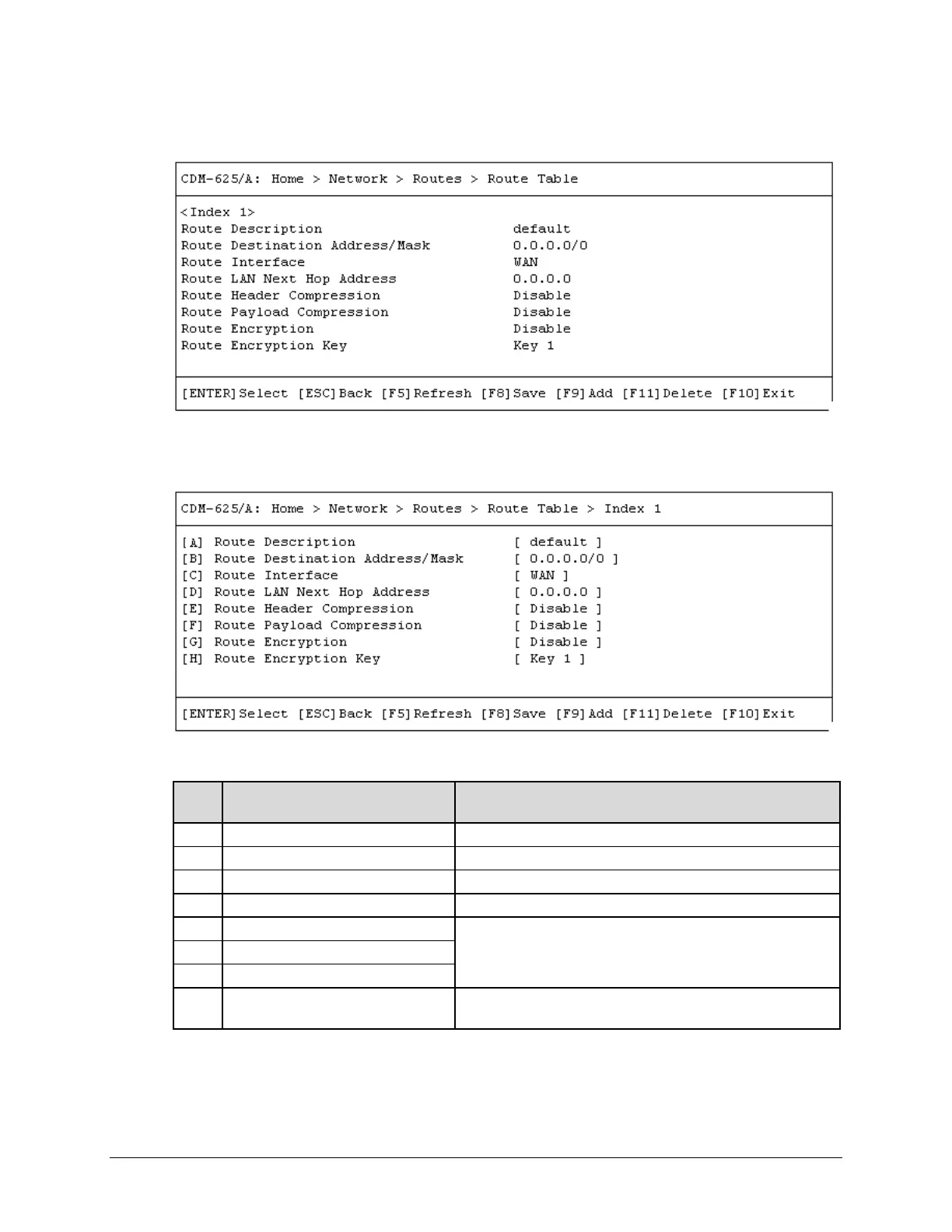
9.3.4.5.1 Home > Network > Routes > Route Table
Open the Route Table from the nested Routes submenu. Use the ↑↓ arrow keys to scroll
through the available entries. You may also select a header (e.g., <Index 1>) and press [ENTER]
to view, in a standalone window, a specific Route Index page as shown in th
is example:
Each available Index # page contains the following options:
Dialog Window Option Entry
Route Destination Address/Mask
Enter an IP Address/Range in the form XXX.XXX.XXX.XXX/XX
Use the ↑↓ arrow keys to select LAN or WAN
Route LAN Next Hop Address
Enter an IP Address in the form XXX.XXX.XXX.XXX
Typical for each entry – Use the ↑↓ arrow keys to select Disable
or Enable
Route Payload Compression
H Route Encryption Key
Use the ↑↓ arrow keys to select Key 1 through Key 8, or
Random
Typical for any accessed Index # page, press a hot key to open a dialog window. Otherwise,
press [ESC] twice to return to the Network submenu.



 To Next Page