CDM-625A Advanced Satellite Modem MN-CDM625A
Telnet Command Line Interface (CLI) Operation Revision 4
9–51
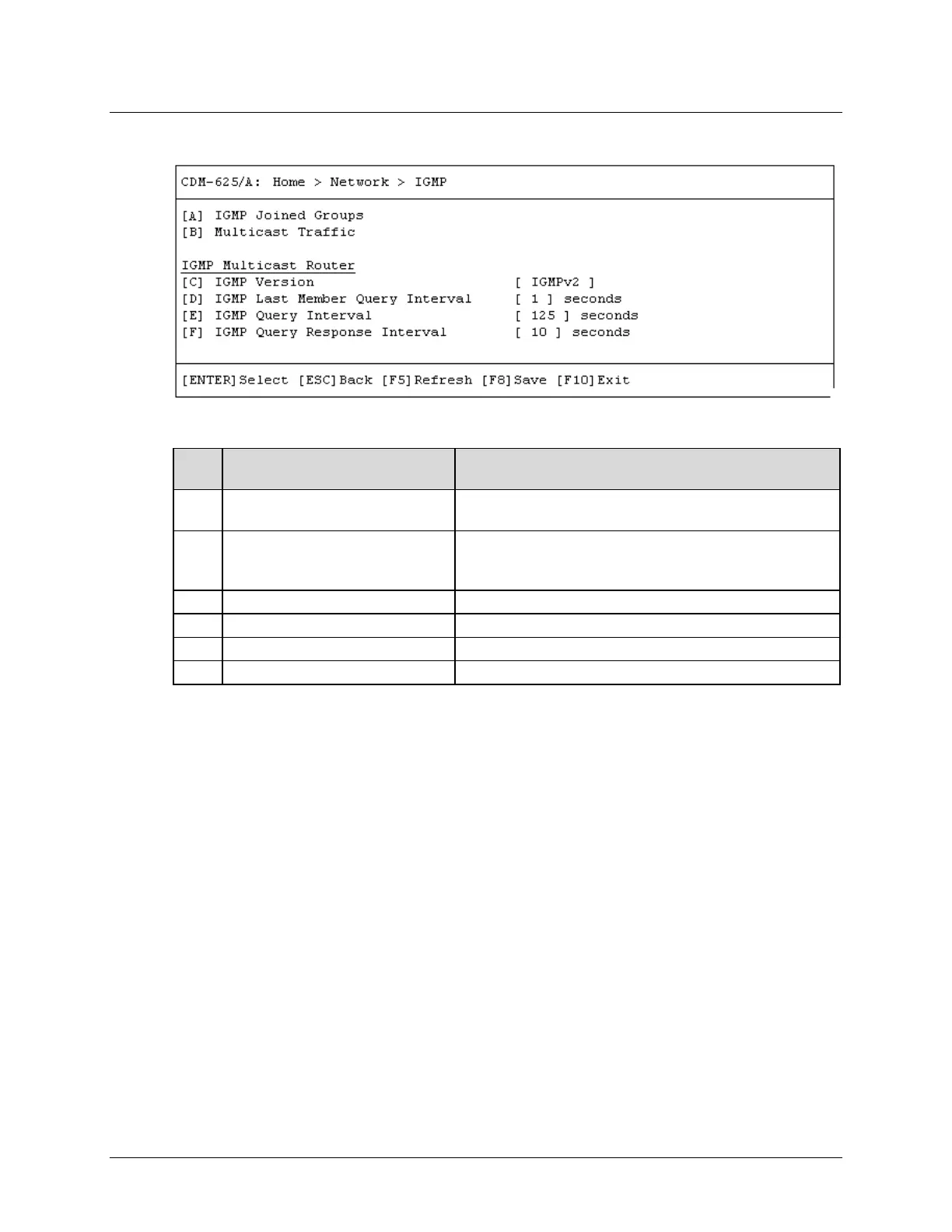
9.3.4.7 Home > Network > IGMP (Internet Group Management Protocol)
Open the IGMP page from the Network submenu. This page contains the following options:
Dialog Window Option Entry
A IGMP Joined Groups
Lists the IGMP Groups that are active on the modem. If none
exist, this window displays the message <No IGMP Groups>
B Multicast Traffic
Lists the Multicast Routes that are active on the modem. If none
exist, this window displays the message <No IGMP Multicast
Use ↑↓ arrow keys to select IGMPv1, IGMPv2, or IGMPv3
IGMP Last Member Query Interval
Enter a value from 1 to 25 seconds
Enter a value from 1 to 18000 seconds
IGMP Query Response Interval
Enter a value from 1 to 25 seconds
Press a hot key to open a dialog window. Otherwise, press [ESC] to return to the Network
submenu.



 To Next Page