CDM-625A Advanced Satellite Modem MN-CDM625A
Telnet Command Line Interface (CLI) Operation Revision 4
9–76
9.3.10 Home > Statistics Submenu
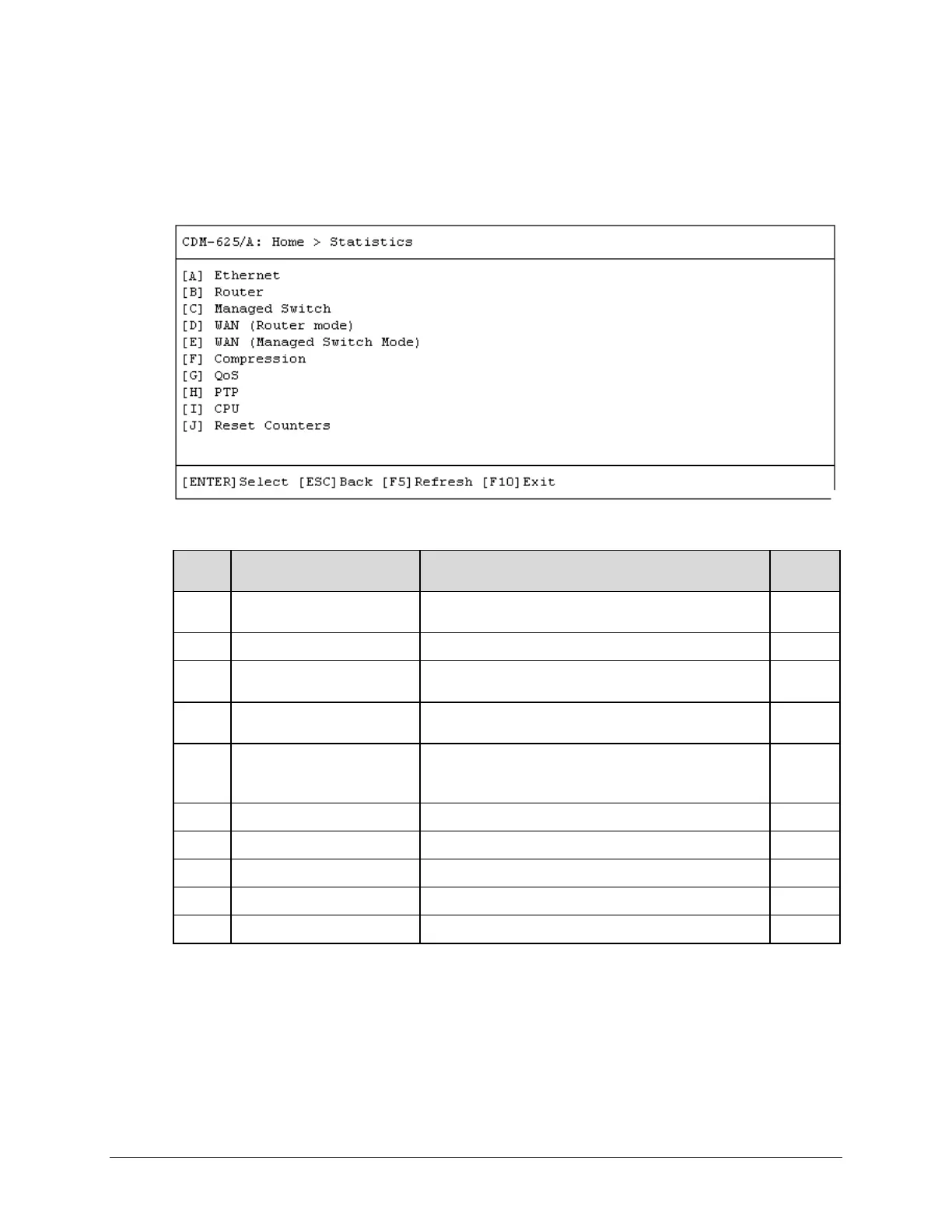
The Telnet CLI Statistics submenu provides access to a number of read-only informational pages.
Most page submenus provide a dialog window that affords you the option to reset (clear) the
counters for that specific page.
Open the Statistics submenu from the Home menu:
Page Description Sect.
A Ethernet
Access pages to review Ethernet Ports 1 through 4 Rx, Tx,
and Error Statistics
9.3.10.1
B Router Review received, routed, transmitted, and errored packets 9.3.10.2
C Managed Switch
Review Managed Switch LAN/WAN/Management received,
transmitted, and errored packets statistics
9.3.10.3
D WAN (Router Mode)
Review Router Mode WAN/Interface/Satellite received,
transmitted, and errored packets and counters statistics
9.3.10.4
E WAN (Managed Switch Mode)
Review Managed Switch Mode WAN/Interface/Satellite
received, transmitted, and errored packets and counters
9.3.10.5
F Compression Review payload and header compression statistics 9.3.10.6
Review Quality of Service statistics
PTP Access pages to review LAN/WAN/PTP Engine statistics
CPU Review CPU total, kernel and apps usage statistics
Reset Counters Clear and reset all counters
Press a hot key to access a nested statistics page submenu. See the specified chapter section for
further information. Otherwise, press [ESC] to return to the Home menu.



 To Next Page