CDM-625A Advanced Satellite Modem MN-CDM625A
Appendix U Revision 4
U–5
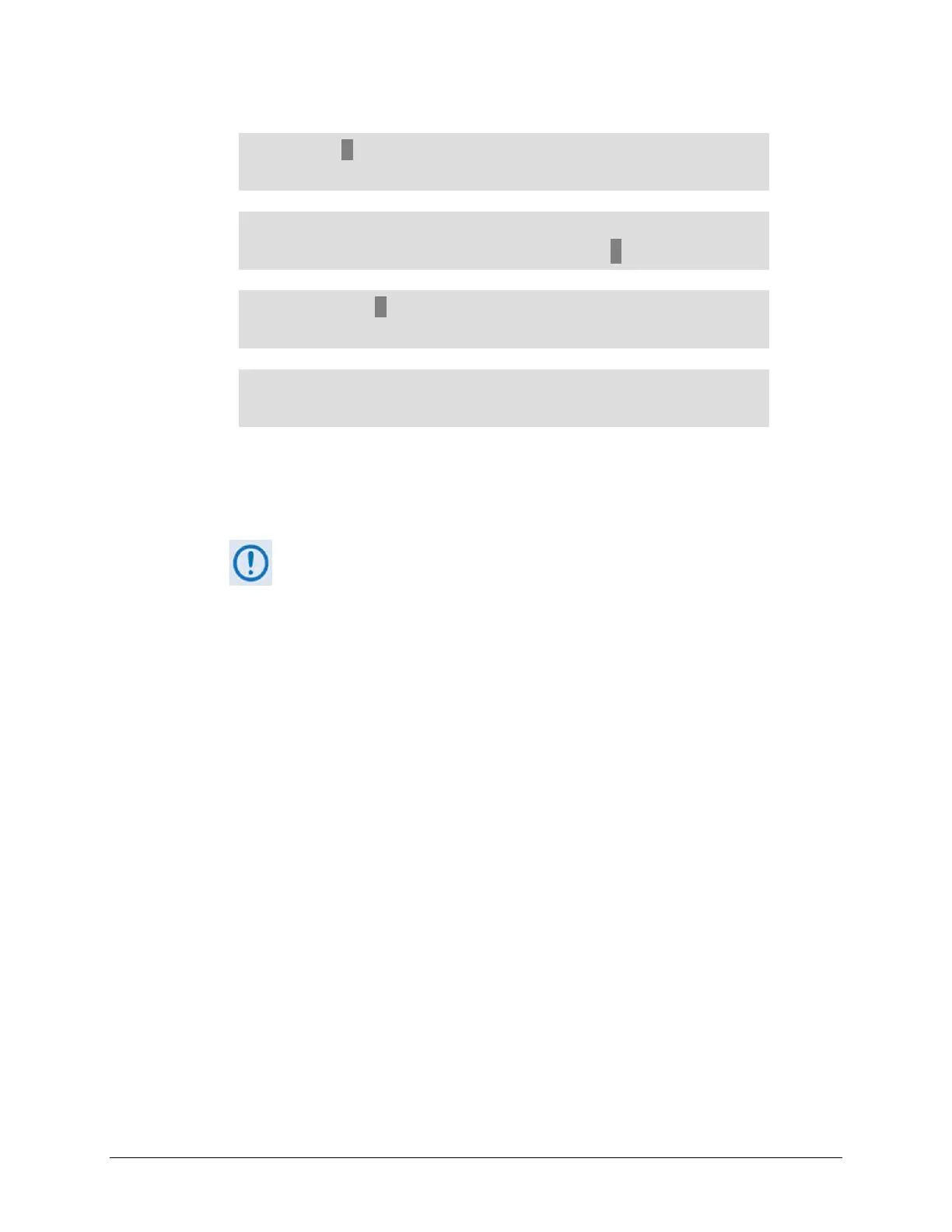
SELECT: Configuration Test Monitor
Info Store/Ld Utility ODU FAST ()
CONFIG: All Mode Tx Rx Clocks D&I/ACM
CnC EDMAC Misc Mask Remote IP ()
IP Config: Addresses SNMP Setup
ANT AccessList PktP-Enable ()
Ethernet IP Address/Range:
192.168.001.091/24 ()
To configure the Target Modem Traffic/Management IP Address, use the
◄ ►arrow
keys to select a digit to edit, and then the
▲▼ arrow keys to change that digit. Press
ENTER when done.
The IP Address that appears here is provided as an example only. Make sure
that you re-use the Traffic/Management IP Address that was assigned to
the Target Modem prior to reconfiguration.
• Use Serial Remote Control. Type the “<0/IPA=XXX.XXX.XXX.XXX.XX{CR}” remote
command without quotes at the Serial Interface command prompt (where
xxx.xxx.xxx.xxx is the Target Modem Traffic/Management IP Address) to configure. You
may issue the remote query (<0/IPA? {CR}{LF}) to report back the result:
>0/IPA=192.168.001.091.24 (example)
The CDM-625A Target Modem is now configured to operate identically to the CDM-625A
Source Modem. The FTP Modem-to-Modem Configuration procedure is now complete.



 To Next Page