IMS.OM.002949.DRM Page 115 of 310 Version 1.4
Doremi Labs
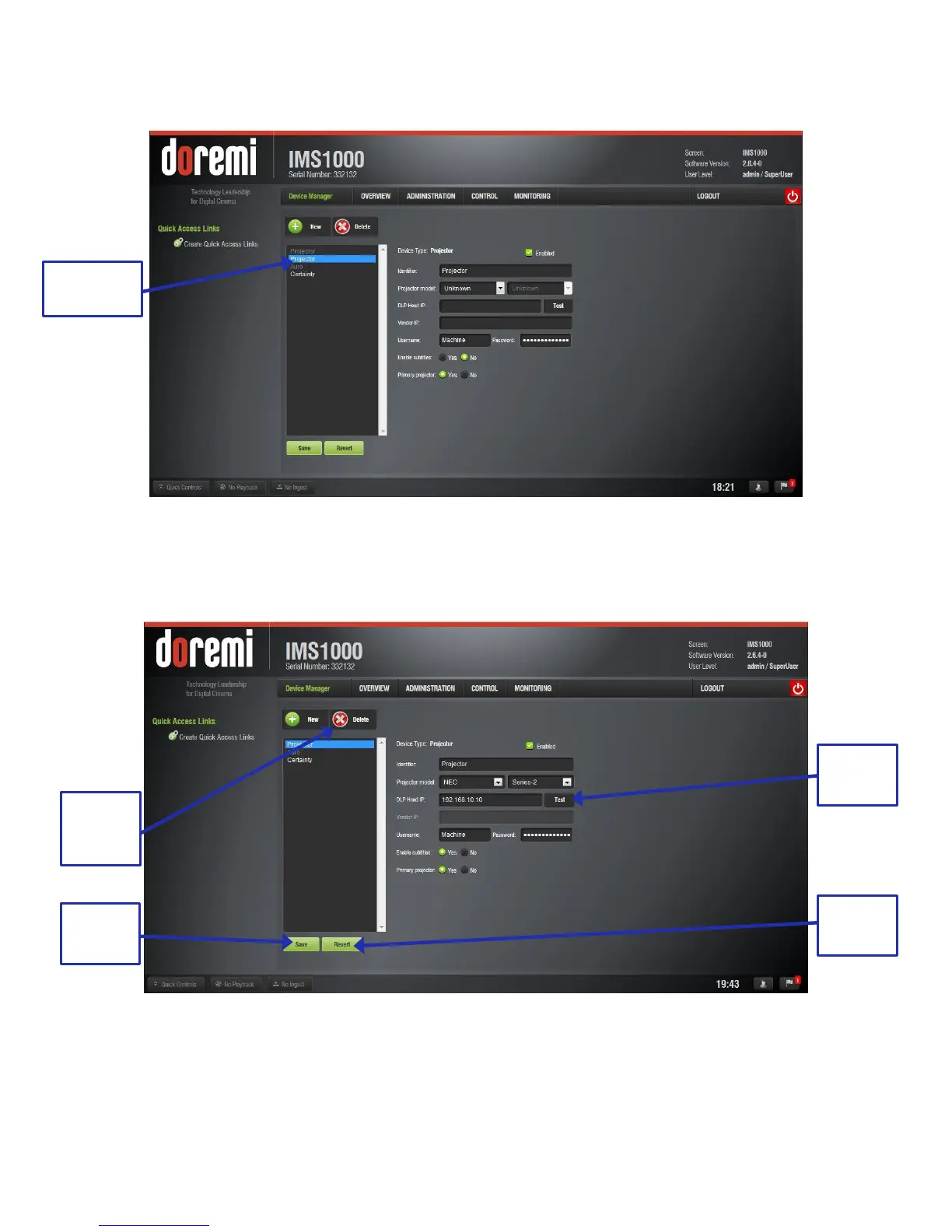
● Select Projector. The following window will appear (Figure 125):
Figure 125: Device Selection Window – Projector Item Selected
The main configuration window will be updated to reflect the addition of the Projector device.
The user will be able to enter the projector parameters (Figure 126):
Figure 126: Device Manager GUI – Projector Fields Configuration
To perform the projector configuration, follow the steps below:



 To Next Page