IMS.OM.002949.DRM Page 83 of 310 Version 1.4
Doremi Labs
8 Operating System
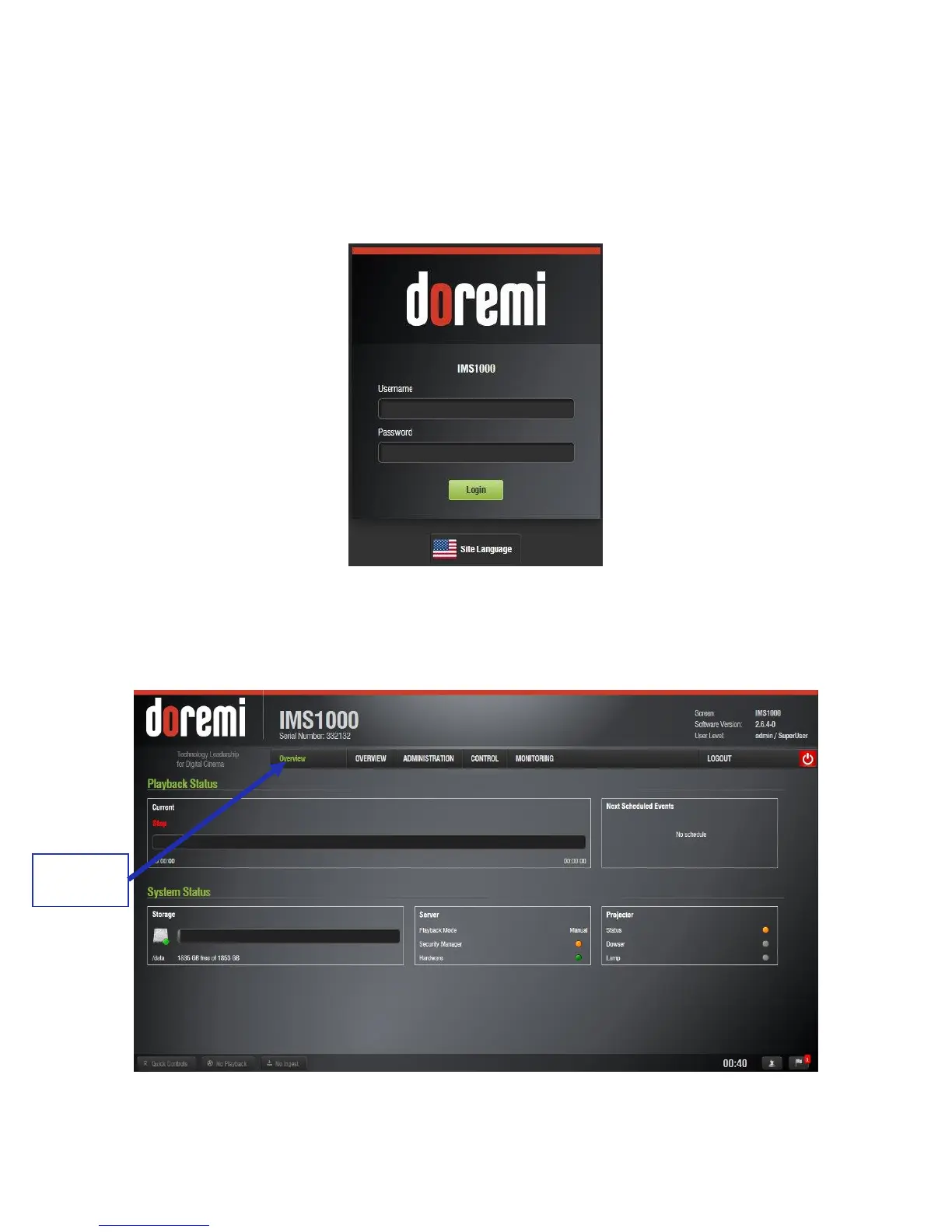
Every time the user logs out of the operating system and then logs back in, a Login
Authentication window will appear (Figure 92). The default login name is “doremi” and the
password is “doremi.” However, the administrator may have changed and/or added other login
usernames and passwords. Please contact your administrator for the appropriate information.
Figure 92: Login Authentication Window
● The Overview Tab will appear every time the unit is turned on or rebooted. Users can
access various applications from the tabs located across the top of the GUI (Figure 93).
Figure 93: Overview Tab Screen



 To Next Page