IMS.OM.002949.DRM Page 73 of 310 Version 1.4
Doremi Labs
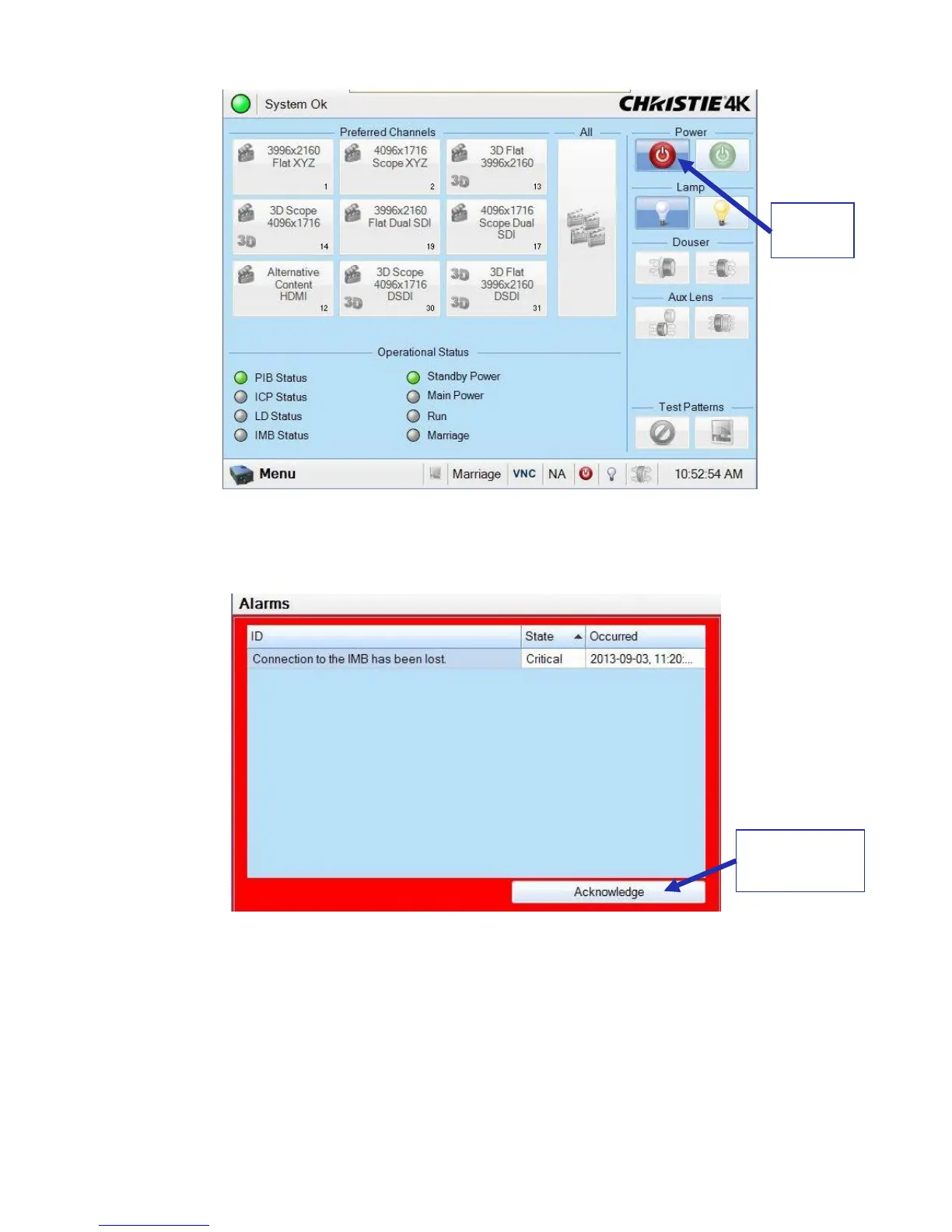
Figure 78: Power Button
● An error message will appear. Press the Acknowledge button (Figure 79).
Figure 79: Error Message
6.7 Accessing the GUI
● After about forty more seconds, the board will be fully powered on and the user will be
able to access the web GUI. To access the IMS1000 GUI (Graphical User Interface),
launch your browser on the computer that is connected and enter the IP address into the
browsers window.



 To Next Page