IMS.OM.002949.DRM Page 118 of 310 Version 1.4
Doremi Labs
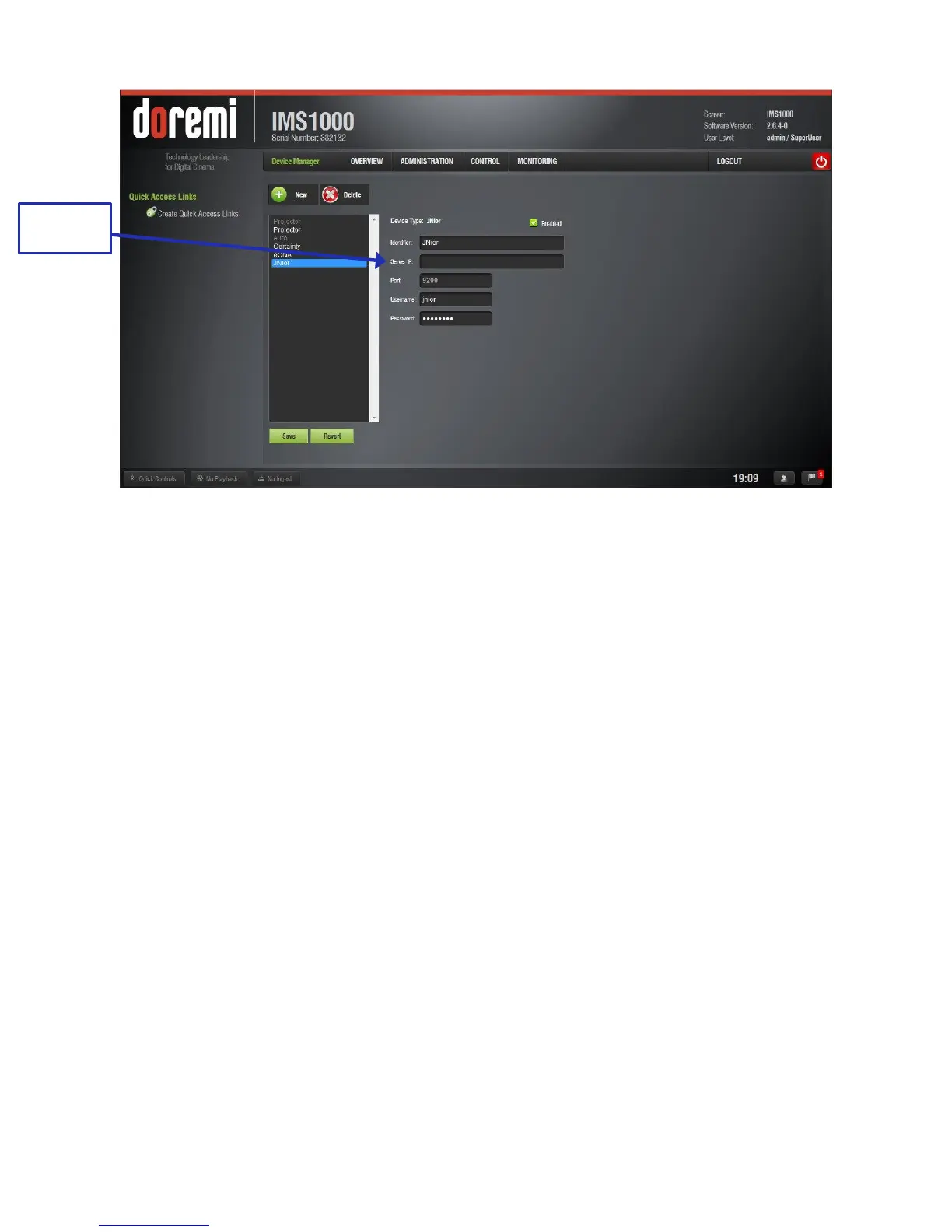
Figure 128: JNior Added
12.3.4.1 Removing a JNior Device
To remove the JNior device, click on it in the Device Manager GUI.
Click the Delete button (Figure 126).
12.3.5 Adding a Raw Device
A Raw device allows for communication with an external device across an Ethernet connection
using Raw data formatted as text or binary strings.
● To add a Raw device, click the New button.
● The New Device drop-down menu will appear. Select Raw (Figure 129).
● The Device Manager GUI will be updated to reflect the addition of the Raw device
(Figure 129).
● Input the name of the Raw device in the Identifier field.



 To Next Page