IMS.OM.002949.DRM Page 196 of 310 Version 1.4
Doremi Labs
13.5 Play 2D Content in 3D Mode
13.5.1 3D Mode Configuration
The user can play 2D content within a 3D ShowPlaylist. Changing the mode of the SPL to 3D
does not automatically make the content 3D. The content must be in 3D/48fps format to create
a 3D SPL.
13.5.2 How to Set the Show Playlist Mode to 3D
Click the Show Playlist Properties button (Figure 231).
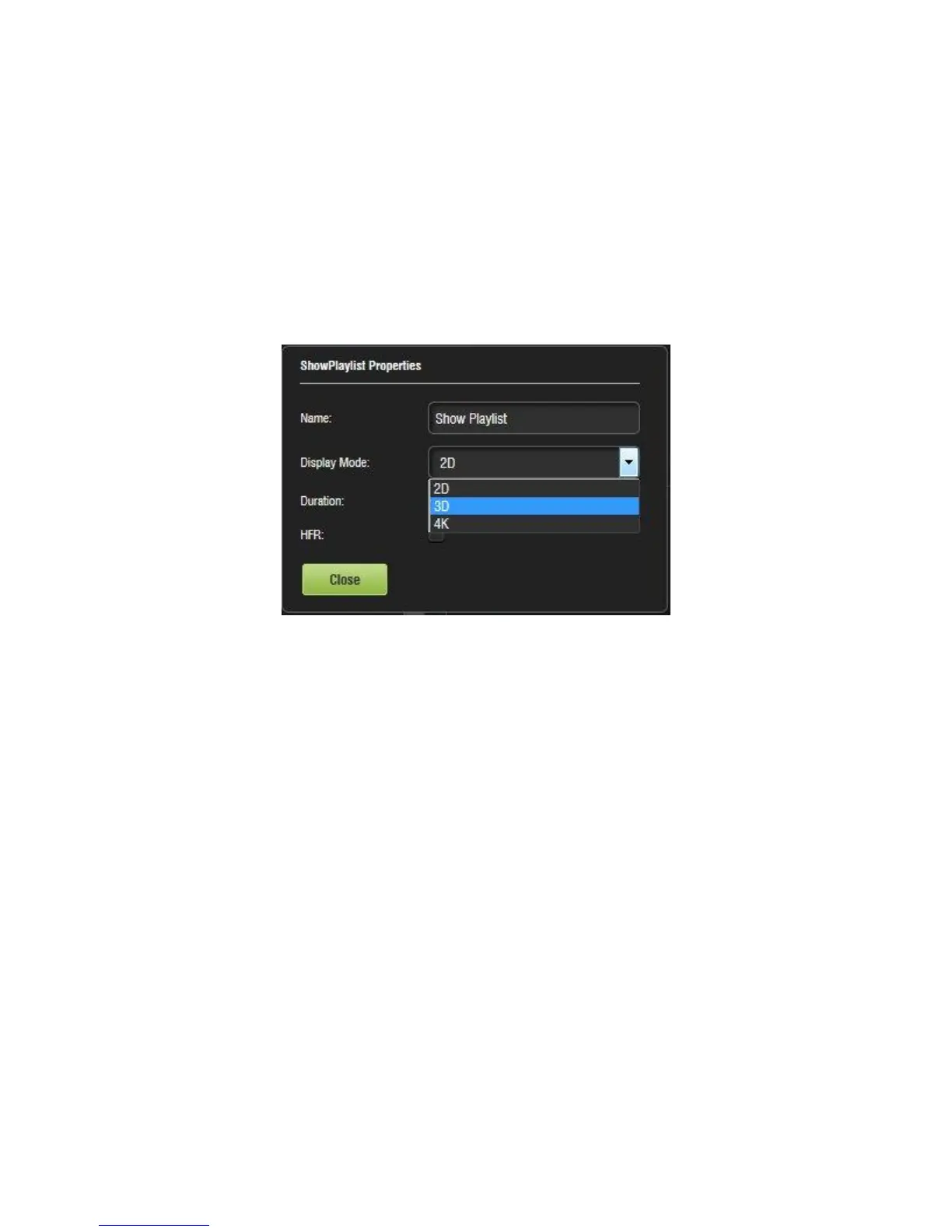
Select the 3D mode from the Display Mode drop-down window (Figure 236).
Figure 236: Display Mode Drop-Down
Click the Close button.
The Show Playlist Properties button will reflect the name of the SPL and what mode it is
set to (Figure 237).



 To Next Page