IMS.OM.002949.DRM Page 152 of 310 Version 1.4
Doremi Labs
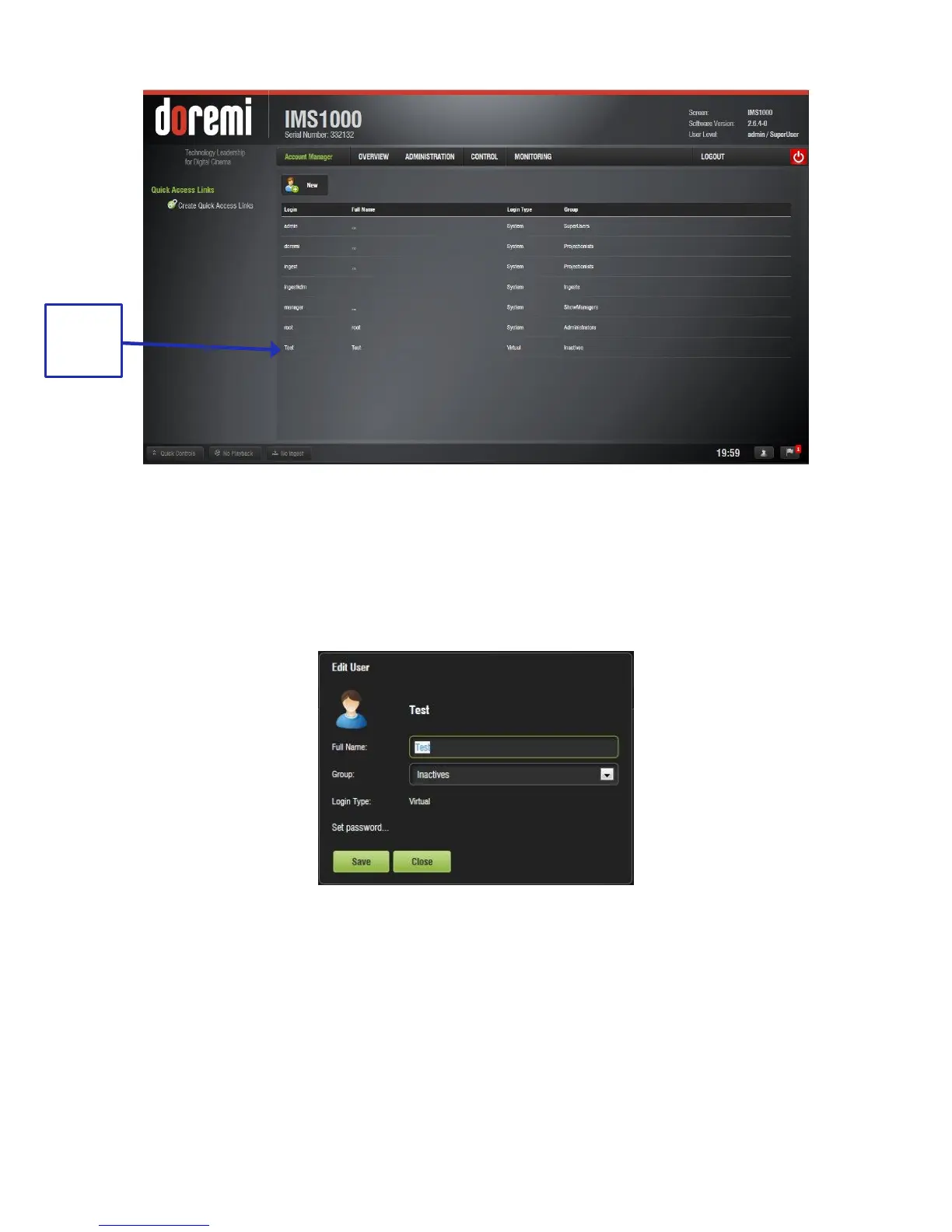
Figure 169: Account Manager GUI – New User Added
12.12.2 Edit an Existing User Account
● To edit an existing user account, select it within the Account Manager GUI.
● The following dialog box will appear allowing the user to edit the user properties but not
the username or the login type (Figure 170).
Figure 170: Account Manager GUI – User Properties Editing
● Click the Save button when finished editing the settings.
● Click the Close button when finished with the configuration.
12.12.3 Delete An Existing User Account
● To delete an existing user account, hover over it within the main Account Manager GUI
and click the X that appears on the right side of the screen (Figure 166).
● The user will be asked for a confirmation. Clicking OK will delete the user account
(Figure 171).



 To Next Page