IMS.OM.002949.DRM Page 166 of 310 Version 1.4
Doremi Labs
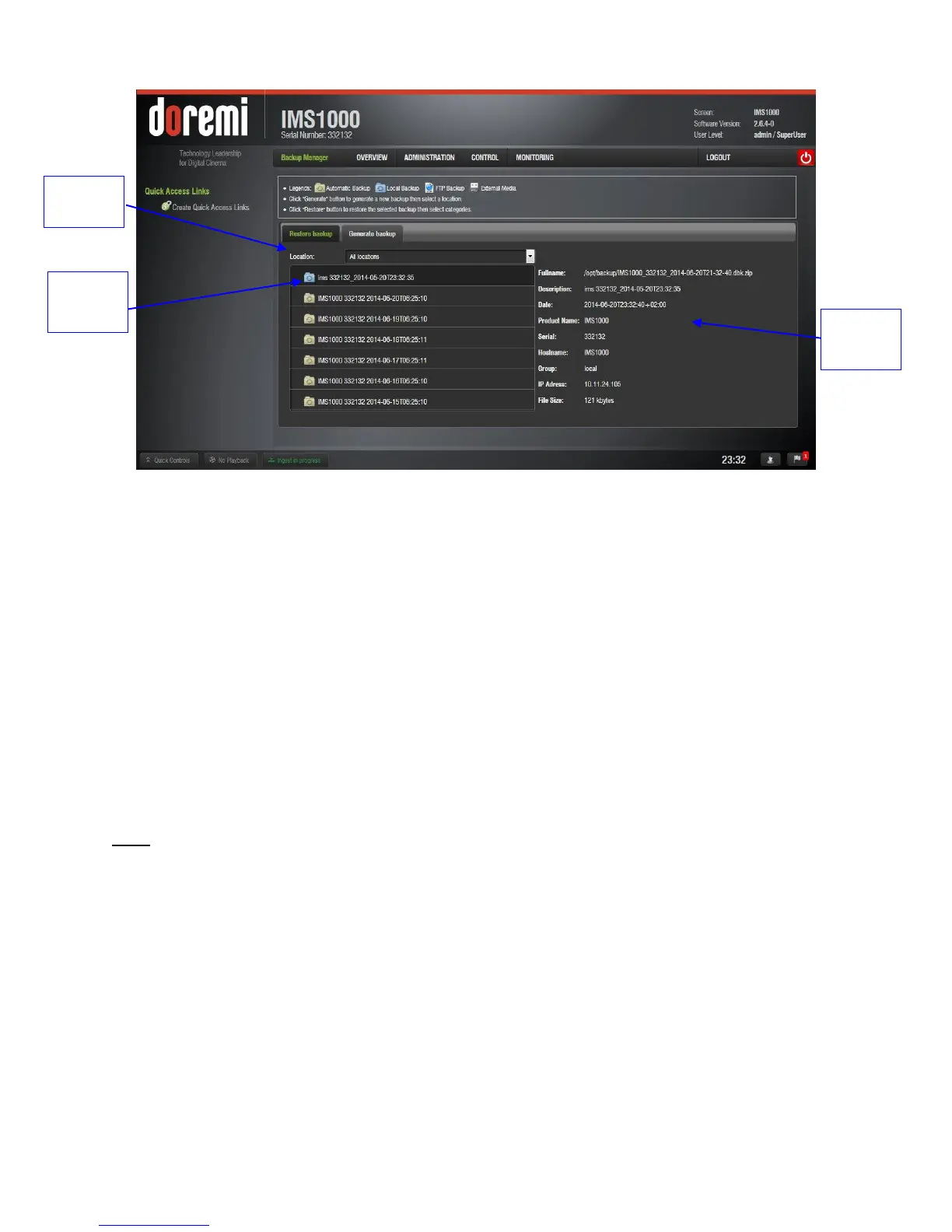
Figure 190: Home Page
Clicking on the backup file will display details about the backup on the right-hand side
(Figure 190).
12.17.2 Restoring the System to a Previous Backup
This section applies to units that have had any storage component changed. Every time a
storage component has changed, the user will receive a message asking to restore the
configuration files (Figure 191):
Yes: The user can choose to restore now by clicking on Yes. This will restore the
configuration files on the RAID to the new SSD flash drive.
No: The user can choose not to restore now by clicking on No. This will generate a
backup file based on the current configuration on the SSD flash and place it on the
RAID.
Note: If you select No by mistake, you can manually restore the latest configuration from the
second most recent record.
Ignore: The user can choose to ignore the message for now by clicking on Ignore.
This will perform no restore or backup processes.



 To Next Page