IMS.OM.002949.DRM Page 243 of 310 Version 1.4
Doremi Labs
13.11 Device Controller
13.11.1 How to Configure the Device Controller GUI
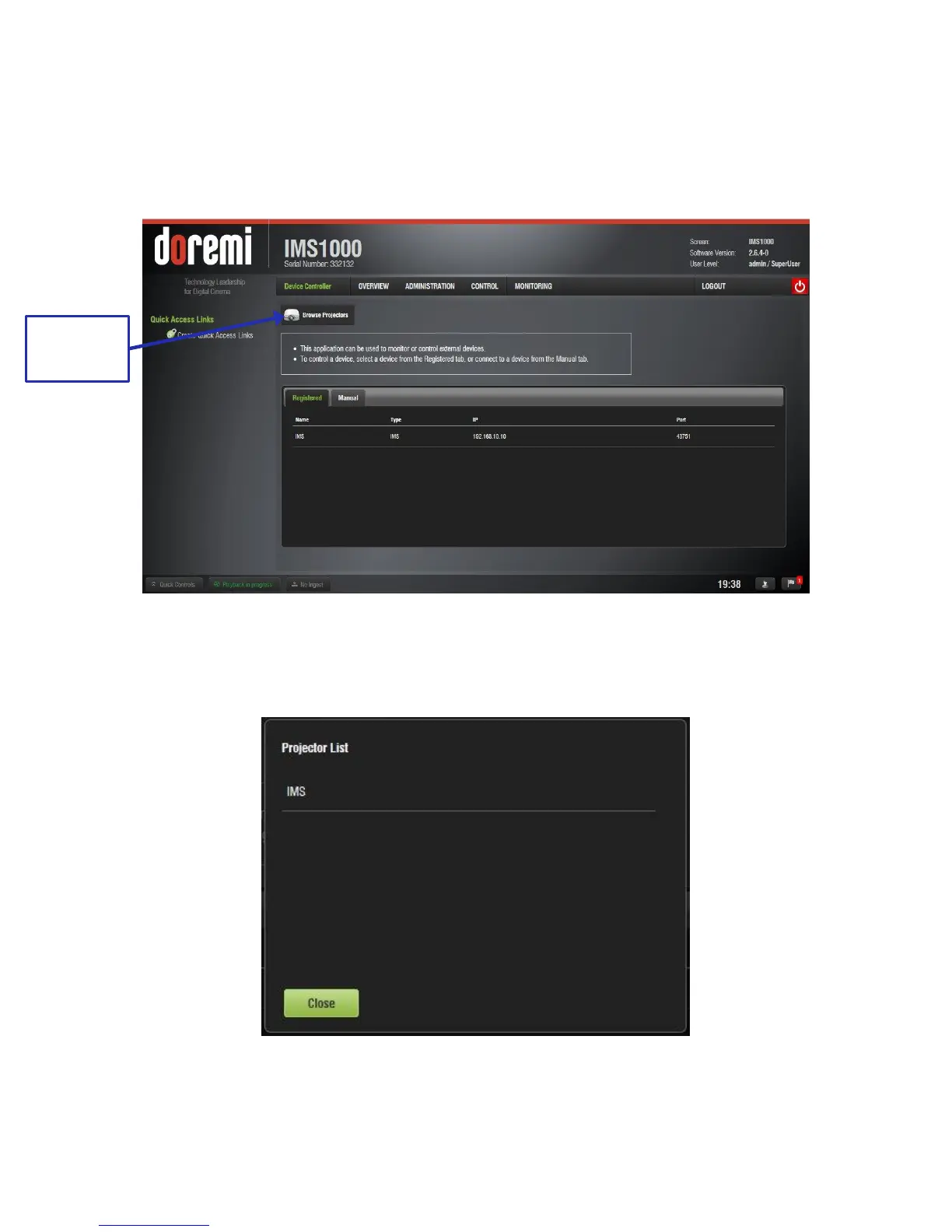
● To open the Device Controller application, go to Control → Device Controller.
● The following Device Controller window will appear (Figure 304).
Figure 304: Device Controller
● To view existing projectors, click on the Browse Projector button (Figure 304). The
following window will appear (Figure 305).
Figure 305: Browse Projector Window



 To Next Page